Runtime Application Self-Protection: Benefits, Limits and Trade-offs
RASP detects attacks inside the application runtime, bypassing signature limits but adding latency and complexity to your deployment pipeline.

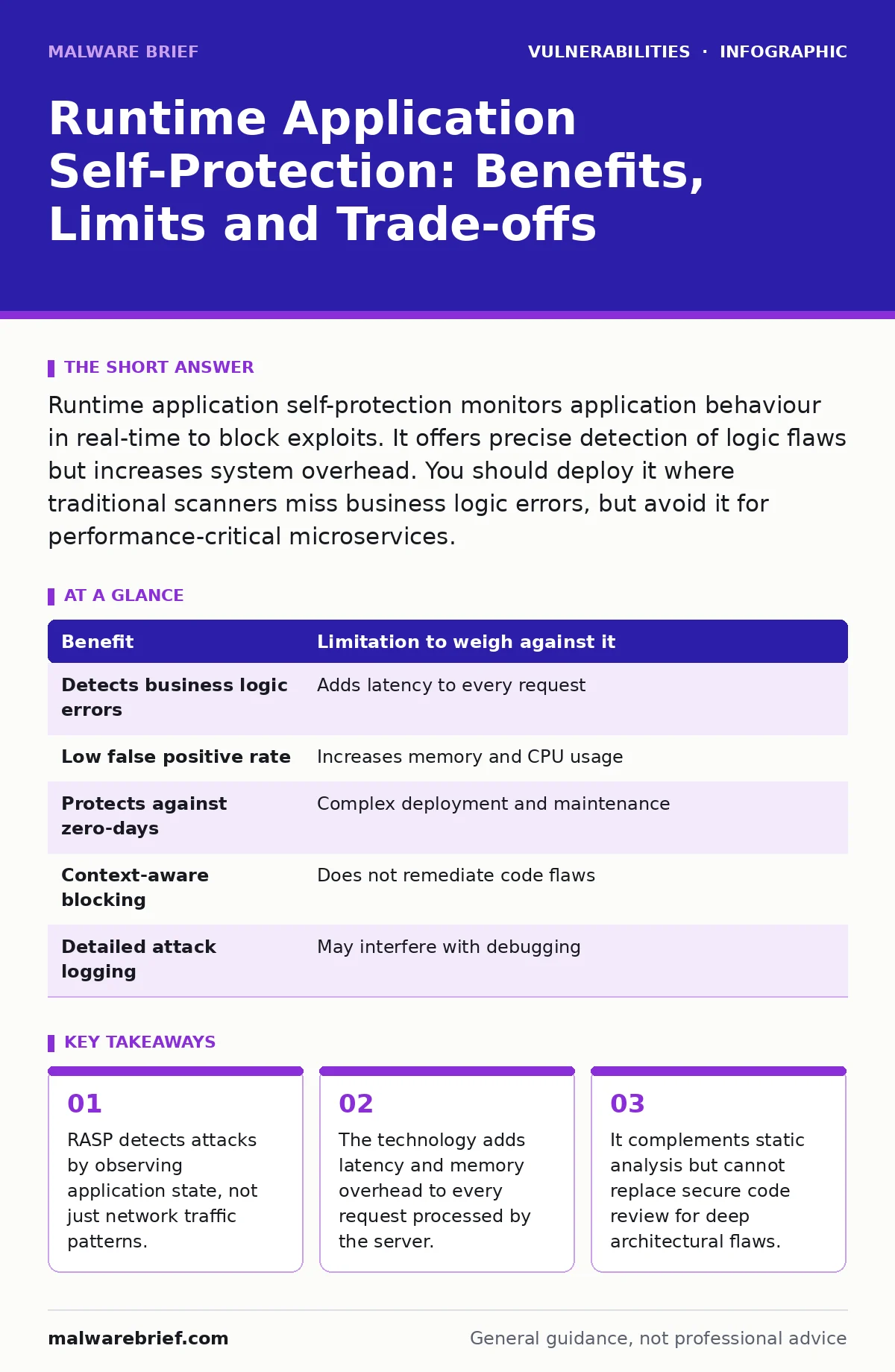
Runtime application self-protection monitors application behaviour in real-time to block exploits. It offers precise detection of logic flaws but increases system overhead. You should deploy it where traditional scanners miss business logic errors, but avoid it for performance-critical microservices.
How Runtime Application Self-Protection Operates
Runtime application self-protection, or RASP, installs a sensor directly within the application runtime environment. Unlike web application firewalls that sit outside the application, RASP monitors the application’s internal state. It observes function calls, data flows and memory usage as the code executes. This proximity allows it to see exactly what the application is processing. It distinguishes between normal business logic and malicious input with high precision. The sensor can halt execution immediately when it detects an anomaly. This happens before the application processes the harmful data.
The mechanism relies on instrumenting the application code or the runtime library. When a request arrives, the RASP agent intercepts it. It checks the input against known attack patterns and contextual rules. If the input matches a dangerous pattern, the agent blocks the request. It logs the event and may terminate the session. This approach provides context-aware protection that external tools lack.
Concrete Benefits of Internal Monitoring
RASP provides visibility into the application’s internal logic. It detects attacks that evade perimeter defences. Traditional tools often miss business logic errors. RASP sees the actual outcome of the code execution. It identifies when a parameter is used in an unexpected way. This reduces false positives significantly. The tool knows the difference between a legitimate API call and an injection attempt.
It protects against zero-day exploits effectively. Signature-based tools require known patterns. RASP looks for abnormal behaviour. If an attacker uses a novel method to bypass authentication, RASP sees the result. The authentication function returns an unexpected value. The system flags this as suspicious. This capability makes it valuable for complex applications.
RASP also aids in compliance reporting. It provides detailed logs of blocked attacks. These logs show exactly what happened inside the application. Auditors can verify that the application handled threats correctly. This evidence is stronger than firewall logs.
Honest Limitations and Hidden Costs
RASP introduces performance overhead. Every request passes through the monitoring agent. This adds latency to response times. High-traffic applications may experience noticeable slowdowns. Memory usage also increases. The agent consumes resources to track state. This can lead to higher infrastructure costs. You must size your servers accordingly.
Integration complexity is another limitation. RASP must be installed on every instance. This complicates deployment pipelines. You must ensure the agent updates correctly. Compatibility issues may arise with newer language versions. Debugging becomes harder when the agent is active. It can mask underlying code errors.
The tool cannot protect against all attack vectors. It focuses on runtime behaviour. It may miss attacks that do not trigger monitored functions. Logic flaws that do not cause immediate errors might slip through. RASP is not a substitute for secure design.
Comparing Benefits and Limitations
| Benefit | Limitation to weigh against it |
|---|---|
| Detects business logic errors | Adds latency to every request |
| Low false positive rate | Increases memory and CPU usage |
| Protects against zero-days | Complex deployment and maintenance |
| Context-aware blocking | Does not remediate code flaws |
| Detailed attack logging | May interfere with debugging |
When It Is Worth Implementing
RASP is valuable for applications with complex business logic. If your application handles sensitive data, RASP adds a layer of defence. It is useful when traditional scanners fail to find issues. Imagine an application with many custom workflows. Static analysis tools often struggle here. RASP monitors the actual execution path. It catches deviations from expected behaviour.
It is also worth it for legacy applications. Refactoring old code is risky and expensive. RASP provides immediate protection. It acts as a shield while you plan updates. This is particularly useful for systems with known vulnerabilities. You can mitigate risk without immediate code changes.
Consider RASP for applications exposed to untrusted networks. The internet contains many automated attacks. RASP blocks these before they cause damage. It is a strong choice for public-facing services. The cost of protection is justified by the risk.
See also: CVE Numbering Authorities: What Small Businesses Must Verify · Mitigations and Workarounds: Security Controls Without Patches
When It Is Not Worth It
RASP is not suitable for performance-critical microservices. If your application requires millisecond response times, RASP adds too much overhead. The latency penalty may violate service level agreements. In such cases, optimise the code instead. Use lightweight validation at the edges.
It is not worth it for simple applications. If your application has minimal logic, traditional tools suffice. Static analysis and code reviews are cheaper. They provide sufficient coverage for simple workflows. Adding RASP introduces unnecessary complexity. You pay for features you do not need.
Avoid RASP if your team lacks runtime expertise. Managing the agent requires skill. You must tune rules to avoid blocking legitimate traffic. Without proper expertise, you risk disrupting service. The maintenance burden outweighs the benefits.
Integration With Secure Code Review
RASP complements secure code review but does not replace it. Code review identifies flaws in the design. RASP blocks exploits at runtime. You should use both for deep defence. RASP finds issues that reviewers miss. It catches edge cases in complex logic. Reviewers catch architectural weaknesses. RASP cannot see the big picture.
Integrate RASP findings into your development cycle. Use attack logs to guide reviews. If RASP blocks an injection, review the code. Fix the root cause. This improves code quality over time. It turns runtime data into development insights.
RASP also helps validate fixes. After patching a vulnerability, use RASP to test. It confirms the fix works in production. This reduces the risk of regression. It ensures the application remains secure.
Mitigations and Workarounds for RASP Issues
If RASP causes performance issues, tune the rules. Disable unnecessary checks. Focus on high-risk functions. This reduces overhead. Monitor resource usage closely. Adjust server capacity if needed.
If RASP blocks legitimate traffic, refine the policies. Whitelist known patterns. Use shadow mode to test changes. This prevents service disruption. Collaborate with developers to understand the logic.
For compatibility issues, update the agent. Check vendor documentation. Test in staging environments first. This avoids production failures. Keep the agent updated to support new language versions.
Understanding Vulnerability Embargoes and RASP
Vulnerability embargoes delay public disclosure. RASP helps during this period. It blocks exploits before patches are available. This buys time for remediation. You can mitigate risk without public knowledge.
However, RASP is not a long-term fix. You must still apply patches. RASP is a temporary shield. Plan for full remediation. Use RASP to buy time, not to avoid fixes. This ensures long-term security.
Pre-Authentication Vulnerabilities and RASP Coverage
Pre-authentication vulnerabilities allow attacks before login. RASP can detect these if the sensor is active early. It monitors the initial request handling. If an attacker exploits a flaw before auth, RASP sees it. It blocks the request immediately.
However, some pre-auth attacks bypass the sensor. If the flaw is in the authentication module itself, RASP may not catch it. You must ensure the sensor covers all entry points. This requires careful configuration.
Combine RASP with other controls. Use rate limiting to slow down attacks. Implement strong authentication. RASP adds depth but is not a silver bullet. It works best as part of a layered defence.
Key takeaways
- RASP detects attacks by observing application state, not just network traffic patterns.
- The technology adds latency and memory overhead to every request processed by the server.
- It complements static analysis but cannot replace secure code review for deep architectural flaws.
Frequently asked questions
Does RASP replace a web application firewall?
No, RASP complements a web application firewall. WAFs filter traffic at the edge. RASP monitors internal application state. They provide different layers of defence. Use both for better security.
How much performance overhead does RASP add?
Overhead varies by implementation and traffic. Typically, it adds latency to every request. Monitor your specific environment. Tune rules to minimise impact. High-traffic apps may see significant slowdowns.
Can RASP detect logic flaws?
Yes, RASP excels at detecting business logic errors. It observes the outcome of code execution. It identifies unexpected states. Traditional tools often miss these. RASP provides context-aware detection.
Is RASP suitable for serverless architectures?
It depends on the provider. Some serverless platforms support RASP agents. Others do not. Check compatibility before deploying. Serverless environments have unique constraints. Ensure the agent fits your workflow.
How this guide was produced: written by the Malware Brief editorial team with AI assistance, checked against the public references listed below, and reviewed when the facts change. See our editorial policy or report an error.