Secure Code Review: Nine Practices for Finding Hidden Flaws
Manual inspection catches logic errors that automated scanners miss, but only if you review the data flow rather than just the syntax.

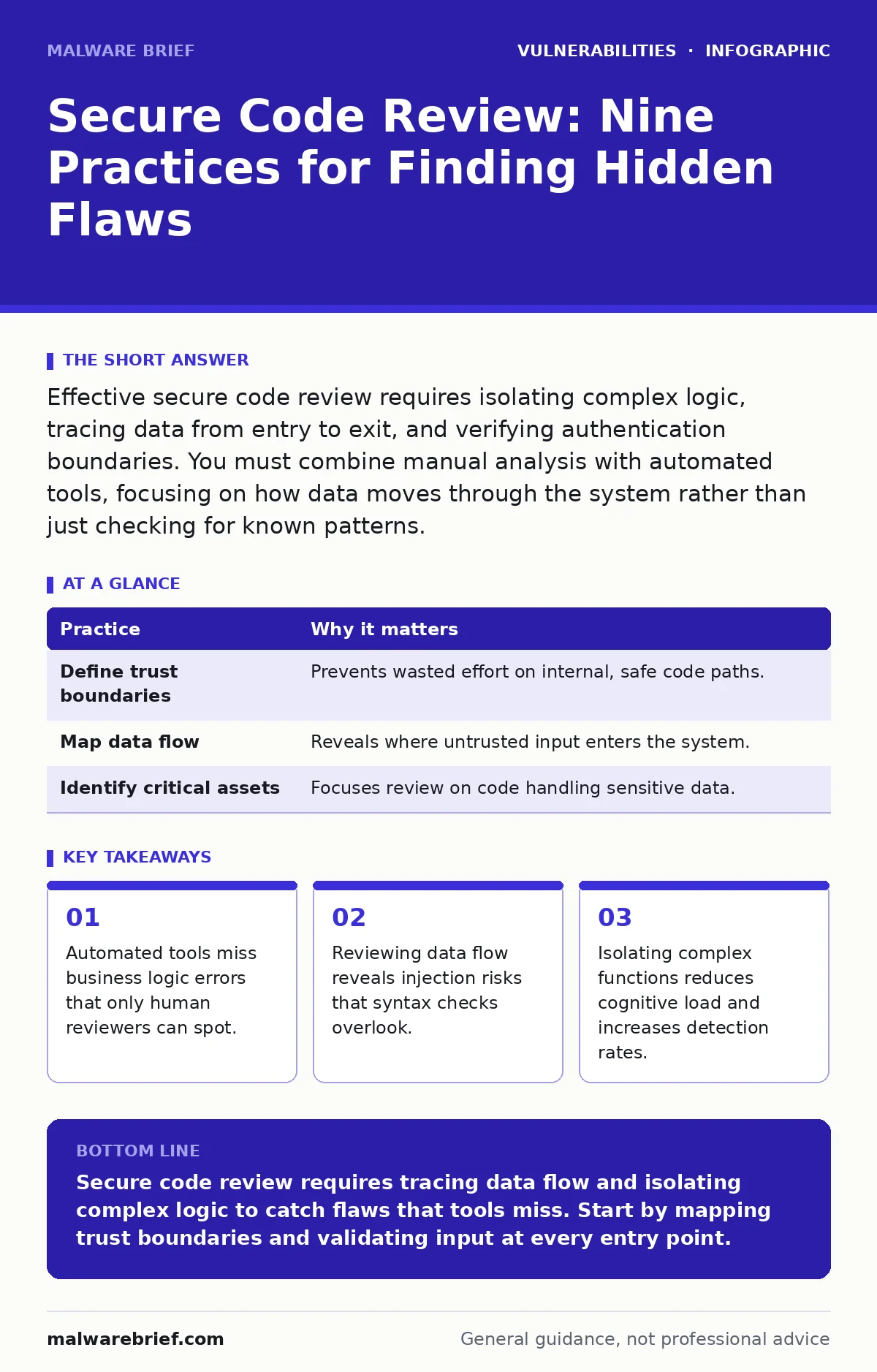
Effective secure code review requires isolating complex logic, tracing data from entry to exit, and verifying authentication boundaries. You must combine manual analysis with automated tools, focusing on how data moves through the system rather than just checking for known patterns.
Mapping the Attack Surface Before Reading Code
You cannot secure what you do not understand. Before opening a single file, you must define the trust boundaries of the application. This means identifying which components are considered trusted and which are hostile. A trust boundary is the line where data moves from an untrusted source into a trusted processing environment. If you skip this step, you will waste time reviewing internal helper functions that never touch user input.
Imagine a web service that processes images. The trust boundary exists where the user uploads the file. Everything after that point is trusted code. If you review the image resizing algorithm without understanding that it runs on trusted data, you might flag safe operations as risky. Conversely, if you ignore the upload handler, you miss the entry point for malicious payloads.
| Practice | Why it matters |
|---|---|
| Define trust boundaries | Prevents wasted effort on internal, safe code paths. |
| Map data flow | Reveals where untrusted input enters the system. |
| Identify critical assets | Focuses review on code handling sensitive data. |
Isolating Complex Logic for Deeper Inspection
Complex code hides vulnerabilities because the reviewer cannot hold the entire execution path in their working memory. When a function exceeds fifty lines or contains nested conditionals, the risk of missing a flaw increases significantly. You must isolate these sections by breaking them down into smaller, testable units. This is not about refactoring the code for the developer, but about creating a mental model for yourself.
Focus on the decision points. Ask yourself what happens if every input is null, empty, or unexpectedly large. If the code handles these cases inconsistently, you have found a potential crash or bypass. Complex logic often contains implicit assumptions about input format. These assumptions are where attackers find leverage.
Tracing Data from Entry to Exit
Injection vulnerabilities occur when data is treated as code. To find them, you must trace every piece of user input from its entry point to its exit point. An entry point is where data enters the application, such as an HTTP parameter. An exit point is where data leaves the application, such as a database query or a system command.
You must verify that the data is sanitised or parameterised at the exit point. Sanitisation removes dangerous characters, while parameterisation treats data as literal values rather than executable code. If you find an exit point that uses raw string concatenation, you have a vulnerability. This method works for SQL injection, command injection, and cross-site scripting. It forces you to look at the data lifecycle, not just the function signature.
Verifying Authentication and Authorisation Logic
Authentication confirms who a user is. Authorisation confirms what they are allowed to do. Many applications implement authentication correctly but fail at authorisation. This is known as broken access control. You must review every endpoint that modifies data or accesses sensitive resources.
Check if the code verifies that the user owns the resource they are requesting. Imagine a profile update page. The code might check if the user is logged in, but it might not check if the profile ID belongs to that user. An attacker could change the ID in the URL to update someone else’s profile. This is an insecure direct object reference. You must ensure that every action includes a check against the current user’s permissions.
Checking for Cryptographic Misuse
Using cryptography incorrectly is worse than not using it at all. Weak algorithms or improper key management can compromise data that appears secure. You must review how keys are stored and how algorithms are selected. Never hard-code keys or use default values. See our guide on hard-coded credentials for details on how to manage secrets externally.
Avoid rolling your own crypto. Use established libraries that have undergone peer review. Even then, check the configuration. Many libraries default to weak modes for compatibility. For example, some encryption modes do not provide integrity protection. This means an attacker can modify the ciphertext without detection. You must verify that the chosen mode provides both confidentiality and integrity.
See also: How to Prevent Hard-Coded Credentials in Source Code · How XML External Entity Attacks Work and Where They Fail
Reviewing Error Handling and Logging
Error messages can leak sensitive information to attackers. If your code prints stack traces or internal paths to the user, you are giving them a map of your system. You must ensure that detailed errors are logged internally but generic messages are shown externally. Logging must be done carefully. Never log sensitive data such as passwords or credit card numbers.
Imagine a login failure. The system should log the attempt for audit purposes, but it must not log the password. If you log the password, you create a secondary vulnerability. Attackers often probe error handling to find information disclosure flaws. Review your logging statements to ensure they filter out sensitive fields. This practice aligns with secure logging standards and reduces the risk of data leakage.
Validating Input at the Boundary
Input validation is the first line of defence. You must validate all input at the trust boundary, not just at the user interface. Attackers can bypass client-side checks by sending requests directly to the server. Validation should be white-listed, meaning you accept only known good values. Black-listing, where you reject known bad values, is prone to evasion.
For example, if you expect a numeric ID, accept only digits. Reject any character that is not a digit. This prevents injection attacks that rely on special characters. Validation reduces the attack surface by ensuring that downstream components receive only expected data. This makes it easier to review the rest of the code, as you can assume the input is safe.
Integrating Automated Scanning with Manual Review
Automated tools are fast but lack context. They can find known patterns but miss logic errors. Manual review is slow but understands intent. You must use both. Run static analysis tools to catch syntax errors and known vulnerabilities. Then, use manual review to check business logic and complex flows.
Do not rely on tools to tell you the code is secure. They produce false positives and false negatives. Use them to prioritise your manual effort. If a tool flags a section, review it carefully. If it does not flag it, do not assume it is safe. The combination of automated and manual review provides the best coverage. See our guide on software composition analysis for how to handle third-party libraries.
Documenting Findings and Remediation Steps
A review is useless if the findings are not acted upon. You must document every vulnerability with clear steps to fix it. Include the code location, the risk level, and a suggested remediation. Vague reports lead to ignored fixes. Developers need specific instructions.
Imagine finding a SQL injection. Do not just say "fix SQL injection". Show the vulnerable line and provide the parameterised query code. This reduces the friction for the developer and ensures the fix is correct. Documentation also creates a record for future reviews. It helps you track recurring issues and measure improvement over time.
Key takeaways
- Automated tools miss business logic errors that only human reviewers can spot.
- Reviewing data flow reveals injection risks that syntax checks overlook.
- Isolating complex functions reduces cognitive load and increases detection rates.
Secure code review requires tracing data flow and isolating complex logic to catch flaws that tools miss. Start by mapping trust boundaries and validating input at every entry point.
Frequently asked questions
How do I review code if I don't know the language?
Focus on logic and data flow. You can often spot injection risks or missing checks by looking at how data moves, even if you don't know every syntax detail.
Can I automate secure code review entirely?
No. Automated tools miss business logic errors and context-dependent flaws. Human review is necessary for complete security.
How this guide was produced: written by the Malware Brief editorial team with AI assistance, checked against the public references listed below, and reviewed when the facts change. See our editorial policy or report an error.