How to Prevent Hard-Coded Credentials in Source Code
Hard-coded credentials persist in binaries and version history long after application logic changes, creating invisible attack surfaces that standard scanning often misses.

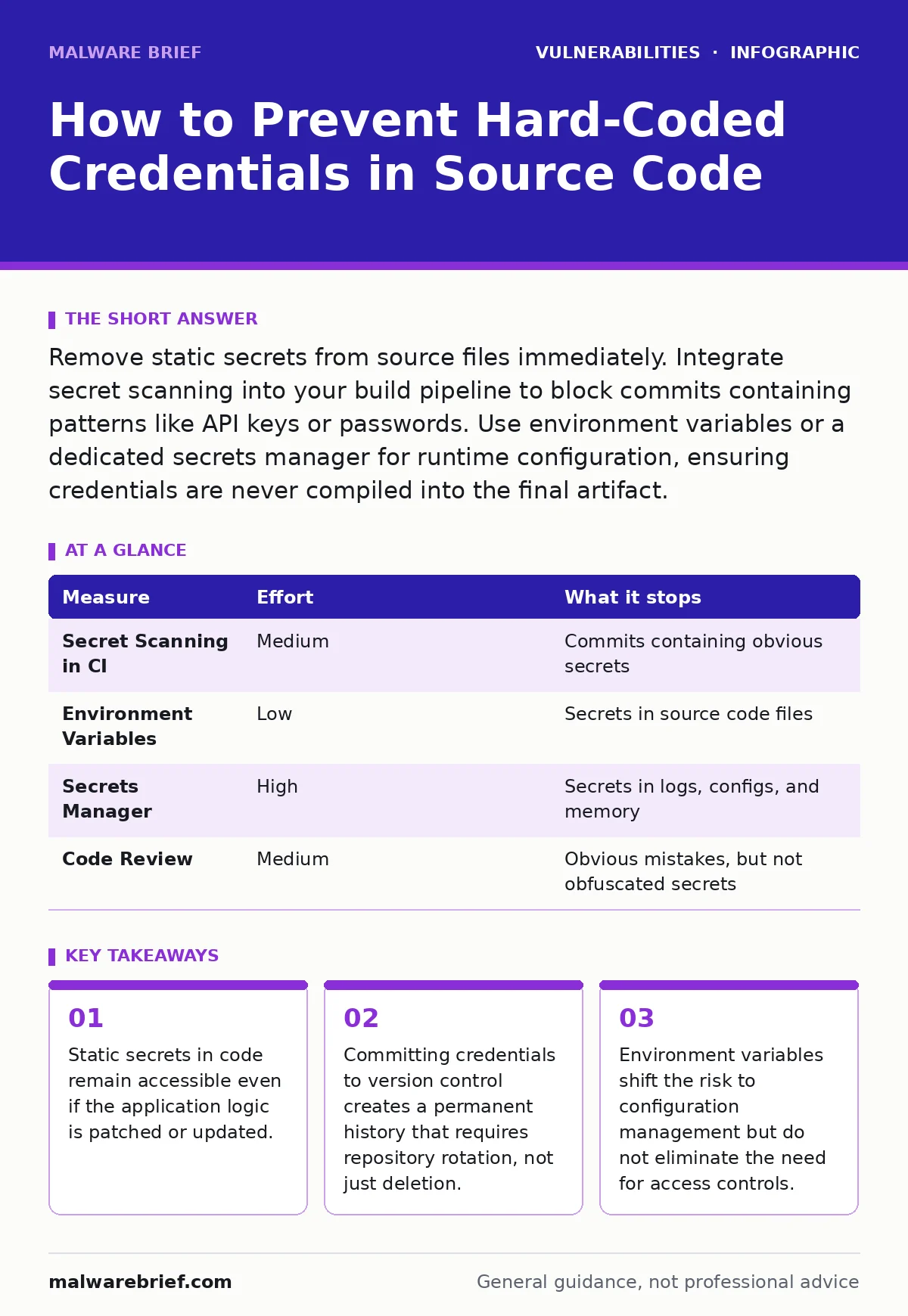
Remove static secrets from source files immediately. Integrate secret scanning into your build pipeline to block commits containing patterns like API keys or passwords. Use environment variables or a dedicated secrets manager for runtime configuration, ensuring credentials are never compiled into the final artifact.
The Persistence of Static Secrets
Hard-coded credentials are values such as passwords, API keys, or connection strings written directly into source code. Developers often insert these for convenience during testing, intending to replace them later. This intention rarely materialises. The code moves to production, and the secret travels with it.
Imagine a developer adds a database password to a configuration file to verify a connection locally. They forget to remove it before pushing to the shared repository. Six months later, a contractor gains access to that repository. They find the password in the commit history. Even if the developer changes the password today, the old one remains visible in the past commits.
This is not a hypothetical scenario. It is a structural flaw in how many teams handle configuration. The risk is not just the current password. It is the entire lineage of credentials used by that service since its inception.
Why Standard Scanning Fails
Many teams rely on static application security testing (SAST) tools to catch these errors. These tools scan code for known patterns of sensitive data. They are useful, but they are not infallible. They miss secrets that are obfuscated, split across multiple files, or generated at runtime from static seeds.
You must treat secret scanning as a layer of defence, not a complete solution. If your build pipeline allows a commit with a secret to pass, your defence has failed. The build must break. The error must be loud and immediate.
Immediate Removal and Rotation
If you discover hard-coded credentials, the first step is removal. But deletion is insufficient. You must rotate the credential. Changing the password in the application is not enough if the old password still exists in the version control history.
You need to rotate the credential on the service side. Then, you must remove the old credential from the code. Finally, you must consider scrubbing the version control history. Tools exist to rewrite history, but they are disruptive. They require all developers to re-clone their repositories. This is a high-effort task that is often avoided, leaving the secret exposed.
Environment Variables and Configuration Files
The standard alternative to hard-coded secrets is environment variables. These are values set in the operating system environment, accessible to the application at runtime. They separate configuration from code. This is a quick win for many teams. It requires no new infrastructure.
However, environment variables introduce new risks. They are often visible to anyone with access to the server or container. If your deployment process logs environment variables, the secrets appear in logs. If your monitoring system captures process arguments, the secrets appear there.
You must audit your logging and monitoring systems. Ensure they mask sensitive values. Environment variables move the problem from code to infrastructure. You must secure the infrastructure with the same rigour you apply to the code.
Dedicated Secrets Management
For larger organisations, environment variables are not enough. You need a secrets manager. This is a dedicated service that stores and distributes secrets. It handles rotation, access control, and auditing. Applications request secrets at runtime, using an identity to prove they are authorised.
This approach removes secrets from the deployment pipeline entirely. The application never sees the secret in plain text during build or deploy. It retrieves it when it needs it. This is the most secure method for dynamic environments.
Implementing a secrets manager requires architectural changes. Applications must be modified to interact with the manager. This is a higher effort than using environment variables. The trade-off is significantly reduced risk and better audit trails.
See also: How XML External Entity Attacks Work and Where They Fail · Patch Management: Eight Questions Answered for Stability
Integrating Checks into the Build Pipeline
You must automate the detection of secrets. Manual code review is inconsistent. Developers miss things. Automated checks are consistent. Integrate secret scanning into your continuous integration pipeline.
The pipeline should scan every commit. If it finds a pattern that looks like a secret, it should fail the build. This forces the developer to address the issue immediately. It prevents the secret from entering the main branch.
This measure is high priority because it stops the problem at the source. It is easier to fix a secret in a feature branch than in production. It is also cheaper. The cost of a breach far exceeds the cost of integrating a scanner.
| Measure | Effort | What it stops |
|---|---|---|
| Secret Scanning in CI | Medium | Commits containing obvious secrets |
| Environment Variables | Low | Secrets in source code files |
| Secrets Manager | High | Secrets in logs, configs, and memory |
| Code Review | Medium | Obvious mistakes, but not obfuscated secrets |
What Does Not Work
Some teams believe that obfuscation protects secrets. Encoding a password in Base64 does not encrypt it. Anyone can decode it. Encrypting a secret in code requires storing the decryption key somewhere. That key becomes the new hard-coded secret. This is just moving the target.
Another common failure is relying on .gitignore files. These files prevent new files from being tracked. They do not remove files that have already been committed. If a secret was ever committed, it is in the history. .gitignore does nothing to protect past mistakes.
You must also avoid storing secrets in Docker images or similar containers. Layers in container images are often cached and accessible. Even if you delete a file in a later layer, it remains in the previous layer. You must build images without secrets and inject them at runtime.
Closing Checklist for Today
You do not need to rewrite your entire architecture today. You can reduce risk immediately. Start with these three actions.
- Audit your most critical applications for hard-coded credentials. Look for configuration files, connection strings, and API keys.
- Enable secret scanning in your build pipeline for at least one critical repository. Configure it to block commits that contain secrets.
- Rotate any credentials you find. Assume they are already known to an attacker.
These steps address the most immediate risks. They provide a foundation for more advanced measures. You can build on this foundation over time.
Related practices such as secure code review can help catch these issues early, but they require discipline. Software composition analysis can identify dependencies that contain secrets, but it does not check your own code. For broader context on managing code quality, see our guide on secure code review.
Key takeaways
- Static secrets in code remain accessible even if the application logic is patched or updated.
- Committing credentials to version control creates a permanent history that requires repository rotation, not just deletion.
- Environment variables shift the risk to configuration management but do not eliminate the need for access controls.
Frequently asked questions
Is Base64 encoding considered encryption for secrets?
No. Base64 is an encoding scheme, not encryption. It is reversible without a key and provides no security against someone who can read the data.
Can I use a `.env` file for production secrets?
You can, but it is risky. `.env` files are often accidentally committed to repositories. They are also stored on disk, where they can be accessed by other processes or users. A secrets manager is safer.
How do I handle secrets in serverless functions?
Serverless platforms often provide environment variables or integrated secrets managers. Use these features. Do not hard-code secrets in the function code. Ensure the platform masks these values in logs.
Does deleting a file from Git remove the secret?
No. The secret remains in the commit history. You must use history rewriting tools or assume the secret is compromised and rotate it. Simple deletion does not erase history.
How this guide was produced: written by the Malware Brief editorial team with AI assistance, checked against the public references listed below, and reviewed when the facts change. See our editorial policy or report an error.