Cloud Shared Responsibility Model: Who Fixes What
The provider secures the cloud infrastructure itself, while you remain liable for every configuration error and data leak within your tenant.
The shared responsibility model divides security tasks between the cloud provider and you. They protect the underlying hardware, networking and host operating systems. You secure your data, access controls, applications and guest operating systems. Misunderstanding this split causes most cloud breaches.
The Apartment Building Analogy
Imagine you rent an apartment in a large, secure block. The landlord owns the building. They maintain the foundation, the exterior walls, the roof and the central heating system. They also hire security guards for the lobby and install locks on the main entrance doors. If the roof leaks or the central boiler breaks, the landlord fixes it. You do not touch these systems.
You rent a specific unit within that building. Inside your apartment, you control the interior doors, the windows and the valuables you keep there. If you leave your window open, a thief can enter. If you forget to lock your front door, your possessions are at risk. The landlord does not care if you leave the door ajar. They are only responsible for the structural integrity of the building itself.
This analogy maps directly to cloud computing. The cloud provider is the landlord. Your cloud account is the apartment. The provider secures the physical servers, the network cables and the global infrastructure. You secure everything you place inside that infrastructure.
Defining the Boundary
The boundary between provider and customer changes depending on the service you use. In Infrastructure as a Service, you manage the guest operating system, applications and data. The provider manages the physical hardware, host operating system and virtualization layer. In Platform as a Service, the provider also manages the runtime and middleware. In Software as a Service, the provider manages almost everything, leaving you to manage only your user access and data.
This shifting boundary is where confusion begins. Many assume that because the provider secures the data centre, their software is automatically secure. It is not. The provider guarantees the platform works and is resistant to external attacks on the hardware. They do not guarantee that your application code is free of vulnerabilities.
Common Points of Confusion
The most frequent error is assuming encryption is handled by the provider by default. While providers offer encryption tools, you must often enable them. If you store data in a public bucket, the data is readable by anyone on the internet. The provider did not break in; you configured the storage incorrectly.
Another confusion involves identity management. The provider secures their own administrative console. They do not secure your user accounts. If you create an account with a weak password or grant excessive permissions, that is your failure. The provider cannot prevent you from giving a service account full administrative rights.
The Hidden Cost of Misconfiguration
Misconfiguration is the primary vector for cloud breaches. It is not a sophisticated hack. It is a typo in a policy file or a forgotten setting. Because the cloud environment is dynamic, these errors can appear and disappear rapidly. A configuration that is secure today may become insecure tomorrow if you change a network rule.
This volatility creates a hidden cost. You must continuously monitor your environment for drift. Drift occurs when your actual configuration deviates from your intended secure state. Without automation, manual checks are slow and prone to human error. This is where concepts like policy as code become relevant, allowing you to define and enforce security rules automatically.
Managing Identity and Access
Identity is the new perimeter. In the cloud, there are no firewalls around your data in the traditional sense. Access is granted through identities. These identities include humans, applications and services. You must manage least privilege access for all of them.
If an application needs to read data, it should have only the permission to read that specific data. It should not have write access. It should not have access to other resources. Reviewing these permissions regularly is tedious but necessary. Failure to do so leads to privilege creep, where accounts accumulate more power than they need.
See also: Cloud data exfiltration: how it works and how to stop it · Policy as Code for Small Teams: Automate Cloud Rules
Practical Steps for Beginners
Start by understanding what you are responsible for. Read the documentation for every service you use. Identify which settings you control and which the provider controls. This knowledge prevents you from trying to secure things you cannot touch and neglecting things you can.
- Enable multi-factor authentication on all administrative accounts. This stops attackers who have stolen passwords from gaining access. It is a simple step with a high impact.
- Encrypt data at rest and in transit. Most services offer default encryption options. Turn them on. This ensures that even if data is stolen, it cannot be read without the key.
- Use automated tools to detect misconfigurations. Manual checks are insufficient for large environments. Tools can scan your settings and alert you when they deviate from best practices.
Glossary of Terms
| Term | Plain meaning |
|---|---|
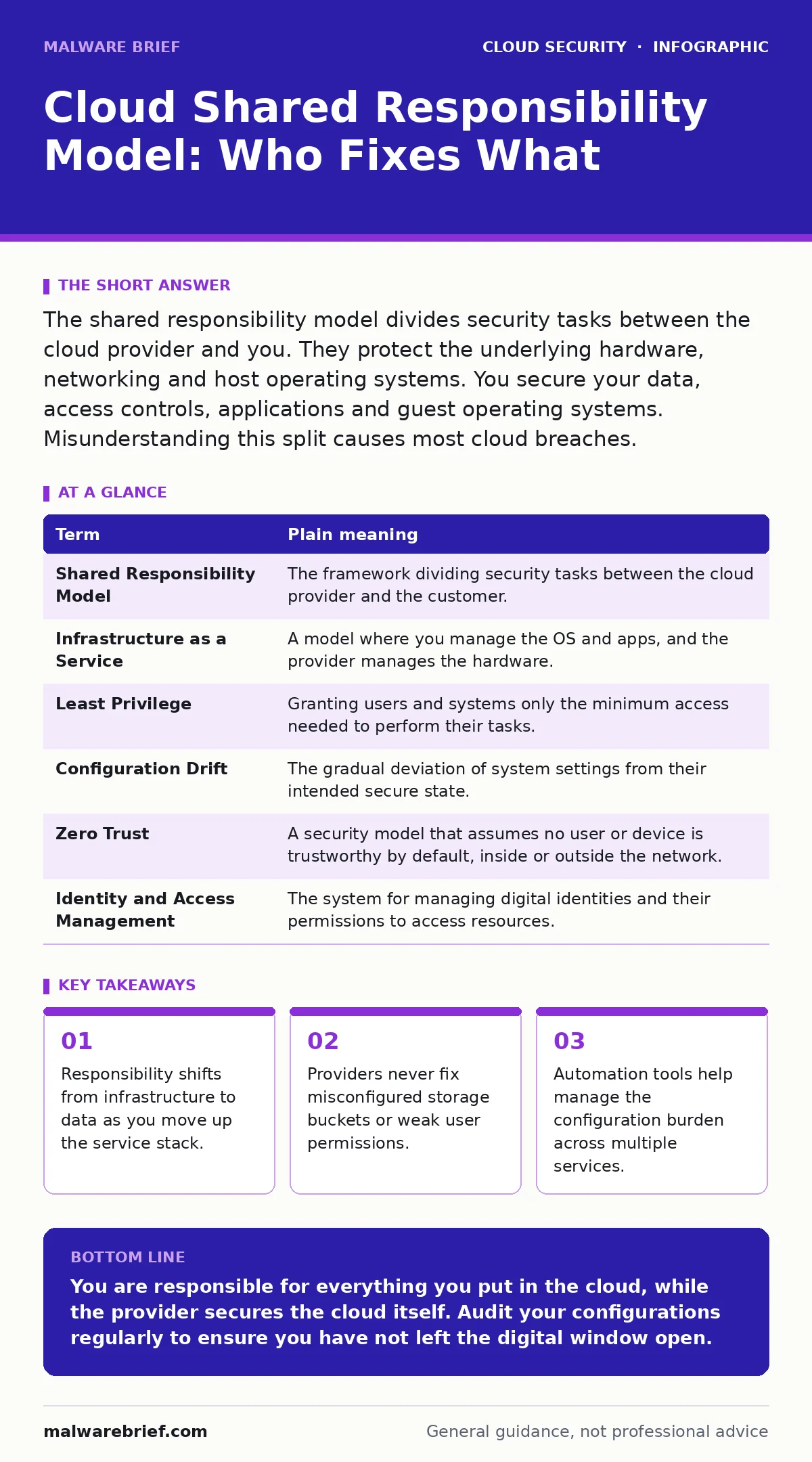
| Shared Responsibility Model | The framework dividing security tasks between the cloud provider and the customer. |
| Infrastructure as a Service | A model where you manage the OS and apps, and the provider manages the hardware. |
| Least Privilege | Granting users and systems only the minimum access needed to perform their tasks. |
| Configuration Drift | The gradual deviation of system settings from their intended secure state. |
| Zero Trust | A security model that assumes no user or device is trustworthy by default, inside or outside the network. |
| Identity and Access Management | The system for managing digital identities and their permissions to access resources. |
Key takeaways
- Responsibility shifts from infrastructure to data as you move up the service stack.
- Providers never fix misconfigured storage buckets or weak user permissions.
- Automation tools help manage the configuration burden across multiple services.
You are responsible for everything you put in the cloud, while the provider secures the cloud itself. Audit your configurations regularly to ensure you have not left the digital window open.
Frequently asked questions
Does the shared responsibility model apply to hybrid cloud setups?
Yes, the model applies to the cloud portion of your infrastructure. You still manage the on-premises side, but the cloud provider’s responsibilities remain the same for the services you use.
Who is responsible for patching the guest operating system?
You are responsible for patching the guest operating system in Infrastructure as a Service models. In managed services, the provider handles this task for you.
Can I blame the provider for a data breach caused by my code?
No. If your application has a vulnerability that allows data theft, it is your responsibility. The provider is only liable if their underlying infrastructure failed to protect your tenant from external intrusion.
How often should I review my cloud permissions?
You should review permissions regularly, ideally as part of a continuous automation process. Static reviews every six months are insufficient for dynamic cloud environments.
How this guide was produced: written by the Malware Brief editorial team with AI assistance, checked against the public references listed below, and reviewed when the facts change. See our editorial policy or report an error.