Detect Remote Desktop Abuse: Logs, Signals and Hidden Blind Spots
Remote desktop abuse often leaves no login failures, only unusual process trees and data movement that standard alerts miss.

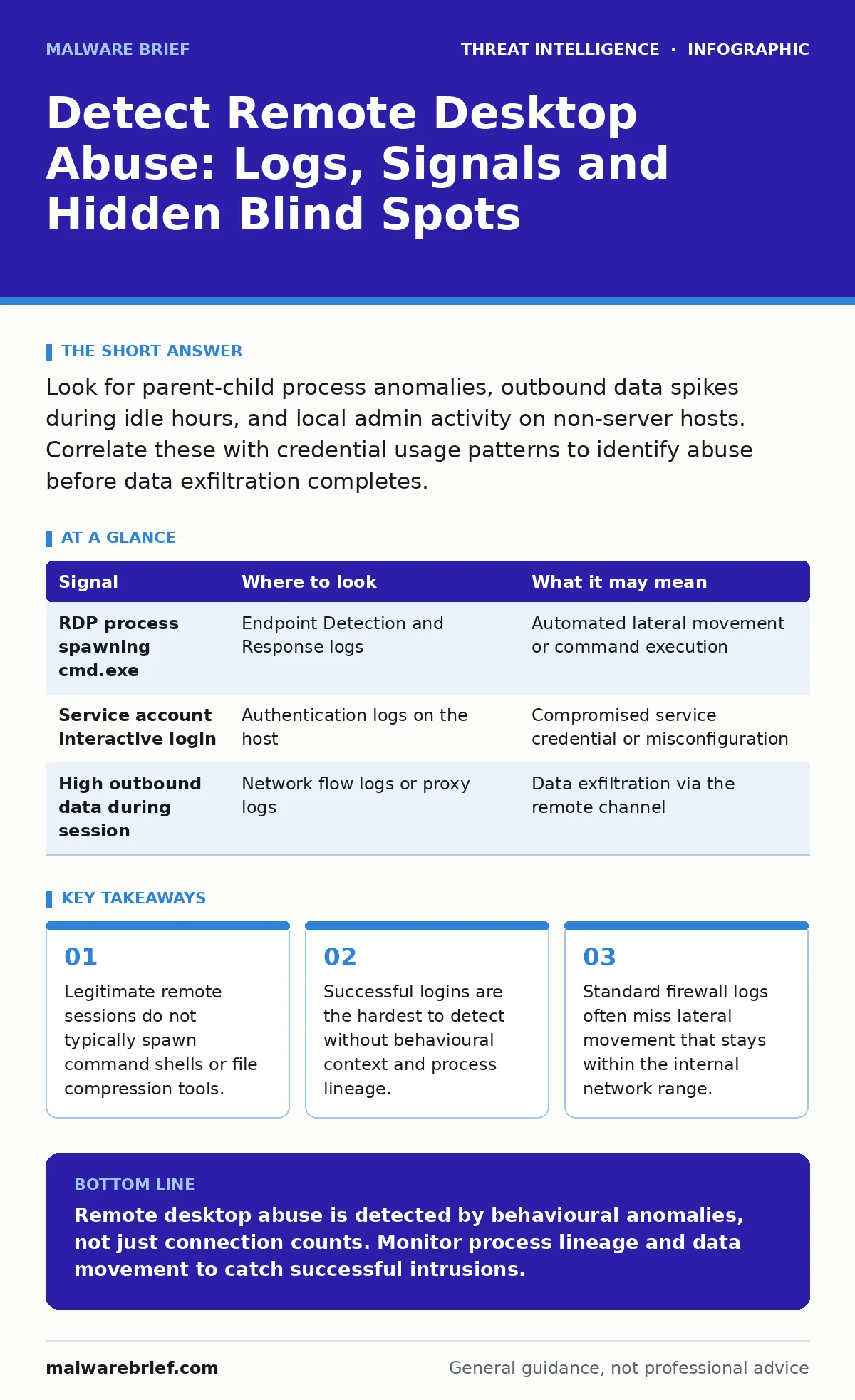
Look for parent-child process anomalies, outbound data spikes during idle hours, and local admin activity on non-server hosts. Correlate these with credential usage patterns to identify abuse before data exfiltration completes.
Process Lineage and Parent Anomalies
Remote desktop protocol connections create a specific execution environment. When you monitor process creation, you must look at the parent process that initiates the activity. A normal interactive session usually launches a user profile loader or a standard shell. An abused session often spawns a command interpreter or a script host directly from the remote desktop services process.
This divergence is the first reliable indicator. You should map the process tree for every new remote session. If the remote desktop service process creates a command prompt without an intervening user profile load, the session is likely automated or compromised. This pattern bypasses simple user-agent checks because the executable remains legitimate.
Credential Context and Authentication Logs
Authentication logs record success and failure, but success is the dangerous signal. A brute force attack generates noise that is easy to filter. A stolen credential generates silence that is easy to ignore. You must analyse the context of successful remote desktop logins.
Check the time of the login against the user’s normal working hours. Check the source IP against the user’s known locations. A login from a new geographic region at an unusual hour is suspicious, but not conclusive. Combine this with the account privilege level. A service account logging in via remote desktop is almost always an error or an abuse. Service accounts should not have interactive logon rights.
Data Movement and Network Baselines
Remote desktop allows graphical interaction, but attackers often use it to stage data for exfiltration. You need to monitor outbound traffic from hosts that are not designed to send large data volumes. A workstation sending megabytes of data to an external IP during a remote session is a red flag.
Look for compression activity. Attackers compress files before sending them to save bandwidth and time. If a remote session coincides with the launch of a compression utility and a spike in outbound traffic, you are likely witnessing data theft. This behaviour is distinct from normal cloud sync activities, which usually occur on a schedule and use specific ports and protocols.
| Signal | Where to look | What it may mean |
|---|---|---|
| RDP process spawning cmd.exe | Endpoint Detection and Response logs | Automated lateral movement or command execution |
| Service account interactive login | Authentication logs on the host | Compromised service credential or misconfiguration |
| High outbound data during session | Network flow logs or proxy logs | Data exfiltration via the remote channel |
Lateral Movement and Internal Hops
Remote desktop is not just an entry point; it is a bridge. Attackers use it to move from a compromised workstation to a more valuable server. You must track remote connections between internal hosts. A workstation initiating a remote desktop connection to a file server is unusual. Workstations do not typically manage servers directly.
This internal movement often bypasses perimeter defenses. The traffic looks like normal internal communication. You need to establish a baseline of which hosts are allowed to connect to which others. Any deviation from this matrix requires investigation. Look for connections from low-privilege hosts to high-privilege targets.
Blind Spots in Standard Monitoring
Many security teams rely on firewall logs to detect remote desktop abuse. This is a fundamental blind spot. Firewalls see the connection, but they do not see what happens inside the session. An encrypted remote desktop tunnel hides the commands executed and the files accessed.
Another blind spot is the assumption that only external IPs are threats. Internal lateral movement uses internal IPs. If your monitoring focuses on inbound connections from the internet, you will miss the abuse that happens after the initial entry. You must monitor east-west traffic with the same rigor as north-south traffic.
See also: Detecting Credential Dumping: Signals, Logs and Blind Spots · How to Implement Red Teaming: A Practical Step-by-Step Framework
Correlation with Credential Attacks
Remote desktop abuse rarely occurs in isolation. It is often preceded by credential theft. You should correlate remote desktop activity with indicators of credential dumping. If a system shows signs of memory scraping or password hash extraction, and then a remote desktop session starts, the session is likely using stolen credentials.
This connection is vital for understanding the attack timeline. The remote desktop session is the result, not the cause. Investigating the session without looking at the preceding credential theft limits your understanding. You might block the session but miss the stolen credentials that remain valid. This relates closely to pass-the-hash attacks, where the attacker uses a hashed password to authenticate without knowing the plain text password.
Automated Detection and Tooling
You need tools that can correlate process creation, authentication, and network flow. A single log source is insufficient. Endpoint Detection and Response platforms provide process lineage. Network Detection and Response platforms provide flow analysis. Security Information and Event Management systems correlate these sources.
Configure your tools to look for the specific patterns described above. Do not rely on generic anomaly detection. Define rules for the parent-child process anomalies and the unusual data movement. Test these rules against your normal operations to reduce false positives. This approach aligns with the principles of threat actors who try to blend in with normal traffic. By defining what normal looks like, you make the abnormal visible.
Key takeaways
- Legitimate remote sessions do not typically spawn command shells or file compression tools.
- Successful logins are the hardest to detect without behavioural context and process lineage.
- Standard firewall logs often miss lateral movement that stays within the internal network range.
Remote desktop abuse is detected by behavioural anomalies, not just connection counts. Monitor process lineage and data movement to catch successful intrusions.
Frequently asked questions
How do I distinguish between legitimate IT admin remote desktop and abuse?
Legitimate admins usually use known tools and follow established procedures. Abuse often involves unusual process trees, off-hours activity, and connections from unexpected hosts.
Do I need to block remote desktop entirely to be safe?
Blocking remote desktop is often impractical. Instead, restrict it to specific management hosts, enforce multi-factor authentication, and monitor for behavioural anomalies.
How this guide was produced: written by the Malware Brief editorial team with AI assistance, checked against the public references listed below, and reviewed when the facts change. See our editorial policy or report an error.