Sandboxing Mistakes: How to Avoid Detection Evasion
Most sandboxing failures stem from static analysis limits that allow malware to remain dormant until execution in a live environment.

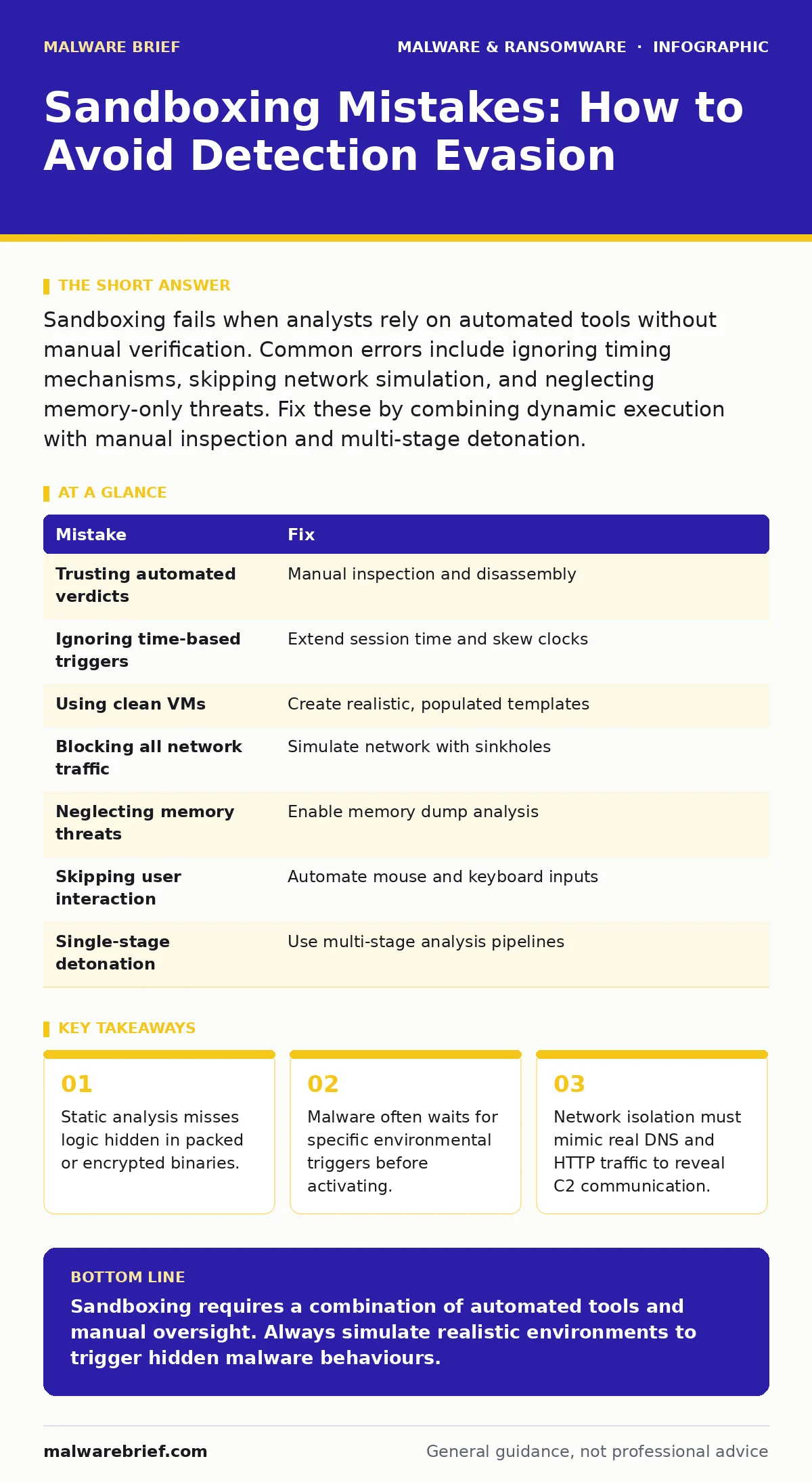
Sandboxing fails when analysts rely on automated tools without manual verification. Common errors include ignoring timing mechanisms, skipping network simulation, and neglecting memory-only threats. Fix these by combining dynamic execution with manual inspection and multi-stage detonation.
Mistake 1: Trusting Automated Verdicts Blindly
Automated sandboxes assign scores based on heuristic patterns. These scores can be misleading when malware uses novel techniques. You must treat an automated result as a starting point, not a final conclusion.
Why it hurts:
Attackers design payloads to look benign during initial scanning. They use packing or encryption to obscure the code structure. The sandbox sees a clean wrapper and returns a false negative. This leaves the actual threat undetected until it reaches a real system.
The fix:
Always perform manual inspection of suspicious files. Use disassembly tools to view the raw instructions. Look for suspicious API calls or unusual string references. Cross-reference the file hash with multiple threat intelligence sources.
Mistake 2: Ignoring Time-Based Triggers
Some malware checks the system clock before executing. It may wait hours or days to avoid immediate detection. This technique is common in advanced persistent threats that aim for stealth.
Why it hurts:
Standard sandbox sessions run for a limited duration. If the malware waits longer than the session limit, it never activates. The sandbox records no malicious activity. You classify the file as safe, allowing it to persist in your network.
The fix:
Configure the sandbox to extend the execution window. Monitor for sleep or delay functions in the code. Use time-skewing techniques to trick the malware into thinking time has passed. This forces early activation within the controlled environment.
Mistake 3: Using Clean Virtual Machines
A fresh virtual machine lacks the software and configurations of real users. Malware often checks for specific applications or settings. It remains dormant if the environment does not match its target profile.
Why it hurt:
The malware detects the pristine state of the VM. It recognises the lack of user history or installed software. It decides not to execute its payload. This creates a false sense of security, as the threat would activate on a real endpoint.
The fix:
Create realistic virtual machine templates. Install common applications that match your user base. Configure standard services and user profiles. This increases the likelihood of triggering environment-specific malware.
Mistake 4: Blocking All Network Traffic
Complete network isolation prevents malware from reaching its command server. It also prevents it from downloading additional payloads. This seems safe but hides the true behaviour of the threat.
Why it hurts:
Many threats require network communication to function. Banking trojans, for instance, need to send stolen credentials to an attacker. If you block all traffic, the malware appears inert. You miss the critical phase where data exfiltration occurs.
The fix:
Provide simulated network access. Use DNS sinkholing to redirect traffic to a controlled server. Allow HTTP requests to reach a dummy endpoint. This reveals the domains and protocols the malware attempts to use.
Mistake 5: Neglecting Memory-Only Threats
Some malware never writes files to disk. It lives entirely in the system memory. Traditional file-based scanning misses these threats completely.
Why it hurts:
The sandbox focuses on file system changes. It ignores processes that operate only in RAM. The malware executes its payload and disappears without a trace. Your forensic analysis finds nothing because there is no file to examine.
The fix:
Enable memory dump analysis in your sandbox. Monitor process creation and injection techniques. Look for hooks in legitimate system processes. This captures the behaviour of fileless malware and web shells that operate in memory.
See also: How to Implement Red Teaming: A Practical Step-by-Step Framework · Zero-Day Malware: Why Unknown Threats Dictate Security Strategy
Mistake 6: Skipping User Interaction Simulation
Malware often waits for user input to proceed. It may require a click, a keystroke, or a specific window focus. Automated tools cannot replicate human interaction effectively.
Why it hurts:
The malware remains idle, waiting for a trigger that never comes. The sandbox session ends with no recorded activity. This is common in macro malware that requires the user to enable content. Without interaction, the threat stays hidden.
The fix:
Use sandbox features that simulate user actions. Automate mouse clicks and keyboard inputs. Trigger common events like opening a document or clicking a link. This ensures the malware receives the stimuli it expects.
Mistake 7: Relying on Single-Stage Detonation
Advanced malware may download secondary payloads after initial execution. A single-stage analysis might catch the dropper but miss the real threat. This is typical of computer worms that spread rapidly.
Why it hurts:
The initial file appears harmless or only mildly suspicious. It drops a second stage that contains the destructive code. If you stop analysis after the first stage, you miss the primary payload. The network remains vulnerable to the actual attack.
The fix:
Implement multi-stage detonation pipelines. Automatically submit downloaded payloads for further analysis. Track the chain of execution from start to finish. This reveals the full scope of the attack, similar to how Android malware may update itself.
| Mistake | Fix |
|---|---|
| Trusting automated verdicts | Manual inspection and disassembly |
| Ignoring time-based triggers | Extend session time and skew clocks |
| Using clean VMs | Create realistic, populated templates |
| Blocking all network traffic | Simulate network with sinkholes |
| Neglecting memory threats | Enable memory dump analysis |
| Skipping user interaction | Automate mouse and keyboard inputs |
| Single-stage detonation | Use multi-stage analysis pipelines |
Key takeaways
- Static analysis misses logic hidden in packed or encrypted binaries.
- Malware often waits for specific environmental triggers before activating.
- Network isolation must mimic real DNS and HTTP traffic to reveal C2 communication.
Sandboxing requires a combination of automated tools and manual oversight. Always simulate realistic environments to trigger hidden malware behaviours.
Frequently asked questions
Does sandboxing protect against zero-day malware?
Sandboxing helps detect unknown threats by observing their behaviour. It does not prevent infection if the file is executed on a live system.
Can malware detect that it is in a sandbox?
Yes, malware can check for virtual machine artefacts. It may remain dormant if it detects analysis tools.
How do I sandbox browser hijackers?
Use a browser-specific sandbox environment. Monitor changes to browser settings and extensions.
Is sandboxing effective against removing malware from an Android phone?
Sandboxing helps analyse Android malware samples. It does not directly remove threats from a user device.
How this guide was produced: written by the Malware Brief editorial team with AI assistance, checked against the public references listed below, and reviewed when the facts change. See our editorial policy or report an error.