Scheduled Task Abuse Response: Containment and Recovery Steps
Scheduled tasks often bypass real-time endpoint monitoring because they execute with system privileges, leaving traditional alerts silent until damage occurs.

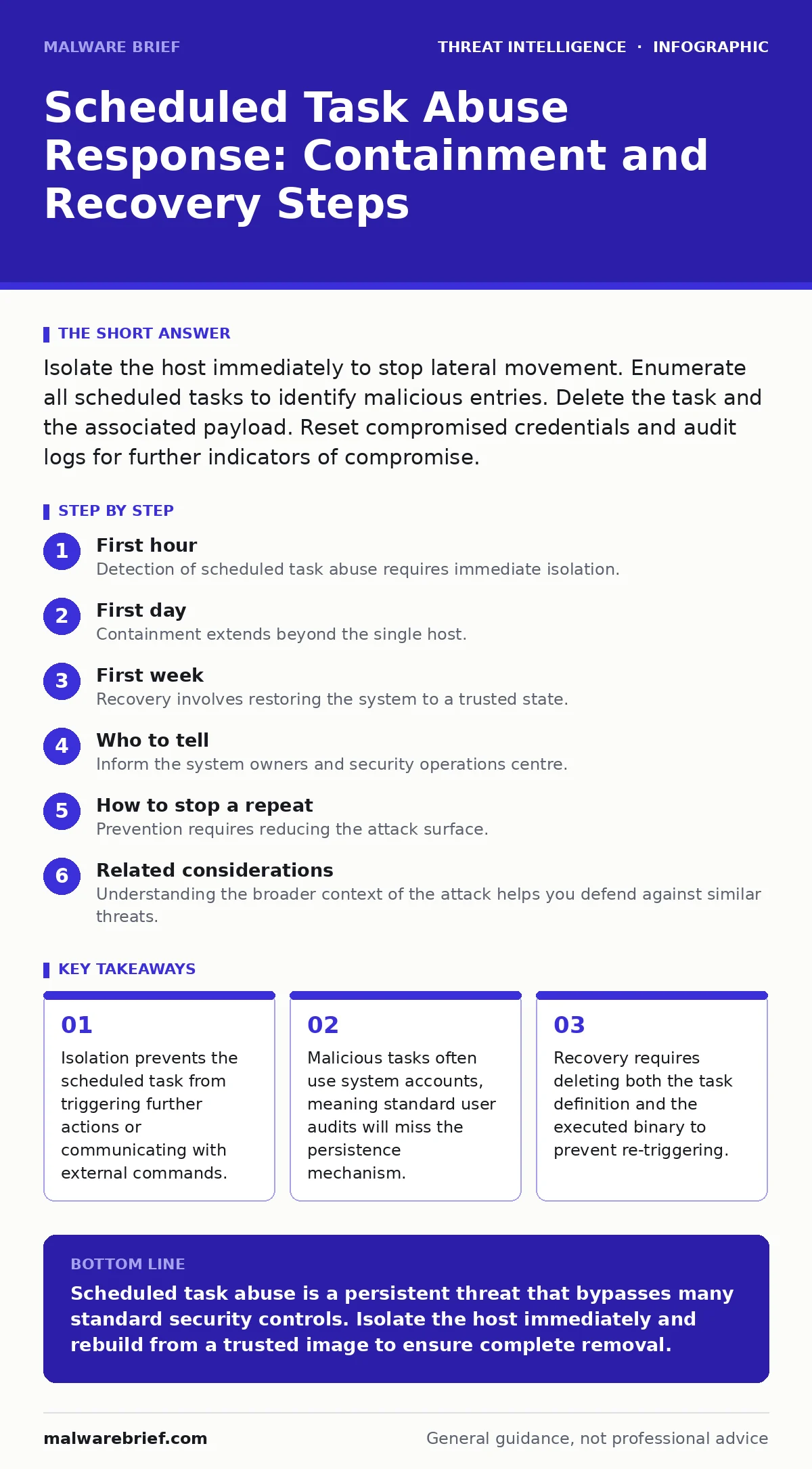
Isolate the host immediately to stop lateral movement. Enumerate all scheduled tasks to identify malicious entries. Delete the task and the associated payload. Reset compromised credentials and audit logs for further indicators of compromise.
First hour
Detection of scheduled task abuse requires immediate isolation. The compromised host must be disconnected from the network to prevent the attacker from receiving new commands or exfiltrating data. Do not power off the machine, as this destroys volatile memory that may contain evidence of the attack chain.
You must determine the scope of the compromise. Check which accounts have access to the task scheduler. Attackers often create tasks that run under SYSTEM or LOCAL SERVICE accounts to evade user-level monitoring. These high-privilege tasks can modify system files and install kernel-level drivers.
- Disconnect the host from the network physically or via firewall rules.
- Capture a memory dump if resources allow.
- List all scheduled tasks using standard system tools.
- Identify the binary path and trigger conditions for each task.
- Document the user context under which each task runs.
Review the task history. Most systems log when a scheduled task starts and stops. Look for tasks that run at irregular intervals or during maintenance windows when monitoring is reduced. Compare these entries against known legitimate system maintenance jobs. Any task with a randomised name or a path pointing to a temporary folder is highly suspicious.
First day
Containment extends beyond the single host. You must verify whether the attacker used this task to move laterally. Scheduled tasks can be created remotely if the attacker has administrative privileges on other systems. This is a common technique in pass-the-hash attacks, where stolen credential hashes are used to authenticate to other machines.
Check for remote task creation. Review the security logs on the compromised host for events indicating remote command execution. Look for connections from this host to other internal IP addresses. If you find evidence of remote task creation, isolate those hosts immediately. The infection likely spreads through the network segment.
Analyse the payload. The scheduled task executes a specific command. Identify this binary and determine its function. Is it a legitimate system tool repurposed for malicious activity, such as PowerShell or certutil? Or is it a dedicated malware binary? Use hash values to check against known indicators of compromise. This step helps you understand whether the attacker is still active or if the task was a one-time persistence mechanism.
If the binary is a living-off-the-land binary, you cannot simply delete the file. These tools are part of the operating system. Instead, you must remove the scheduled task and monitor for any attempts to recreate it. The attacker may have multiple tasks to ensure persistence if one is removed.
First week
Recovery involves restoring the system to a trusted state. You must reset the credentials for any account that had access to the task scheduler. This includes local administrator accounts and domain accounts. Credential dumping is a frequent precursor to scheduled task abuse, so assume all credentials stored on the host are compromised.
Rebuild the host from a known good image. Do not attempt to clean the system in place. Attackers often leave behind rootkits or modified system files that are difficult to detect with standard scanning tools. A fresh installation ensures that no hidden persistence mechanisms remain.
Audit the task scheduler configuration. Review the permissions on the scheduled tasks folder. Ensure that only authorized administrators can create or modify tasks. Restrict the ability to run tasks as SYSTEM to essential system processes only. This reduces the attack surface for future compromises.
Monitor for recurrence. After rebuilding the host, monitor for any attempts to create new scheduled tasks. Set up alerts for task creation events, especially those running under high-privilege accounts. This helps you detect early signs of a repeat attack.
Who to tell
Inform the system owners and security operations centre. Provide them with the timeline of the attack and the scope of the compromise. Include details on which accounts were compromised and which systems were affected. This information is critical for assessing the business impact and determining if customer data was accessed.
Coordinate with incident response teams. Share the indicators of compromise and the tactics used by the attacker. This helps other teams search for similar activity in their environments. Collaboration is key to containing widespread threats.
How to stop a repeat
Prevention requires reducing the attack surface. Limit the number of accounts with administrative privileges. Use group policy to restrict who can create scheduled tasks. Implement application whitelisting to prevent unauthorised binaries from executing.
Regularly audit scheduled tasks. Use automated tools to compare current tasks against a baseline. Alert on any new tasks or changes to existing tasks. This helps you detect abuse early, before the attacker can establish deep persistence.
Consider the implications of remote management tools. Tools that allow remote task creation are powerful but risky. Ensure that access to these tools is tightly controlled and logged. Monitor for unusual usage patterns, such as tasks created during off-hours or from unexpected locations.
See also: Incident Response Plans: Real Benefits and Hidden Costs · Web Shell Removal: Containment, Eradication and Recovery
Related considerations
Understanding the broader context of the attack helps you defend against similar threats. Review your defences against remote desktop abuse, as this is another common vector for initial access. Ensure that your remote access protocols are secured and monitored.
Be aware that threat actors often use bulletproof hosting to hide their command and control infrastructure. This makes detection difficult. Focus on behavioural analysis rather than just blocking known bad IPs.
Red teaming exercises can help you identify weaknesses in your task scheduler defences. Simulate an attack to see if you can create and execute scheduled tasks on your systems. Use the results to improve your detection and response capabilities.
Final checks
Verify that all logs are being forwarded to a secure, centralised logging system. This ensures that evidence is preserved even if the attacker compromises the local host. Review your log retention policies to ensure you have enough historical data for forensic analysis.
Test your incident response plan. Ensure that your team knows how to respond to scheduled task abuse. Conduct tabletop exercises to practice the steps outlined in this guide. Regular practice ensures that your team can respond quickly and effectively when a real attack occurs.
Key takeaways
- Isolation prevents the scheduled task from triggering further actions or communicating with external commands.
- Malicious tasks often use system accounts, meaning standard user audits will miss the persistence mechanism.
- Recovery requires deleting both the task definition and the executed binary to prevent re-triggering.
Scheduled task abuse is a persistent threat that bypasses many standard security controls. Isolate the host immediately and rebuild from a trusted image to ensure complete removal.
Frequently asked questions
Can I just delete the scheduled task to fix the problem?
No, deleting the task only removes the trigger. The malware binary may still be on the system, and the attacker may have other persistence mechanisms. You must remove the payload and reset credentials.
How do I know if a scheduled task is malicious?
Look for tasks with random names, paths in temporary folders, or commands that execute scripts from remote locations. Compare the task against a baseline of known legitimate tasks.
Do scheduled tasks always run with high privileges?
No, but attackers often configure them to run as SYSTEM or LOCAL SERVICE to gain higher privileges. Check the user context for each task to assess the risk.
Can scheduled tasks be used for lateral movement?
Yes, attackers can create scheduled tasks on remote systems if they have administrative credentials. This allows them to spread across the network without direct interaction.
How this guide was produced: written by the Malware Brief editorial team with AI assistance, checked against the public references listed below, and reviewed when the facts change. See our editorial policy or report an error.