MFA Fatigue Attack Response: Stop, Contain and Recover
Approving notifications in exhaustion grants attackers full access, making immediate credential rotation and session termination the only effective recovery path.
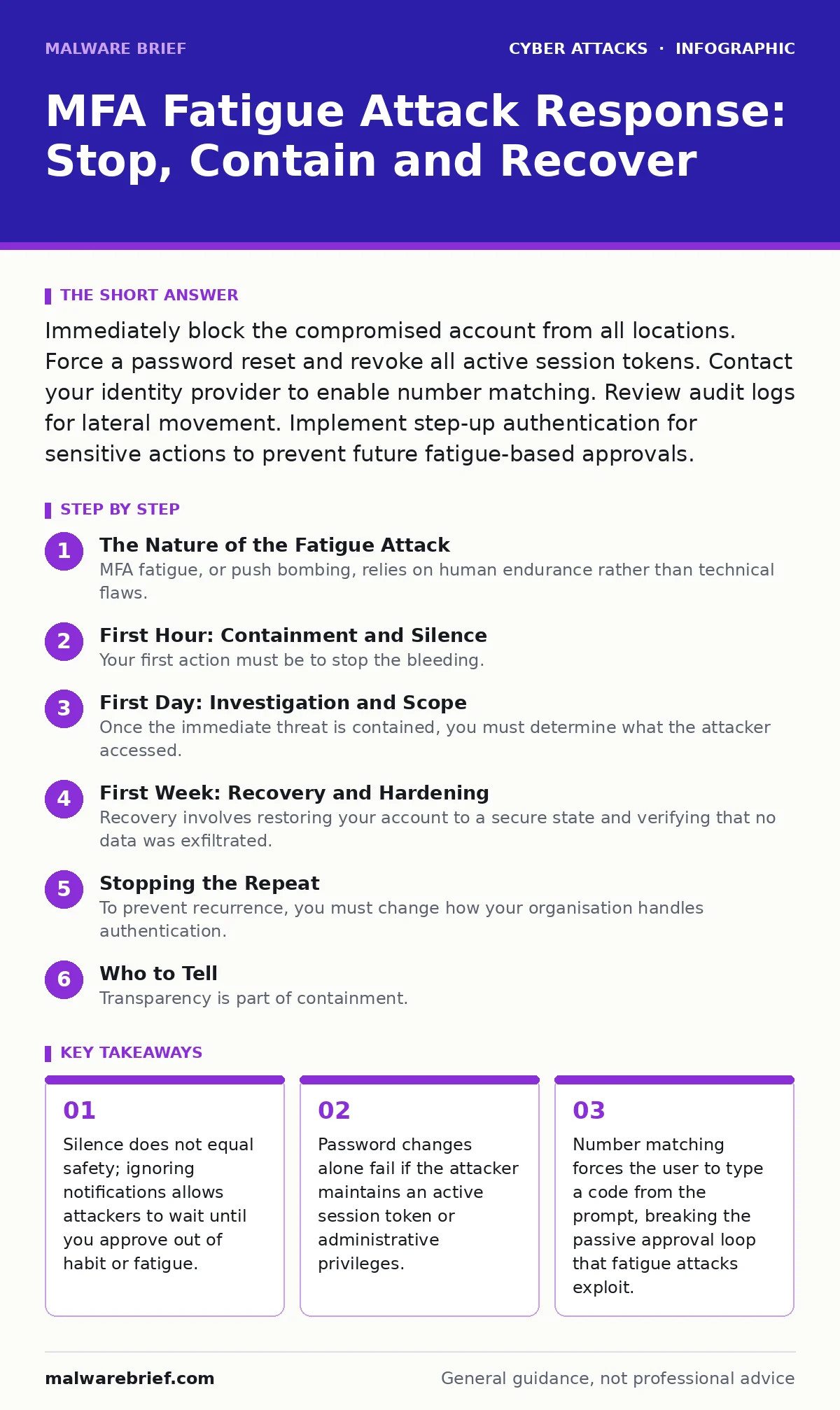
Immediately block the compromised account from all locations. Force a password reset and revoke all active session tokens. Contact your identity provider to enable number matching. Review audit logs for lateral movement. Implement step-up authentication for sensitive actions to prevent future fatigue-based approvals.
The Nature of the Fatigue Attack
MFA fatigue, or push bombing, relies on human endurance rather than technical flaws. An attacker who has stolen your password will trigger multiple authentication requests to your mobile device. They do not need to crack your PIN. They need you to approve one request by mistake, often when you are tired, distracted or annoyed by the noise.
This method bypasses the security assumption that you will always reject unknown login attempts. The attack turns your convenience feature into a liability. Once you tap "Approve," the attacker gains the same access rights as your legitimate account.
First Hour: Containment and Silence
Your first action must be to stop the bleeding. Do not try to investigate the source while the notifications are still firing. Focus entirely on cutting off the attacker's access.
- Disable the compromised account in your identity management system immediately.
- Revoke all active sessions and tokens associated with that account.
- Change the password for the compromised account and any other accounts using the same credentials.
- Enable multi-factor authentication on your personal email if it was used for password resets.
First Day: Investigation and Scope
Once the immediate threat is contained, you must determine what the attacker accessed. They likely moved quickly after gaining entry. You need to review audit logs for the period before and after the approval.
Look for unusual login locations, especially from foreign IP addresses or unfamiliar devices. Check for the creation of new administrative users, the export of data or changes to security settings. If the attacker added a new recovery email or phone number, you must remove it immediately.
Imagine an attacker who adds a secondary administrator account before you notice the breach. If you only reset your password, they retain access through their new account. You must hunt for these persistent backdoors.
First Week: Recovery and Hardening
Recovery involves restoring your account to a secure state and verifying that no data was exfiltrated. You should monitor for any residual activity. If sensitive data was accessed, you may need to notify affected parties, depending on your organisation's incident response plans.
Implement technical controls that make fatigue attacks ineffective. The most effective control is number matching. This feature requires you to type a short code displayed on the push notification into your authenticator app. If you are not looking at your device, you cannot provide the code.
This breaks the passive approval model. It ensures that every authentication event requires active, conscious verification. You should also disable SMS-based MFA if possible, as it is vulnerable to SIM swapping, which can intercept codes.
Stopping the Repeat
To prevent recurrence, you must change how your organisation handles authentication. Push notifications are convenient but risky. They encourage muscle memory approvals. You should move towards phishing-resistant methods, such as FIDO2 security keys or certificate-based authentication.
These methods require physical presence or a specific device binding. They cannot be bypassed by fatigue attacks because there is no "approve" button to spam. If you must use software tokens, ensure they support time-based one-time passwords rather than push approvals.
Educate your team on the difference between legitimate and malicious prompts. However, education alone is insufficient. You must design your systems to fail securely. If a user approves a login from a new country, the system should block it regardless of the MFA approval.
See also: Incident Response Plans: Real Benefits and Hidden Costs · Web Shell Removal: Containment, Eradication and Recovery
Who to Tell
Transparency is part of containment. You must inform your security team or IT administrator immediately. They can correlate your incident with other alerts. They may detect that multiple accounts are under attack, indicating a wider campaign.
If you are in a corporate environment, follow your organisation's reporting procedures. Do not attempt to handle the incident alone. Security teams have tools to isolate accounts and track lateral movement that you do not have access to.
If the breach involves customer data or financial information, legal and compliance teams must be involved. They will determine if regulatory notifications are required. Delaying this communication can lead to severe penalties and loss of trust.
The Hidden Cost of Convenience
The trade-off for easy MFA is increased risk. Push notifications are designed for speed, not security. They assume the user is always present and attentive. This assumption fails in high-stress or high-volume scenarios.
You must accept that convenience reduces security posture. Every time you tap "Approve" without checking the details, you weaken your defence. The goal is to shift from passive approval to active verification. This requires a change in both technology and user behaviour.
Security culture plays a significant role here. If users feel pressured to approve requests quickly, they will bypass security checks. You must create an environment where saying "no" is the default and safe option.
Key takeaways
- Silence does not equal safety; ignoring notifications allows attackers to wait until you approve out of habit or fatigue.
- Password changes alone fail if the attacker maintains an active session token or administrative privileges.
- Number matching forces the user to type a code from the prompt, breaking the passive approval loop that fatigue attacks exploit.
Frequently asked questions
Can an attacker reset my MFA settings after a fatigue attack?
Yes, if they gain access to your account, they can often change recovery options and add their own MFA methods, locking you out permanently.
Is disabling push notifications a safe temporary fix?
It stops the fatigue attack but leaves your account vulnerable to other methods. Use it only as an immediate containment step while you implement stronger controls.
How does number matching stop fatigue attacks?
It requires you to input a code from the prompt, proving you are actively looking at your device and not just approving noise in the background.
Should I use SMS for MFA if I am worried about fatigue?
SMS is vulnerable to SIM swapping and interception, making it less secure than app-based methods. It does not solve the fatigue problem and introduces new risks.
How this guide was produced: written by the Malware Brief editorial team with AI assistance, checked against the public references listed below, and reviewed when the facts change. See our editorial policy or report an error.