Responding to Bulletproof Hosting: Recovery and Containment Steps
Bulletproof hosting providers ignore legal takedown requests, meaning you must isolate systems internally before external pressure forces data exfiltration.

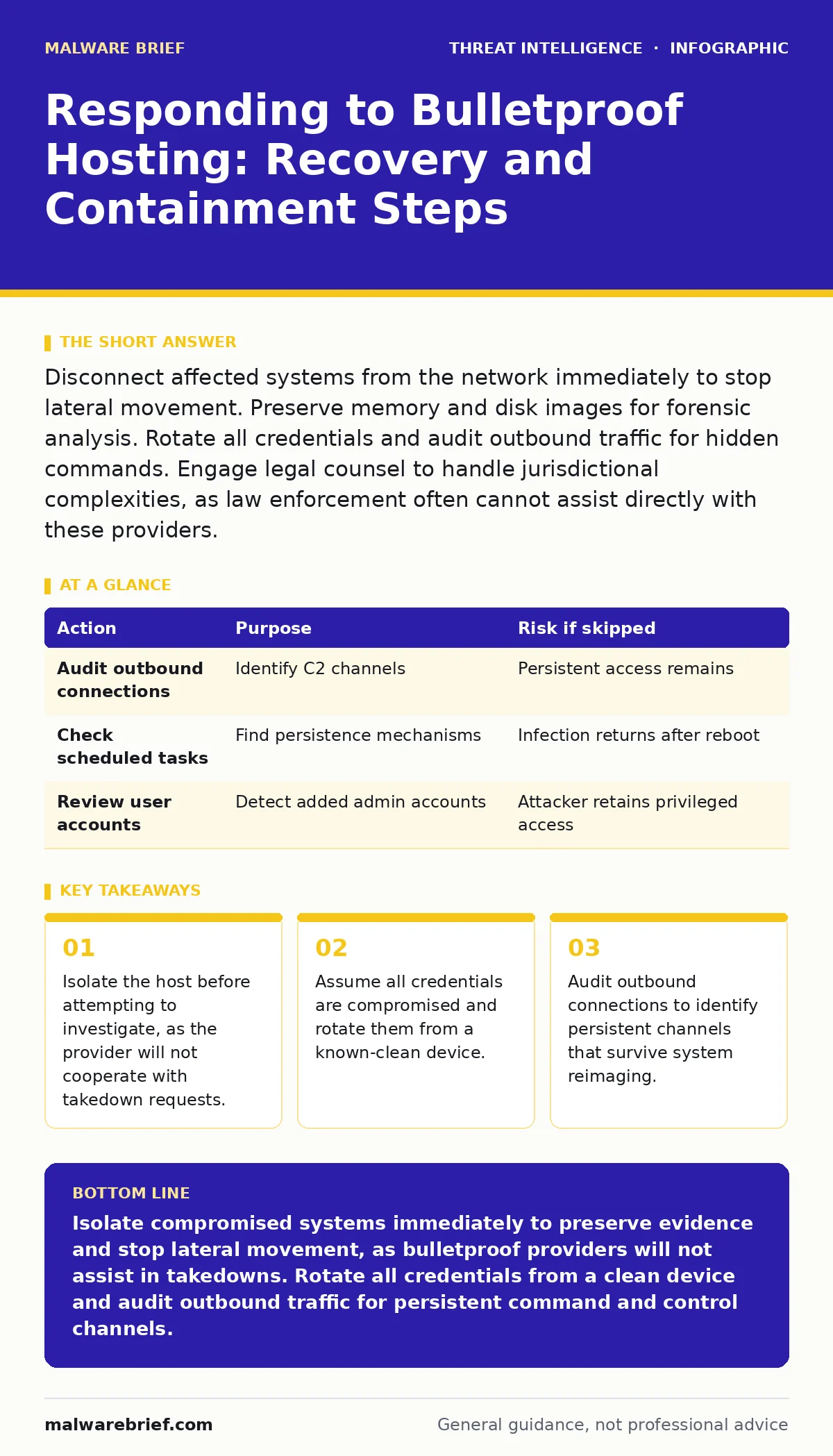
Disconnect affected systems from the network immediately to stop lateral movement. Preserve memory and disk images for forensic analysis. Rotate all credentials and audit outbound traffic for hidden commands. Engage legal counsel to handle jurisdictional complexities, as law enforcement often cannot assist directly with these providers.
First hour
The moment you suspect a system is compromised by infrastructure hosted on a bulletproof provider, your priority shifts from curiosity to containment. Bulletproof hosting refers to internet hosting services that deliberately ignore abuse reports and legal takedown requests. These providers often operate in jurisdictions with weak cyber laws or no extradition treaties. They cater to clients who wish to operate malicious infrastructure without fear of removal.
You must act quickly but deliberately. The attacker expects you to panic. They may have already established multiple entry points. If you pull the plug, you lose the ability to see how they moved laterally. Instead, you must isolate the device while keeping it powered on. This preserves the volatile state of the system for later analysis.
- Disconnect the network cable or disable the wireless adapter on the affected host.
- Document the exact time of detection and the symptoms observed.
- Prevent other users from logging into the affected account.
- If possible, capture a memory dump using a trusted forensic tool from a separate device.
Isolating the network stops the immediate flow of data. It does not stop the attacker from reading files already cached on the local disk. It also does not remove any backdoors they may have installed. The goal of this phase is simply to freeze the situation. You are buying time to understand the scope without alerting the adversary to your awareness.
First day
Once the immediate bleed is stopped, you must determine the extent of the compromise. Bulletproof hosting providers often offer additional services such as DDoS mitigation or money laundering schemes. This means the attacker may have more resources than you expect. They may have used your system as a pivot point to attack other targets. You need to map the lateral movement.
Start by examining the logs on the isolated system. Look for unusual outbound connections that persist even after the initial infection. These connections often use standard ports to blend in with normal traffic. This technique is known as domain generation algorithms or fast-flux DNS. The attacker may also have used credential dumping to harvest hashes from the local security account manager. This allows them to move to other machines without needing passwords.
You should also check for scheduled task abuse. Attackers often create recurring tasks that execute malicious scripts at regular intervals. This ensures their access returns even if you clear the initial infection vector. These tasks may be hidden in system folders or disguised with legitimate-sounding names. You must audit every scheduled task and startup item.
| Action | Purpose | Risk if skipped |
|---|---|---|
| Audit outbound connections | Identify C2 channels | Persistent access remains |
| Check scheduled tasks | Find persistence mechanisms | Infection returns after reboot |
| Review user accounts | Detect added admin accounts | Attacker retains privileged access |
During this phase, you must also begin the process of credential rotation. Assume every password stored on the compromised system is known to the attacker. This includes saved browser passwords, email credentials, and service accounts. Do not change passwords on the compromised machine. Use a clean, unaffected device to reset them. If you change them on the infected host, the attacker may intercept the new credentials.
First week
Recovery involves more than just cleaning the system. It requires verifying that the attacker has no remaining foothold. Many organisations reinstall the operating system and consider the incident closed. This is a mistake. The attacker may have compromised adjacent systems or external services. They may also have installed rootkits that survive a standard reinstall if the boot sector is not cleaned.
You must perform a thorough review of your network architecture. Bulletproof hosting providers often use fast-flux networks to hide the true location of their servers. This makes traditional IP-based blocking ineffective. You need to look for patterns in the traffic rather than specific addresses. This is where IOC enrichment becomes valuable. By analysing the behaviour of the traffic, you can identify the underlying infrastructure.
Consider the possibility of beaconing. This is when a compromised system sends periodic signals to a command and control server. These signals may appear as normal web traffic or DNS queries. You need to monitor for regular intervals in outbound traffic. If you see a system contacting an external server every thirty minutes, that is suspicious. You must block these patterns at the firewall level.
You should also engage with legal counsel. Bulletproof hosting providers operate in a legal grey area. Law enforcement may be unable to assist due to jurisdictional issues. You need to understand your legal obligations regarding data breach notification. Depending on your location and the type of data compromised, you may be required to notify regulators and affected individuals.
Who to tell
Communicating the incident is a delicate process. You must balance transparency with the need to protect your organisation. Internal stakeholders need to know the scope of the breach. They need to understand what data was exposed and what steps are being taken to remediate it. External stakeholders, such as customers and partners, may need to be notified if their data was compromised.
Do not name the bulletproof hosting provider in public statements. This can draw unnecessary attention to your organisation. It may also alert the attacker that you have identified their infrastructure. Instead, focus on the impact and the remediation steps. Be honest about what happened, but avoid speculation. Stick to the facts you can verify.
If you suspect the involvement of specific threat actors, share this information with industry sharing groups. These groups allow organisations to share threat intelligence without revealing sensitive details. This helps the broader community defend against similar attacks. You may also consider hiring a third-party incident response firm to assist with the investigation. They can provide an independent assessment and help with communication.
See also: Scheduled Task Abuse Response: Containment and Recovery Steps · Incident Response Plans: Real Benefits and Hidden Costs
How to stop a repeat
Preventing future incidents requires a shift in mindset. You must assume that your perimeter will be breached. The question is not if, but when. You need to build resilience into your systems. This means implementing defence in depth. Multiple layers of security controls reduce the likelihood of a successful attack.
Regular red teaming exercises can help you identify weaknesses in your defences. These exercises simulate real-world attacks to test your detection and response capabilities. They help you understand how an attacker might move laterally within your network. You can then adjust your controls to mitigate these risks.
You should also invest in continuous monitoring. Traditional antivirus solutions are no longer sufficient. You need to detect anomalous behaviour in real time. This requires a security information and event management system. It allows you to correlate events from multiple sources and identify potential threats.
Finally, ensure that your staff are trained to recognise social engineering attempts. Many breaches begin with a simple phishing email. Regular training and simulated phishing campaigns can help reduce this risk. You must create a culture of security awareness. Every employee is a line of defence.
Key takeaways
- Isolate the host before attempting to investigate, as the provider will not cooperate with takedown requests.
- Assume all credentials are compromised and rotate them from a known-clean device.
- Audit outbound connections to identify persistent channels that survive system reimaging.
Isolate compromised systems immediately to preserve evidence and stop lateral movement, as bulletproof providers will not assist in takedowns. Rotate all credentials from a clean device and audit outbound traffic for persistent command and control channels.
Frequently asked questions
Can law enforcement shut down a bulletproof hosting provider?
Law enforcement often struggles to shut down these providers due to jurisdictional complexities and lack of cooperation from host nations.
Should I wipe the hard drive of the infected machine?
No, wipe the drive only after you have created a forensic image for analysis. Wiping destroys evidence needed to understand the attack.
How do I know if the attacker is still inside?
Monitor for unusual outbound traffic patterns and check for hidden scheduled tasks or new user accounts with administrative privileges.
Is reinstalling the OS enough to remove the malware?
Reinstalling the OS removes most malware, but it may not remove rootkits or compromises in adjacent systems. Full network verification is required.
How this guide was produced: written by the Malware Brief editorial team with AI assistance, checked against the public references listed below, and reviewed when the facts change. See our editorial policy or report an error.