How Indicators of Compromise Work: From Detection to Remediation
You will learn how to transform raw data fragments into actionable security decisions, avoiding the common trap of treating every alert as a confirmed breach.
Indicators of compromise are specific data artefacts that signal a potential security breach. They function as forensic breadcrumbs, allowing analysts to detect malicious activity, scope the damage, and remove threats. Effective use requires validating these indicators against context to distinguish genuine threats from false positives.
The Anatomy of an Indicator
An indicator of compromise is a technical artefact that suggests a system has been breached or manipulated. These are not abstract concepts but concrete data points found within network traffic, file systems, or memory. You encounter them as file hashes, IP addresses, domain names, or registry keys.
The value of an indicator lies in its specificity. A file hash, such as an SHA-256 value, uniquely identifies a binary file. If that hash matches a known malware sample, the identification is nearly certain. Conversely, an IP address is less specific. Legitimate services and malicious command-and-control servers may share infrastructure or change addresses frequently.
You must understand that indicators exist on a spectrum of reliability. Some are static and immutable, while others are dynamic and contextual. Relying solely on high-fidelity indicators leaves gaps in your defence, as attackers can alter file contents to change hashes. Lower-fidelity indicators, such as network connections to unusual ports, require more investigation but reveal broader patterns of abuse.
Stage 1: Collection and Normalisation
The first stage involves gathering raw data from your environment. This data comes from endpoints, firewalls, email gateways, and web proxies. Each source produces logs in different formats, using different timestamps and naming conventions. Without normalisation, this data is unusable for automated analysis.
Normalisation maps these disparate formats to a common schema. You align field names, convert time zones to a single standard, and ensure consistent data types. This step is often overlooked but is foundational. If your firewall logs use Unix timestamps and your endpoint logs use ISO 8601, correlating events between them becomes manual and error-prone.
During collection, you must also handle volume. High-fidelity logging generates terabytes of data. You cannot store everything indefinitely. Define retention policies that balance forensic depth with storage costs. The goal is to retain enough data to reconstruct an incident, not to hoard every packet.
Stage 2: Enrichment and Context
Raw indicators are meaningless without context. An IP address is just a number until you know who owns it, where it is located, and what other systems have contacted it. Enrichment adds this context by querying external databases and internal historical records.
You enrich indicators by checking them against threat intelligence feeds. These feeds aggregate known malicious artefacts from various sources. However, feeds vary in quality. Some update in real-time, while others are batched. You must evaluate the timeliness and source reputation of your feeds.
Internal context is equally vital. Has this IP address ever communicated with your servers before? Is this file hash present on clean baseline images? An indicator that appears in a threat feed but has been present in your environment for years is likely a false positive or a dormant legacy file.
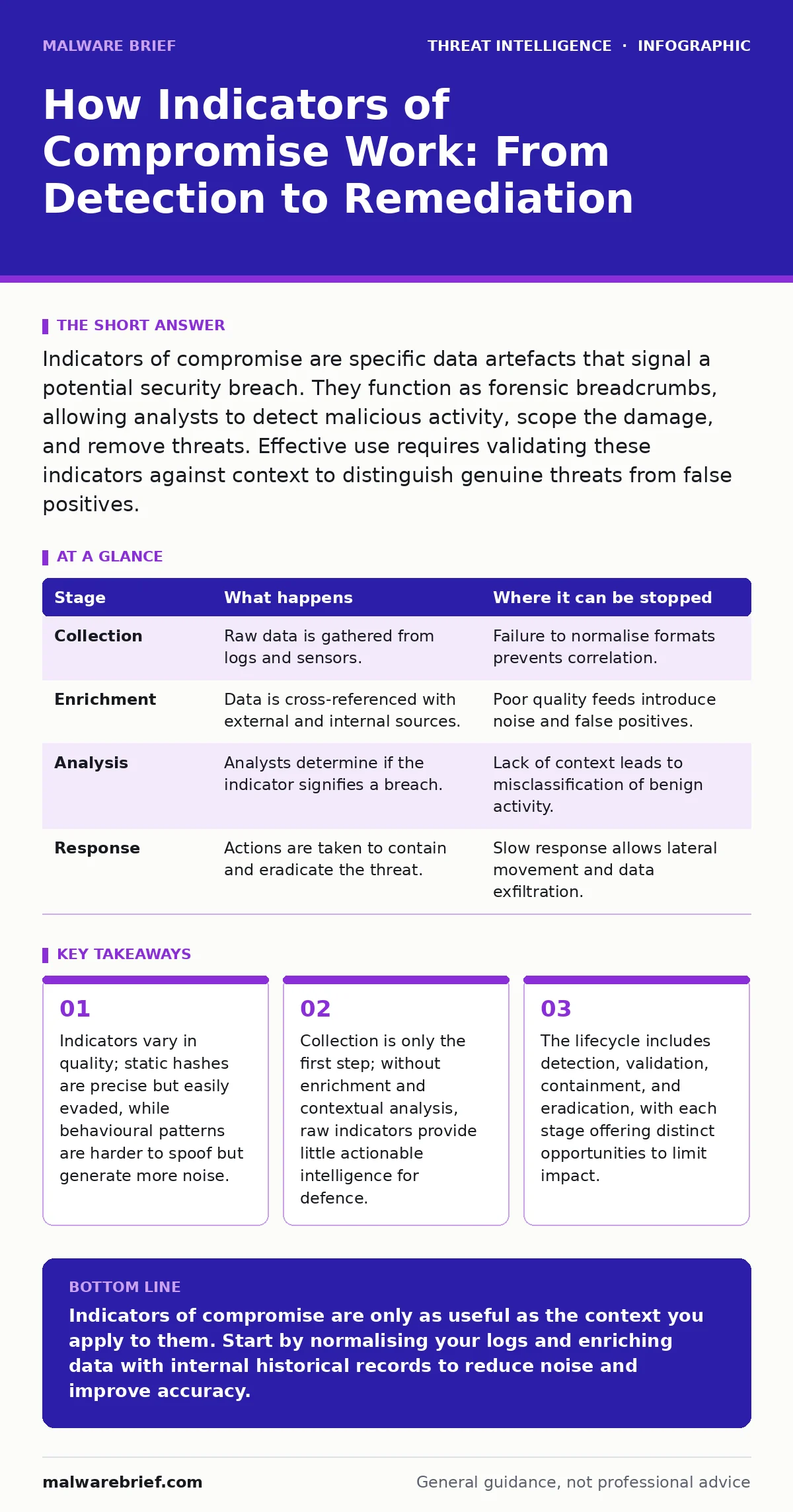
| Stage | What happens | Where it can be stopped |
|---|---|---|
| Collection | Raw data is gathered from logs and sensors. | Failure to normalise formats prevents correlation. |
| Enrichment | Data is cross-referenced with external and internal sources. | Poor quality feeds introduce noise and false positives. |
| Analysis | Analysts determine if the indicator signifies a breach. | Lack of context leads to misclassification of benign activity. |
| Response | Actions are taken to contain and eradicate the threat. | Slow response allows lateral movement and data exfiltration. |
Stage 3: Analysis and Validation
Analysis is the process of determining whether an indicator represents a genuine threat. This is where human judgement meets automated logic. You look for anomalies and patterns that deviate from the norm. A single hit on a threat feed is not proof of compromise. You need corroborating evidence.
Consider the behaviour associated with the indicator. Does the process making the connection have a legitimate purpose? Is the connection occurring during business hours or at 3 AM? Contextual anomalies often reveal more than the indicator itself. A known-good application communicating with a newly registered domain is suspicious, regardless of the domain's current reputation.
Validation involves testing the hypothesis. You might isolate the affected machine and examine its memory for signs of injection. You might check DNS logs for other machines querying the same domain. If the evidence is circumstantial, you classify it as a potential indicator rather than a confirmed compromise. This distinction guides the urgency of your response.
Stage 4: Response and Remediation
Once an indicator is validated, you move to response. The immediate goal is containment. You isolate the affected system from the network to prevent lateral movement. This might involve disabling network interfaces or moving the host to a quarantine VLAN. Containment buys you time to investigate without expanding the blast radius.
Eradication follows containment. You remove the malicious artefact. This may involve deleting files, killing processes, or cleaning registry keys. However, simply removing the visible symptom is insufficient. You must identify the root cause. Was the system compromised via a phishing email? A software vulnerability? If you do not patch the entry point, the attacker will return.
Recovery involves restoring the system to a known good state. This might mean rebuilding the server from a clean image. You verify that all indicators are gone and that monitoring is active. You then resume normal operations, keeping a close watch for recurrence.
See also: Scheduled Task Abuse Response: Containment and Recovery Steps · Incident Response Plans: Real Benefits and Hidden Costs
Stage 5: Feedback and Improvement
The lifecycle ends with feedback. You document what happened, what indicators were used, and how effective the response was. This documentation becomes part of your internal knowledge base. It helps refine your detection rules and reduces noise in future alerts.
You update your detection logic based on the incident. If the initial indicator was a file hash, you might add a rule to detect the behavioural pattern that created the file. This shifts your defence from reactive to proactive. You are no longer just looking for known bad files; you are looking for the actions that create them.
Regular review of your indicator management process is necessary. Threats evolve, and so must your methods. What worked for a ransomware campaign last year may not work for a supply-chain attack today. Continuous improvement ensures your defence remains relevant.
Common Pitfalls in Indicator Management
One common pitfall is alert fatigue. If your system generates too many low-fidelity alerts, analysts become desensitised. They may ignore genuine threats because they are buried in noise. You must tune your detection rules to prioritise high-confidence alerts. Suppress known benign activity and aggregate related events.
Another pitfall is over-reliance on external feeds. These feeds are generalised and may not reflect your specific environment. An indicator that is critical for a financial institution may be irrelevant for a manufacturing plant. You must tailor your intelligence to your risk profile.
Finally, neglecting the human element is a critical error. Tools can detect anomalies, but they cannot understand intent. Analysts provide the judgement needed to distinguish between a misconfigured script and a sophisticated attack. Invest in training and ensure your team understands the underlying mechanics of the indicators they analyse.
Key takeaways
- Indicators vary in quality; static hashes are precise but easily evaded, while behavioural patterns are harder to spoof but generate more noise.
- Collection is only the first step; without enrichment and contextual analysis, raw indicators provide little actionable intelligence for defence.
- The lifecycle includes detection, validation, containment, and eradication, with each stage offering distinct opportunities to limit impact.
Indicators of compromise are only as useful as the context you apply to them. Start by normalising your logs and enriching data with internal historical records to reduce noise and improve accuracy.
Frequently asked questions
What is the difference between an indicator and an intelligence feed?
An indicator is a specific data point, like a hash or IP. An intelligence feed is a stream of many such indicators, aggregated from various sources, used to update your detection systems.
How do I handle false positives in indicator analysis?
Validate every alert against internal context. Check if the artefact is known to be benign in your environment. Tune your rules to suppress recurring false positives and document the rationale for future reference.
Can indicators detect zero-day attacks?
Indicators alone cannot detect unknown threats. However, behavioural indicators and anomaly detection can reveal unusual activity that may suggest a zero-day exploit, prompting further investigation.
How often should I update my threat intelligence feeds?
Update frequency depends on the feed provider. Some offer real-time updates via APIs, while others provide daily batches. Align your update schedule with your risk tolerance and operational capacity.
How this guide was produced: written by the Malware Brief editorial team with AI assistance, checked against the public references listed below, and reviewed when the facts change. See our editorial policy or report an error.