Zero-Day Malware: Why Unknown Threats Dictate Security Strategy
Zero-day exploits bypass signature checks, forcing defenders to rely on behavioural analysis and strict access controls rather than simple detection tools.

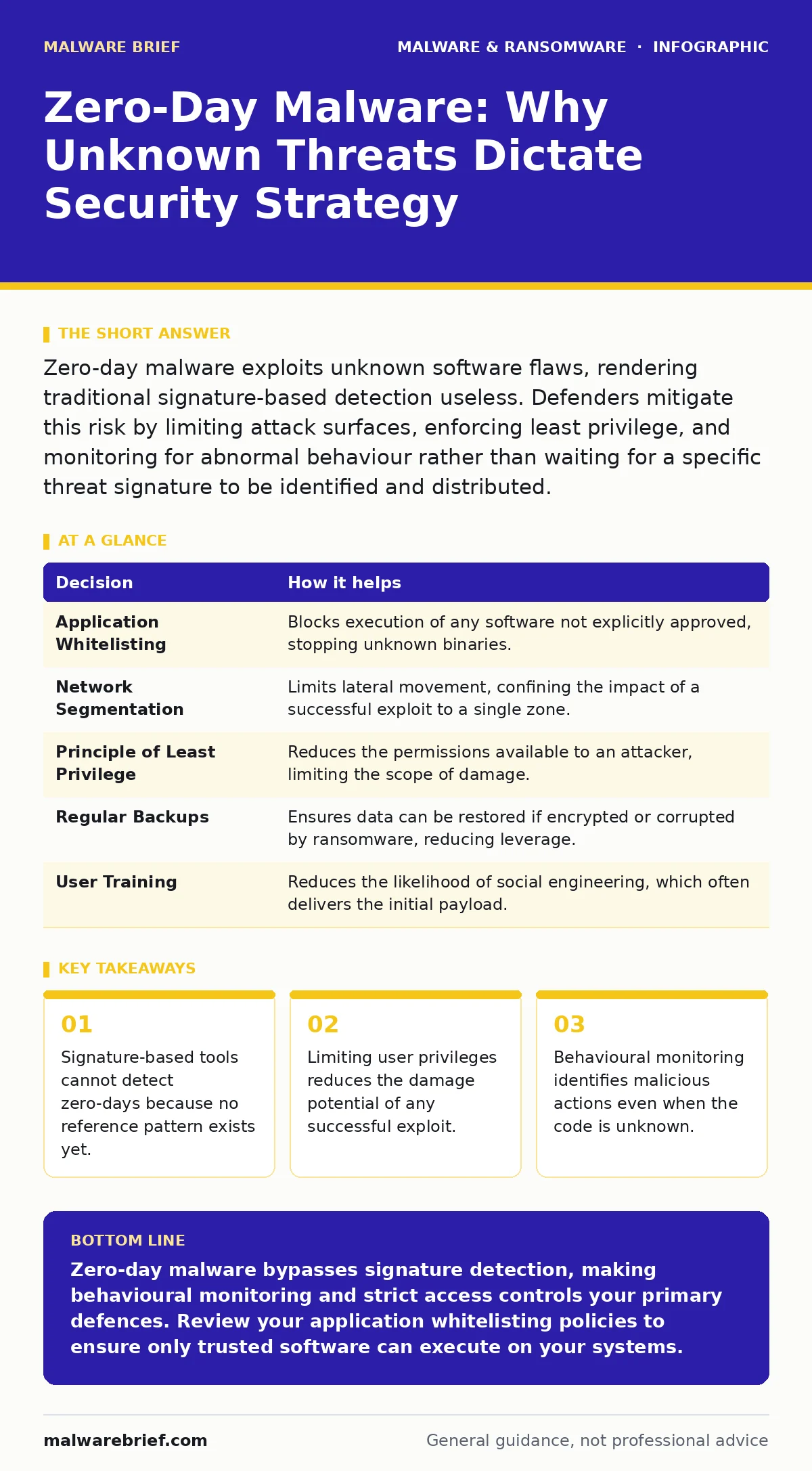
Zero-day malware exploits unknown software flaws, rendering traditional signature-based detection useless. Defenders mitigate this risk by limiting attack surfaces, enforcing least privilege, and monitoring for abnormal behaviour rather than waiting for a specific threat signature to be identified and distributed.
The Nature of Unknown Exploits
A zero-day exploit targets a software vulnerability that the vendor does not yet know about. Because the flaw is unknown, no patch exists to fix it. Furthermore, no antivirus signature exists to identify the malicious code. This creates a window of vulnerability where standard defences are blind.
The term "zero-day" refers to the number of days the vendor has had to fix the issue. In this scenario, that number is zero. The attacker holds the advantage because they possess working code that bypasses existing controls. You cannot block what you do not know exists.
This reality shifts the burden of defence from detection to resilience. You must assume that some unknown code will eventually reach your systems. The goal becomes limiting the damage that such code can cause before it is identified and contained.
The Cost of Passive Defence
Imagine a team that relies entirely on signature-based antivirus software. They update their definitions daily and trust that any new threat will be caught. When a zero-day malware variant enters their network, the software sees no match. The file is treated as benign. The malware executes its payload without triggering an alert.
This team has no visibility into the initial compromise. They only notice the issue when business processes fail or data disappears. By then, the attacker has moved laterally through the network. The delay between infection and detection allows the malware to establish persistence.
This approach fails because it assumes all threats are known. It ignores the reality that attackers often use custom-coded exploits. These exploits are designed specifically to evade pattern-matching algorithms. The team’s trust in their tools becomes their greatest weakness.
Active Mitigation Strategies
A second team adopts a different posture. They acknowledge that signature tools are insufficient against unknown code. Instead, they focus on reducing the attack surface. They disable unnecessary services and remove unused software. They enforce the principle of least privilege, ensuring users have only the permissions they strictly need.
This team also monitors for behavioural anomalies. They look for processes attempting to access sensitive files or communicate with unusual external addresses. Even if the malware code is new, its actions often follow known malicious patterns. This allows them to detect the threat based on what it does, not what it is.
When an anomaly is detected, automated controls isolate the affected system. This prevents the malware from spreading to other machines. The team can then investigate the incident without the pressure of a growing outbreak.
Decisions Informed by Zero-Day Risk
Understanding zero-day threats changes how teams allocate resources. You cannot patch every vulnerability instantly. You must prioritise based on risk and exposure. This requires a shift in decision-making logic.
| Decision | How it helps |
|---|---|
| Application Whitelisting | Blocks execution of any software not explicitly approved, stopping unknown binaries. |
| Network Segmentation | Limits lateral movement, confining the impact of a successful exploit to a single zone. |
| Principle of Least Privilege | Reduces the permissions available to an attacker, limiting the scope of damage. |
| Regular Backups | Ensures data can be restored if encrypted or corrupted by ransomware, reducing leverage. |
| User Training | Reduces the likelihood of social engineering, which often delivers the initial payload. |
These decisions are not optional add-ons. They are fundamental components of a defence strategy that accounts for unknown threats. Each measure adds a layer of friction for the attacker.
What Goes Wrong Without Preparation
Without these measures, a zero-day incident becomes a crisis. The lack of visibility means you do not know the entry point. You do not know how many systems are affected. You are reacting to symptoms rather than addressing the cause.
This uncertainty leads to hasty decisions. You might shut down critical services to stop the spread. This causes operational downtime and revenue loss. You might delete logs in an attempt to clean the system, destroying evidence needed for forensic analysis.
The absence of preparation also affects communication. You cannot explain the scope of the incident to stakeholders. You cannot guarantee that the threat is fully removed. This erodes trust and complicates recovery efforts.
See also: Banking Trojans: Why Small Firms Get Targeted and How to Stop Them · Macro Malware: How Scripts Hide in Office Documents
How Teams Use Zero-Day Intelligence
Security teams use information about zero-days to update their defensive models. When a new exploit is discovered, they analyse its technique. They then check if their current controls would have blocked similar behaviour. This is a continuous cycle of improvement.
Teams also use this intelligence to refine their monitoring rules. If a new exploit uses a specific system call, they can create alerts for that call. This allows them to detect other variants that use the same method. The knowledge gained from one incident protects against future ones.
This process requires collaboration between detection and response teams. The detection team identifies the anomaly. The response team contains the threat and gathers data. Both teams then update their procedures to close the gap.
Integrating Related Defences
Zero-day malware often uses delivery methods that overlap with other threats. For example, an exploit might be delivered via macro malware embedded in a document. Disabling macros in untrusted documents adds a layer of protection. It prevents the initial execution of the malicious code.
Other delivery methods include browser hijackers that redirect users to malicious sites. These hijackers can serve as a gateway for zero-day exploits targeting browser vulnerabilities. Keeping browsers updated and using strict content security policies helps mitigate this risk.
In environments with mobile devices, Android malware can also serve as a vector. If a mobile device is compromised, it can act as a foothold for attacking the corporate network. Ensuring mobile devices are managed and secured is part of the broader defence strategy.
Similarly, web shells can be installed by exploiting web server vulnerabilities. Once installed, they provide persistent access. Monitoring for unusual HTTP requests and restricting file write permissions on web servers can help prevent this.
Building Resilience Over Time
Defending against zero-day malware is not a one-time task. It is a continuous process of adaptation. Attackers constantly develop new techniques. Your defences must evolve to match.
You must regularly review your security controls. Test them against simulated attacks. Identify gaps and address them. This proactive approach reduces the risk of a successful breach.
By focusing on resilience, you reduce the impact of any incident. Even if a zero-day exploit succeeds, your controls limit the damage. You can detect the threat quickly and respond effectively. This minimises downtime and protects your data.
Key takeaways
- Signature-based tools cannot detect zero-days because no reference pattern exists yet.
- Limiting user privileges reduces the damage potential of any successful exploit.
- Behavioural monitoring identifies malicious actions even when the code is unknown.
Zero-day malware bypasses signature detection, making behavioural monitoring and strict access controls your primary defences. Review your application whitelisting policies to ensure only trusted software can execute on your systems.
Frequently asked questions
Can antivirus software detect zero-day malware?
Standard signature-based antivirus cannot detect zero-day malware because it relies on known patterns. Some advanced solutions use behavioural analysis to identify suspicious activity, but they are not infallible.
How long does a zero-day vulnerability remain unpatched?
The duration varies widely. Some vendors release patches quickly, while others take weeks or months. This window of vulnerability is when attackers are most likely to exploit the flaw.
What is the difference between a zero-day and a known vulnerability?
A zero-day is unknown to the vendor and has no patch. A known vulnerability has been disclosed and usually has a patch available. The key difference is the availability of a fix and detection signatures.
Does encryption protect against zero-day malware?
Encryption protects data at rest and in transit, but it does not prevent the execution of malicious code. If an attacker gains access to your system, they can potentially access decrypted data or use the system as a pivot point.
How this guide was produced: written by the Malware Brief editorial team with AI assistance, checked against the public references listed below, and reviewed when the facts change. See our editorial policy or report an error.