Banking Trojans: Why Small Firms Get Targeted and How to Stop Them
Attackers bypass strong passwords by capturing screen data and intercepting two-factor codes, making technical controls more effective than user training alone.

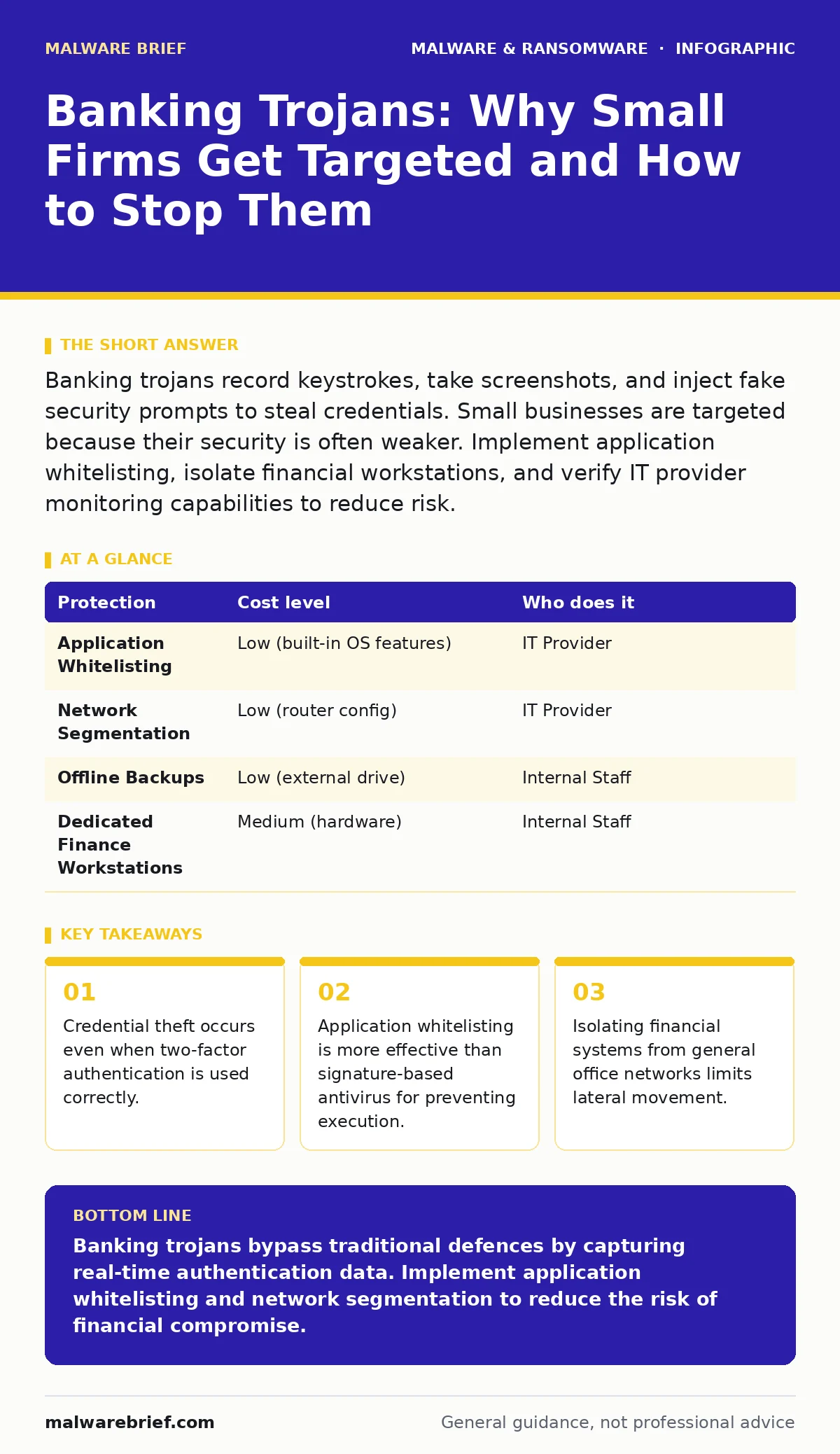
Banking trojans record keystrokes, take screenshots, and inject fake security prompts to steal credentials. Small businesses are targeted because their security is often weaker. Implement application whitelisting, isolate financial workstations, and verify IT provider monitoring capabilities to reduce risk.
The Mechanics of Silent Theft
Banking trojans differ from ransomware in their objective. They do not seek to hold data hostage for payment. Instead, they aim to remain invisible while siphoning funds over time. The malware establishes a backdoor connection to a command-and-control server. This server sends instructions to the infected machine, telling it what data to steal and when to act.
The primary mechanism is often called "man-in-the-browser" technology. This technique injects malicious code into the web browser session. It can alter form fields on a banking website. For example, it might change the recipient account number in a transfer form while displaying the correct number to you. You see the correct details, but the transaction goes elsewhere.
Another common method is keystroke logging combined with screen capture. The software records every key you press and takes periodic screenshots. This allows the attacker to capture passwords and one-time codes for two-factor authentication. Even if you change your password regularly, the attacker receives the new credentials in real-time.
Why Small Organisations Are Exposed
Large enterprises invest in dedicated security operations centres. Small organisations rarely have the budget for such teams. Attackers know this. They scan for networks with weak defences and high-value financial accounts. A small firm may have fewer employees, but each employee often has broader access permissions. A single compromised workstation can expose the entire organisation’s finances.
Small businesses often rely on general-purpose antivirus software. These tools look for known signatures of malware. Banking trojans are frequently customised or packed to avoid detection. They may use legitimate system processes to hide their activity. This is known as process hollowing. The malware replaces the code of a trusted Windows process with its own malicious code. Standard antivirus scans may see a trusted process and ignore it.
Furthermore, small firms often lack network segmentation. All devices share the same local network. If one device is infected, the malware can scan the network for other vulnerable machines. This lateral movement allows the attacker to reach the finance department’s computers even if the initial infection happened on a marketing employee’s laptop.
The Limits of Traditional Defences
Relying solely on user training is insufficient. Phishing emails are designed to look identical to legitimate communications. Even experienced users can be deceived. Training reduces the risk of accidental clicks, but it cannot prevent determined social engineering attacks. Attackers research their targets on social media to craft convincing messages.
Antivirus software provides a baseline level of protection. It can block known malware variants. However, it is reactive. It relies on having a sample of the malware before it can detect it. New variants appear constantly. There is always a window of vulnerability between the release of a new trojan and the update of antivirus definitions.
Two-factor authentication is often viewed as a silver bullet. It adds a second layer of verification. However, banking trojans are specifically designed to bypass this. By capturing the screen or intercepting push notifications, the attacker obtains the second factor simultaneously with the password. This renders the additional step ineffective if the endpoint is already compromised.
Low-Cost Protections for Small Firms
You can implement several controls without significant expenditure. The most effective is application whitelisting. This security model allows only approved applications to run on a system. Any other executable is blocked. This prevents unknown malware from running, even if it bypasses antivirus detection. Windows has built-in features for this, such as AppLocker, though configuration requires care.
Network segmentation is another low-cost measure. You do not need expensive hardware. Basic router configurations can create separate virtual local area networks. Place financial workstations on a separate network segment. Restrict access to this segment to only those devices that need it. This limits the spread of malware from general office machines to sensitive financial systems.
Regular offline backups are critical. While banking trojans do not typically encrypt files, they can cause financial loss that disrupts operations. Having recent, offline copies of your financial data ensures you can recover if systems need to be wiped and rebuilt. Offline means the backup drive is not connected to the network when not in use.
| Protection | Cost level | Who does it |
|---|---|---|
| Application Whitelisting | Low (built-in OS features) | IT Provider |
| Network Segmentation | Low (router config) | IT Provider |
| Offline Backups | Low (external drive) | Internal Staff |
| Dedicated Finance Workstations | Medium (hardware) | Internal Staff |
What to Ask an IT Provider
If you outsource your IT support, you must verify their security capabilities. Many providers focus on keeping systems running rather than keeping them secure. You need to ask specific questions about monitoring and response.
- Do you monitor endpoint detection and response logs, or only antivirus alerts?
- How do you detect lateral movement within the network?
- Can you demonstrate your incident response plan for a financial compromise?
- Do you enforce application whitelisting on critical financial workstations?
- How often do you review user permissions and access rights?
A competent provider will have clear answers to these questions. They should be able to show you their monitoring dashboards and explain how they identify anomalies. If they cannot explain how they detect a banking trojan that evades signature detection, they may not be providing adequate protection.
See also: Zero-Day Malware: Why Unknown Threats Dictate Security Strategy · Zero-Day Malware: How Unknown Threats Bypass Defences
Integrating Broader Security Practices
Banking trojans are part of a larger ecosystem of threats. Understanding related risks helps you build a more resilient environment. For instance, macro malware is often used as the initial delivery method. Users enable macros in a document, which then downloads the trojan. Educating staff on the dangers of enabling macros is a simple but effective control.
Web shells can also facilitate the installation of banking trojans. If an attacker gains access to a web server, they may upload a web shell to maintain persistent access. They can then use this access to deploy malware to internal systems. Regular scanning of web applications helps identify these backdoors.
Browser hijackers may seem minor, but they indicate a compromised browser environment. They can redirect users to phishing sites that host banking trojans. Ensuring browsers are updated and using reputable extensions can reduce this risk.
Sandboxing is a technique that runs untrusted applications in an isolated environment. If you receive suspicious files, opening them in a sandbox can prevent them from affecting your main system. This is particularly useful for analysing potential threats before they reach production environments.
Maintaining Operational Resilience
Security is not a one-time project. It is a continuous process. Banking trojans evolve to bypass new defences. You must regularly review your security posture. This includes updating software, reviewing logs, and testing your incident response procedures.
Isolating financial systems reduces the attack surface. Using dedicated workstations for financial tasks means these machines do not browse the general internet or open email attachments. This significantly lowers the risk of infection.
Regular audits of user accounts ensure that only necessary personnel have access to financial systems. Former employees should have their access revoked immediately. Privileged access should be granted on a need-to-know basis.
Key takeaways
- Credential theft occurs even when two-factor authentication is used correctly.
- Application whitelisting is more effective than signature-based antivirus for preventing execution.
- Isolating financial systems from general office networks limits lateral movement.
Banking trojans bypass traditional defences by capturing real-time authentication data. Implement application whitelisting and network segmentation to reduce the risk of financial compromise.
Frequently asked questions
Can a banking trojan steal money from my personal bank account?
Yes, if you access personal accounts on a work computer infected with the trojan, the malware can capture your credentials and transfer funds.
Is two-factor authentication useless against banking trojans?
It is less effective than expected because trojans can capture the one-time code via screen recording or SMS interception, but it still adds a layer of friction for attackers.
How do I know if my computer has a banking trojan?
Look for unexplained network connections, high CPU usage from unknown processes, or changes in browser settings. Endpoint detection tools are more reliable than manual inspection.
Should I use a separate computer for banking?
Yes, using a dedicated device that does not browse the general web or open emails significantly reduces the risk of infection from common attack vectors.
How this guide was produced: written by the Malware Brief editorial team with AI assistance, checked against the public references listed below, and reviewed when the facts change. See our editorial policy or report an error.