Data Loss Prevention: Real Benefits and Hidden Costs
DLP tools often block legitimate work more often than they stop theft, creating a tax on employee productivity that few organisations measure.
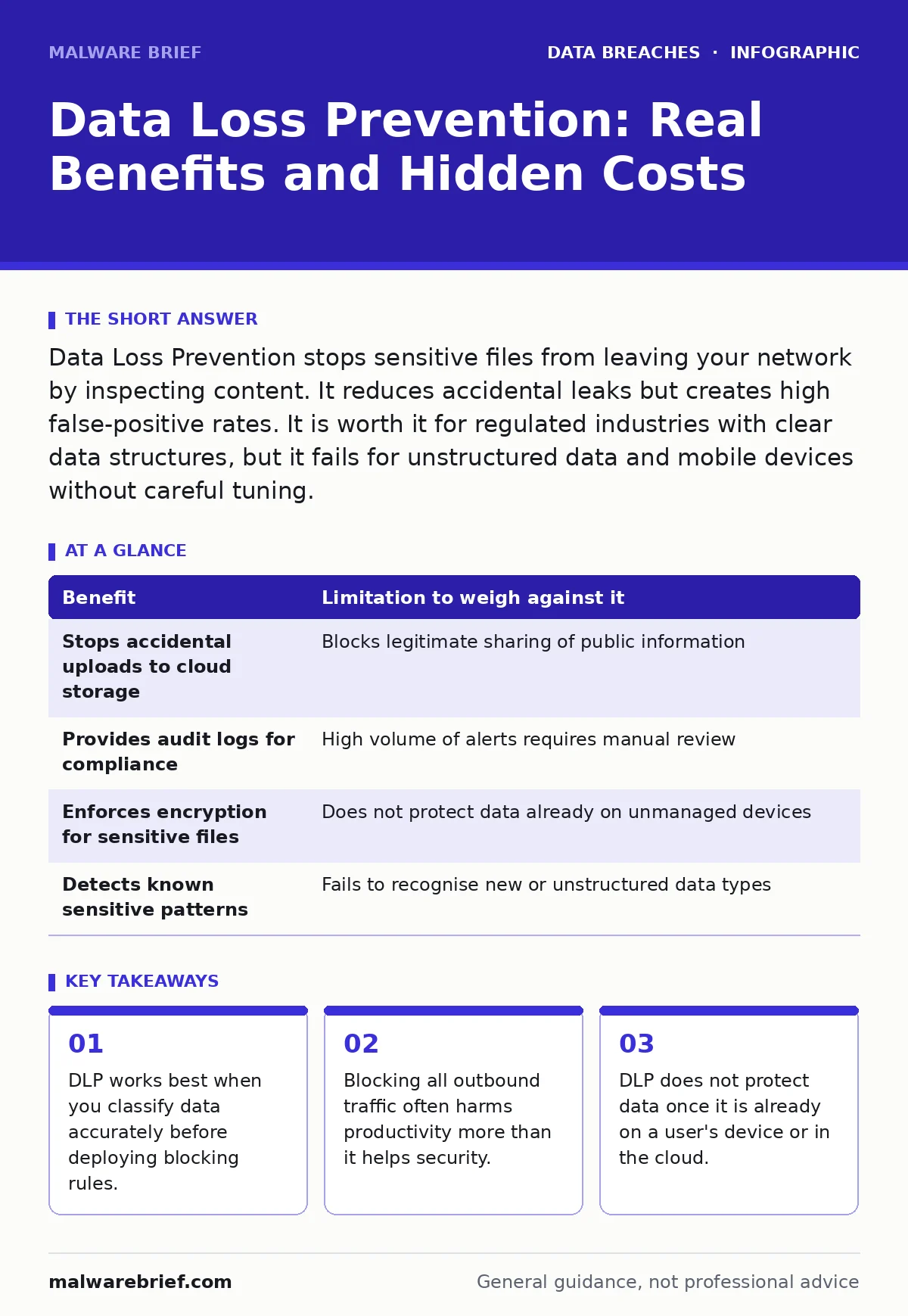
Data Loss Prevention stops sensitive files from leaving your network by inspecting content. It reduces accidental leaks but creates high false-positive rates. It is worth it for regulated industries with clear data structures, but it fails for unstructured data and mobile devices without careful tuning.
What DLP Actually Does
Data Loss Prevention, or DLP, is a set of tools that monitor and control data transfers. It sits at the edges of your network and on endpoints to inspect content. The system looks for patterns that match sensitive information. It then decides whether to allow, block, or quarantine the transfer based on policy.
The mechanism relies on classification. The tool must understand what sensitive data looks like before it can protect it. This usually means matching against regular expressions for credit card numbers or known unique identifiers. It can also use file fingerprinting to recognise specific corporate documents.
Imagine you send an email with a customer list attached. The DLP agent on your laptop reads the attachment. It sees a pattern that matches a national ID number format. It blocks the email and logs the event. This happens before the email leaves your outbox.
The Illusion of Total Control
Many organisations assume DLP provides a complete shield against data exfiltration. This is a dangerous misconception. DLP only protects data in motion and data at rest on managed devices. It has no visibility into data in use, once it is open in memory.
If an employee takes a photograph of their screen with a mobile phone, DLP cannot see it. If they copy data to a USB drive that the system does not manage, the tool may miss it. The protection ends where the visibility ends.
This gap is significant. Attackers know this. They often use methods that bypass network inspections. They might encode data in DNS queries or use encrypted channels that the DLP cannot inspect. You are defending a perimeter that has many holes.
Concrete Benefits of Deployment
DLP offers specific advantages when configured correctly. It prevents accidental leaks from untrained staff. A junior administrator might accidentally upload a configuration file to a public repository. DLP can stop this action in real time.
It provides an audit trail of data movement. You can see who accessed what and when. This helps in investigations after a breach. You can trace the path of stolen data back to the origin.
It enforces compliance requirements. If you must prove that patient records never left the secure environment, DLP logs provide that evidence. It automates the enforcement of policy that humans might ignore.
Honest Limitations and Costs
The primary limitation of DLP is the false positive rate. The tool often mistakes legitimate work for a breach. It blocks emails that contain example data for training. It stops downloads of public datasets that match sensitive patterns.
Each false positive requires human intervention. An analyst must review the alert. They must decide if it was a mistake. This takes time and resources. The cost is not just money, but employee frustration.
Users will find ways around the blocks. They might compress files to hide the content. They might use personal email accounts. They might print documents and scan them back in. DLP creates an arms race with your own staff.
Balancing Security and Productivity
You must weigh the benefit of protection against the cost of friction. A strict policy stops more leaks but slows down work. A loose policy allows more work but misses more threats.
The trade-off is explicit. Every rule you add increases the chance of blocking legitimate activity. You must tune the system carefully. Start with monitoring only. Learn what normal traffic looks like. Then block gradually.
Consider the impact on customer-facing roles. Support staff need to send data to clients. Blocking them hurts business revenue. You need exceptions for these roles. Managing exceptions adds complexity to your policy.
| Benefit | Limitation to weigh against it |
|---|---|
| Stops accidental uploads to cloud storage | Blocks legitimate sharing of public information |
| Provides audit logs for compliance | High volume of alerts requires manual review |
| Enforces encryption for sensitive files | Does not protect data already on unmanaged devices |
| Detects known sensitive patterns | Fails to recognise new or unstructured data types |
See also: Banking Trojans: Why Small Firms Get Targeted and How to Stop Them · Protected Health Information: Why It Changes Security Decisions
When It Is Worth It
DLP is worth the effort if you handle highly structured data. Financial records, health data, and patent filings have clear formats. The tool can recognise these patterns with high accuracy.
It is also worth it if you face strict regulatory requirements. If a breach carries heavy fines, the cost of DLP is justified. The tool helps you meet legal obligations.
Organisations with many remote workers benefit from endpoint DLP. The network perimeter is gone. You need controls on laptops and phones. Endpoint agents provide visibility where it used to be missing.
If you have experienced previous breaches, DLP helps prevent recurrence. It adds a layer of defence that catches similar mistakes. It reduces the dwell time for insider threats. See our guide on breach dwell time for more on detection speed.
When It Is Not Worth It
DLP is not worth it if your data is mostly unstructured. Creative work, design files, and internal notes do not have clear patterns. The tool will generate endless false positives.
It is also not worth it if you lack resources for tuning. DLP requires constant maintenance. Rules must be updated as business processes change. Without staff to manage it, the tool becomes a nuisance.
Small organisations with simple data needs may not need it. Basic access controls and encryption may suffice. Adding DLP adds complexity without significant benefit. For smaller teams, focus on encryption key management instead.
Integrating with Broader Security
DLP does not work in isolation. It must connect with other security tools. When it detects a threat, it should alert the incident response team. It should feed data into your security information system.
It complements other measures. It does not replace strong access controls. It does not replace user training. It is one layer in a defence-in-depth strategy.
Consider the risk of data extortion. If attackers steal data, they may demand payment. DLP slows this down but does not stop it. You need backups and incident plans. Read our guide on backup data exposure for more on recovery.
Key takeaways
- DLP works best when you classify data accurately before deploying blocking rules.
- Blocking all outbound traffic often harms productivity more than it helps security.
- DLP does not protect data once it is already on a user's device or in the cloud.
Frequently asked questions
Does DLP prevent all data leaks?
No, DLP only monitors channels it can inspect. It cannot stop physical theft, screen captures, or exfiltration via unmanaged devices. It is a control, not a guarantee.
How do I reduce false positives in DLP?
Start with monitoring mode to establish a baseline. Tune rules to exclude known legitimate patterns. Involve users to identify blocked work that should be allowed.
Can DLP work with cloud applications?
Yes, modern DLP solutions integrate with cloud services. They inspect data within the cloud environment. However, visibility depends on the cloud provider's API support.
Is DLP useful for small businesses?
Only if they handle regulated data. For most small businesses, the cost and complexity outweigh the benefits. Basic access controls and encryption are often more effective.
How this guide was produced: written by the Malware Brief editorial team with AI assistance, checked against the public references listed below, and reviewed when the facts change. See our editorial policy or report an error.