Cloud Audit Logs: Definition, Purpose and Hidden Blind Spots
Audit logs reveal who changed what, but they rarely explain why, leaving a gap between action and intent that attackers exploit.
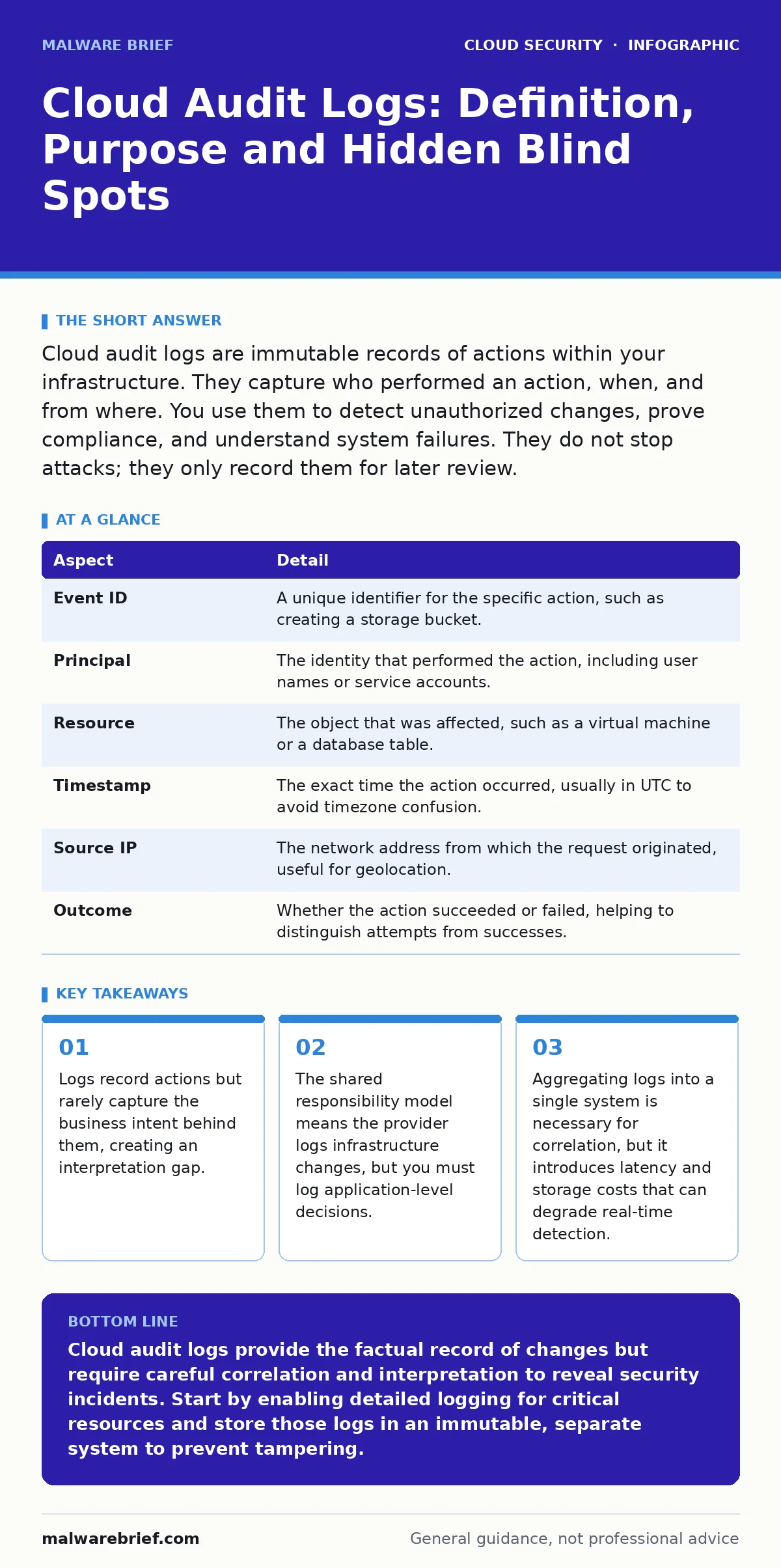
Cloud audit logs are immutable records of actions within your infrastructure. They capture who performed an action, when, and from where. You use them to detect unauthorized changes, prove compliance, and understand system failures. They do not stop attacks; they only record them for later review.
The Library Ledger Analogy
Imagine a public library. The library records every book checked out, the time it was returned, and which patron took it. This record is factual and immutable. It does not tell you if the patron read the book, tore out pages, or sold it on the black market. It only tells you that the book left the building. Cloud audit logs function in the same way. They provide a factual trail of events, not a narrative of intent. You must reconstruct the story from these fragments.
The value lies in the consistency of the record. If a book is missing, the ledger tells you exactly when it left. In a cloud environment, if a configuration changes, the log tells you who triggered the change. Without this record, you are guessing. With it, you have evidence. The limitation is that the ledger does not alert you to the theft. It only confirms it happened.
The Core Problem: State Drift
Cloud infrastructure is dynamic. Resources are created, modified, and deleted automatically by scripts, users, and services. This constant change leads to state drift, where the actual configuration of your system diverges from the intended design. You may believe a firewall rule allows only specific traffic, but an automated process may have opened a port hours ago.
Audit logs solve the problem of visibility. They show you the difference between what you think your environment looks like and what it actually looks like. They do not prevent the drift. They only reveal it after the fact. You use this revelation to correct the configuration and identify the source of the change. If you do not log these changes, you cannot distinguish between a legitimate update and a malicious modification.
Anatomy of an Audit Entry
Each entry in a cloud audit log contains specific fields that describe an event. Understanding these fields helps you query the data effectively.
| Aspect | Detail |
|---|---|
| Event ID | A unique identifier for the specific action, such as creating a storage bucket. |
| Principal | The identity that performed the action, including user names or service accounts. |
| Resource | The object that was affected, such as a virtual machine or a database table. |
| Timestamp | The exact time the action occurred, usually in UTC to avoid timezone confusion. |
| Source IP | The network address from which the request originated, useful for geolocation. |
| Outcome | Whether the action succeeded or failed, helping to distinguish attempts from successes. |
The principal field is often the most critical. It tells you who acted. However, in cloud environments, the principal is often a machine identity rather than a human. This complicates attribution. You know a service account made a change, but you may not know which human authorized that service account to do so.
Placement in Defence Layers
Audit logs are a detective control. They do not stop an attack in progress. They inform you that an attack occurred. They fit into the broader security architecture alongside preventive measures like identity as the new perimeter. That concept shifts focus from network boundaries to verifying every request. Logs record the result of those verifications.
They also complement cloud compliance frameworks. Compliance requires proof that controls are working. Logs provide that proof. However, logs alone do not ensure compliance. You must also have processes to review them. Without review, the logs are merely storage. They also interact with the shared responsibility model. The cloud provider logs changes to the physical hardware and the hypervisor. You must log changes to your operating systems and applications. Gaps in your logging create blind spots that the provider cannot fill.
The Interpretation Gap
The most common misunderstanding is that logs provide complete context. They do not. A log entry might show that a user deleted a database table. It does not show that the user did so to fix a bug, nor does it show that the user was coerced by an attacker who had already compromised their session. This is the interpretation gap.
You must bridge this gap with additional data. Correlating audit logs with other sources, such as network traffic or endpoint data, helps build a fuller picture. However, this correlation is complex. It requires normalising data from different sources and aligning timestamps. If your clocks are not synchronised, the correlation fails. You may see an action before the request that triggered it, leading to incorrect conclusions.
Another hidden cost is the volume of noise. Cloud environments generate massive amounts of data. Most events are routine. Filtering out the noise requires careful tuning of your monitoring rules. If you filter too aggressively, you miss subtle attacks. If you filter too lightly, you are overwhelmed by alerts. Finding the balance is an ongoing challenge.
See also: Cloud Shared Responsibility Model: Who Fixes What · Cloud API Insecurity Myths: What You Get Wrong About Interface Risks
Common Misconceptions
Many teams believe that enabling logging is sufficient for security. This is incorrect. Enabling logging is the first step, but it is not the last. You must also ensure that logs are immutable. If an attacker gains administrative access, they may delete or alter logs to cover their tracks. Storing logs in a separate, write-once system prevents this tampering.
Another misconception is that logs are cheap to store. While raw storage costs may be low, the cost of querying and analysing large datasets can be significant. You may find that keeping logs for years is prohibitively expensive. You must define a retention policy that balances legal requirements with budget constraints. Short retention periods may leave you without evidence when an incident is discovered months later.
Teams also often neglect to log API calls. Insecure cloud APIs can be exploited to extract data or modify configurations without touching the underlying infrastructure. If you only log infrastructure changes, you miss these API-level interactions. You must ensure that your logging configuration captures all relevant API endpoints.
Integrating with Other Controls
Audit logs work best when integrated with other security tools. For instance, cloud key management services protect the data at rest, but logs show who accessed those keys. Combining these views helps you detect unauthorised key usage. Similarly, service mesh security manages traffic between microservices. Logs from the service mesh can show unusual communication patterns that indicate lateral movement.
SaaS security posture management tools often rely on audit logs to assess the configuration of software-as-a-service applications. If your SaaS apps do not provide detailed logs, your visibility into those environments is limited. You must ensure that your SaaS providers offer sufficient logging capabilities and that you can ingest those logs into your centralised system.
Finally, consider cloud logging gaps. These are areas where logs are not generated or are incomplete. Identifying these gaps early allows you to implement compensating controls. For example, if a particular service does not log API calls, you might use a network proxy to capture that traffic instead. Proactive identification of these gaps strengthens your overall defence.
Key takeaways
- Logs record actions but rarely capture the business intent behind them, creating an interpretation gap.
- The shared responsibility model means the provider logs infrastructure changes, but you must log application-level decisions.
- Aggregating logs into a single system is necessary for correlation, but it introduces latency and storage costs that can degrade real-time detection.
Cloud audit logs provide the factual record of changes but require careful correlation and interpretation to reveal security incidents. Start by enabling detailed logging for critical resources and store those logs in an immutable, separate system to prevent tampering.
Frequently asked questions
How long should I keep cloud audit logs?
Retention depends on legal and regulatory requirements. Keep logs long enough to detect delayed incidents and satisfy compliance audits, but balance this against storage costs.
Can audit logs stop an attack?
No, audit logs are passive records. They do not block traffic or prevent actions. They provide the data needed to detect and respond to attacks after they occur.
What is the difference between audit logs and monitoring?
Monitoring often focuses on performance and availability metrics. Audit logs focus on security-relevant actions, such as configuration changes and access attempts. They serve different primary purposes.
Do I need to log every action in the cloud?
Logging every action generates excessive noise and cost. Focus on logging actions that change state, access sensitive data, or modify security configurations. Filter out routine, low-risk events.
How this guide was produced: written by the Malware Brief editorial team with AI assistance, checked against the public references listed below, and reviewed when the facts change. See our editorial policy or report an error.