Encryption Key Management Mistakes and How to Avoid Them
A stolen key renders encryption useless, turning protected data into readable text without any need to break the cipher itself.

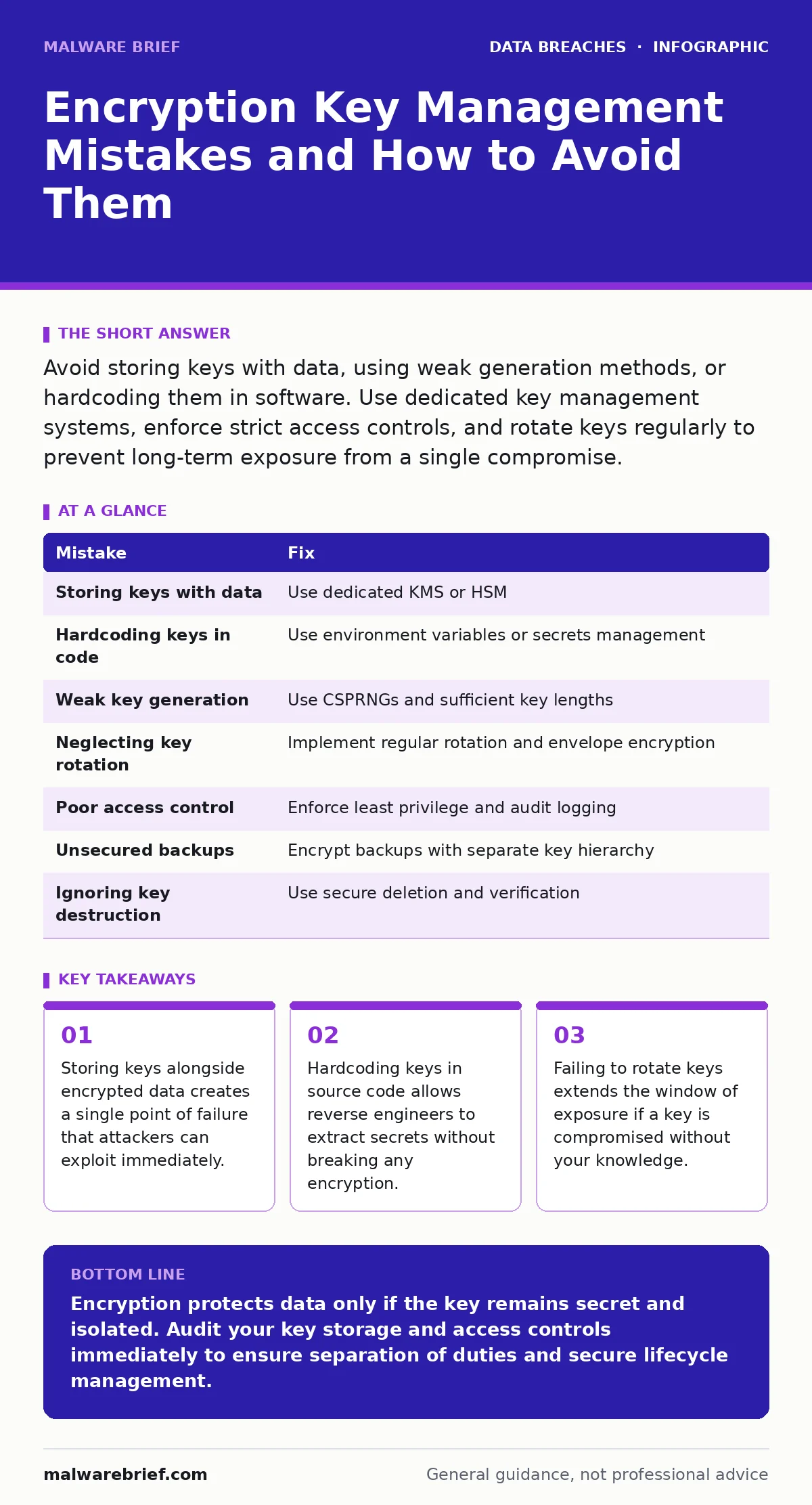
Avoid storing keys with data, using weak generation methods, or hardcoding them in software. Use dedicated key management systems, enforce strict access controls, and rotate keys regularly to prevent long-term exposure from a single compromise.
Mistake 1: Storing Keys With the Data
Keeping encryption keys in the same location as the encrypted payload is the most common architectural error. If an attacker gains access to the storage bucket, database, or disk, they obtain both the lock and the key. This negates the security benefit of encryption entirely.
Why it hurts:
An attacker does not need to perform complex cryptographic attacks. They simply download the data and the key, then decrypt the information locally. This scenario often occurs in cloud storage where users upload encrypted files but save the decryption key in a metadata file or a nearby configuration folder for convenience. The result is immediate data exposure, similar to the risks described in our guide on backup data exposure.
The fix:
Separate the key from the data using a dedicated Key Management Service (KMS) or Hardware Security Module (HSM). These systems store keys in isolated environments and only release them for cryptographic operations after verifying strict access controls. Ensure that no single user or process has simultaneous read access to both the raw data and the plaintext key.
Mistake 2: Hardcoding Keys in Source Code
Developers sometimes embed encryption keys directly into application code to simplify testing or avoid configuration complexity. This practice persists even when the code is pushed to public repositories or shared among team members. The key becomes part of the compiled binary or source text.
Why it hurts:
Anyone with access to the source code or the compiled application can extract the key using basic reverse engineering tools. Attackers scan public repositories for common key patterns and extract them automatically. Once the key is known, all data encrypted by that application is compromised. This extends the breach dwell time significantly, as the attacker can access historical data without triggering new alerts.
The fix:
Use environment variables or a secure secrets management system to inject keys at runtime. Never commit keys to version control systems. Implement pre-commit hooks that scan for high-entropy strings resembling keys and block the commit if found. Treat keys as sensitive configuration data, not as part of the application logic.
Mistake 3: Using Weak or Predictable Key Generation
Some systems generate keys using pseudo-random number generators that are not cryptographically secure. Others use short keys or derive keys from predictable inputs like timestamps or user passwords without proper salting. Weak keys are easier to guess or brute-force.
Why it hurts:
Cryptographic strength relies on the unpredictability of the key. If an attacker can predict the key generation algorithm or the input seeds, they can reproduce the key without breaking the encryption algorithm itself. This is particularly dangerous when keys are reused across multiple services. A single weak key can compromise an entire ecosystem of applications.
The fix:
Use cryptographically secure pseudo-random number generators (CSPRNGs) provided by your operating system or cryptographic library. Ensure keys are of sufficient length for the algorithm in use, such as 256 bits for AES. Never derive keys from low-entropy sources without using a Key Derivation Function (KDF) like PBKDF2 or Argon2.
Mistake 4: Neglecting Key Rotation
Organisations often generate a key once and use it indefinitely. This assumes the key will never be compromised. In reality, employees leave, systems are patched, and access controls change over time. Old keys remain valid for years, creating a long tail of risk.
Why it hurts:
If a key is compromised at any point, all data encrypted with that key remains vulnerable. Without rotation, an attacker who steals the key can decrypt data from months or years ago. This amplifies data breach costs significantly, as the scope of exposure is much wider. It also complicates incident response, as you cannot isolate the breach to a recent time window.
The fix:
Implement a regular key rotation schedule. Use envelope encryption, where data is encrypted with a Data Encryption Key (DEK), and the DEK is encrypted with a Key Encryption Key (KEK). Rotating the KEK automatically protects all data encrypted by the associated DEKs without needing to re-encrypt the data itself. Document the rotation process and test it regularly.
Mistake 5: Poor Access Control for Key Management
Administrative access to key management systems is often too broad. Many users have the ability to view, export, or delete keys, even if they do not need to for their daily tasks. This violates the principle of least privilege.
Why it hurts:
An insider threat or a compromised user account can export keys or disable logging. If access controls are weak, it becomes difficult to audit who accessed which key and when. This lack of visibility makes it hard to detect misuse until after the damage is done. It also increases the risk of accidental key deletion, leading to permanent data loss.
The fix:
Restrict access to key management functions to a small group of security administrators. Use role-based access control (RBAC) to ensure users can only perform actions necessary for their role. Enable detailed audit logging for all key operations, including creation, deletion, and usage. Review these logs regularly for anomalies.
See also: How to Prevent Data Extortion: Prioritised Defence Measures · Data Breach Costs: The Hidden Mechanics of Financial Impact
Mistake 6: Failing to Secure Key Backups
Keys are often backed up to disaster recovery sites or secondary storage. These backups are sometimes stored with weaker security controls than the primary key store, assuming they will never be accessed. This creates a secondary vulnerability surface.
Why it hurts:
Attackers often target backups because they are less monitored than primary systems. If a backup contains plaintext keys or weakly encrypted keys, the attacker can restore the keys and decrypt the primary data. This is a common vector in data extortion attacks, where attackers threaten to release decrypted data unless a ransom is paid.
The fix:
Encrypt backups of keys using a different key hierarchy or a master key stored in a highly secure location. Ensure that backup systems have the same access controls and monitoring as primary systems. Test the restoration process regularly to ensure keys are recoverable without compromising security.
Mistake 7: Ignoring Key Destruction
When keys are no longer needed, they are often left in storage or deleted without verification. Incomplete deletion allows for data recovery tools to retrieve the key from disk or memory. This leaves a residual risk long after the key should have been retired.
Why it hurts:
Residual copies of keys can be recovered from disk sectors, memory dumps, or unencrypted backups. An attacker with physical access or low-level system access can retrieve these remnants. This is particularly relevant when decommissioning hardware or migrating to new systems.
The fix:
Use secure deletion methods that overwrite key material multiple times. For hardware-based keys, use the manufacturer's secure erase function. Verify that no copies of the key remain in logs, caches, or backups. Document the destruction process for audit purposes.
| Mistake | Fix |
|---|---|
| Storing keys with data | Use dedicated KMS or HSM |
| Hardcoding keys in code | Use environment variables or secrets management |
| Weak key generation | Use CSPRNGs and sufficient key lengths |
| Neglecting key rotation | Implement regular rotation and envelope encryption |
| Poor access control | Enforce least privilege and audit logging |
| Unsecured backups | Encrypt backups with separate key hierarchy |
| Ignoring key destruction | Use secure deletion and verification |
Key takeaways
- Storing keys alongside encrypted data creates a single point of failure that attackers can exploit immediately.
- Hardcoding keys in source code allows reverse engineers to extract secrets without breaking any encryption.
- Failing to rotate keys extends the window of exposure if a key is compromised without your knowledge.
Encryption protects data only if the key remains secret and isolated. Audit your key storage and access controls immediately to ensure separation of duties and secure lifecycle management.
Frequently asked questions
Can I use a password as an encryption key?
No, passwords are low-entropy and susceptible to guessing. Use a Key Derivation Function to transform a password into a high-entropy key, but prefer system-generated keys where possible.
How often should I rotate encryption keys?
Rotate keys annually or when personnel with access change. More frequent rotation is better but adds operational complexity. Use envelope encryption to simplify this process.
What is envelope encryption?
It is a method where data is encrypted with a local key, which is then encrypted with a master key. Rotating the master key protects all data without re-encrypting it.
Do I need a Hardware Security Module?
For high-security requirements, yes. HSMs provide physical protection and tamper resistance. For lower risk, a cloud-based KMS may suffice, but ensure it meets your compliance needs.
How this guide was produced: written by the Malware Brief editorial team with AI assistance, checked against the public references listed below, and reviewed when the facts change. See our editorial policy or report an error.