How to Prevent Data Extortion: Prioritised Defence Measures
Relying solely on backup integrity fails because attackers can exfiltrate data before they encrypt it, leaving you with clean files but lost secrets.
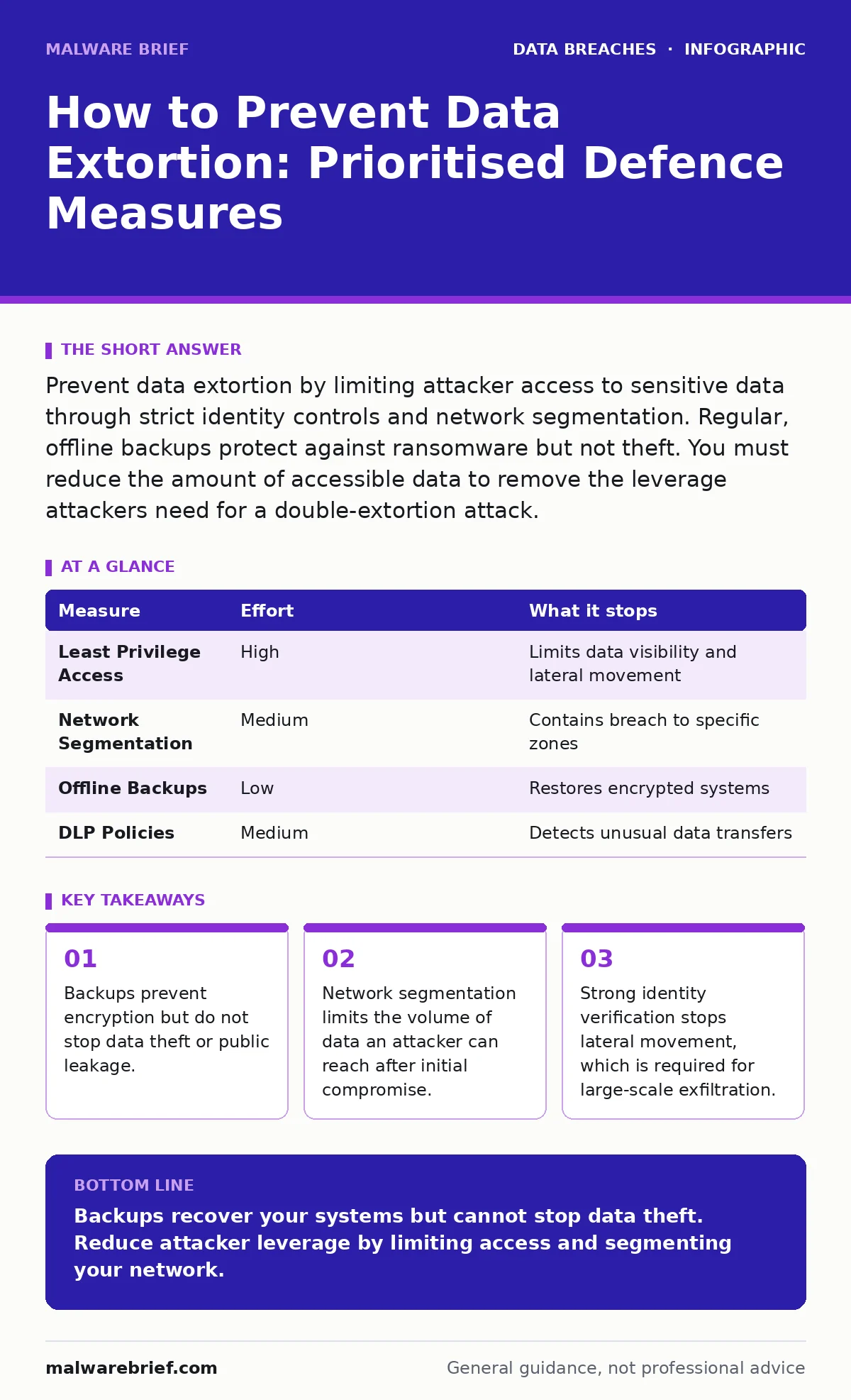
Prevent data extortion by limiting attacker access to sensitive data through strict identity controls and network segmentation. Regular, offline backups protect against ransomware but not theft. You must reduce the amount of accessible data to remove the leverage attackers need for a double-extortion attack.
The Mechanics of Double Extortion
Data extortion rarely begins with a demand. It starts with access. An attacker enters your network, usually through a compromised credential, and moves laterally to find valuable information. They do not encrypt your files immediately. Instead, they copy sensitive data to an external server. Only after securing this leverage do they deploy ransomware to encrypt your systems. This creates a dual threat: you cannot access your own data, and the attacker threatens to publish your stolen secrets.
This tactic shifts the risk calculation. If you can restore your systems from backup, the encryption is merely an inconvenience. However, the threat of data publication remains. You face regulatory fines, reputational damage, and loss of trust. The attacker’s goal is to make the cost of restoration higher than the cost of paying the ransom. Understanding this dynamic changes how you prioritise your defence. You must assume the attacker will steal data before they destroy it.
Prioritising Prevention by Risk Reduction
Not all security measures offer equal protection against extortion. Some stop the initial entry, while others limit the damage once inside. You should rank your efforts by how much they reduce the attacker’s leverage. The most effective measures reduce the amount of data the attacker can see and move. Secondary measures focus on recovery and detection.
| Measure | Effort | What it stops |
|---|---|---|
| Least Privilege Access | High | Limits data visibility and lateral movement |
| Network Segmentation | Medium | Contains breach to specific zones |
| Offline Backups | Low | Restores encrypted systems |
| DLP Policies | Medium | Detects unusual data transfers |
Identity as the Primary Boundary
The strongest defence is ensuring that an attacker cannot move freely within your network. Most breaches expand because the initial account has excessive permissions. By enforcing the principle of least privilege, you ensure that no single user or service account has access to more data than necessary for their role. This includes service accounts, which often hold keys to entire databases.
Imagine an attacker compromises a helpdesk ticketing system. If that system uses a service account with read-only access to HR records, the attacker cannot reach financial data or intellectual property. You must review permissions regularly. Remove access for users who change roles or leave the organisation. Multi-factor authentication is a baseline requirement, not a final solution. It stops credential theft but does not limit what the stolen credential can do. See our guide on employee data breaches for more on internal access risks.
Segmenting the Network
Once an attacker is inside, they need connectivity to reach valuable data. Network segmentation divides your infrastructure into smaller, isolated zones. Traffic between these zones is restricted by strict rules. If an attacker breaches the guest Wi-Fi, they cannot reach the internal finance servers. This limits the scope of the breach.
Segmentation also slows down the attacker. Moving from one zone to another requires bypassing additional controls. This increases the likelihood of detection. You should segment based on sensitivity. Critical data should reside in zones with the strictest access controls. This approach complements identity management by adding a physical barrier to logical access. Without segmentation, a single compromised endpoint can expose the entire network.
Detecting Exfiltration Early
Prevention is ideal, but detection is necessary. You must monitor for signs of data movement that deviate from normal patterns. Data Loss Prevention (DLP) tools can flag large transfers of sensitive files to external locations. Look for unusual spikes in outbound traffic, especially during non-business hours.
Suppose an employee’s account suddenly uploads gigabytes of data to a cloud storage service they have never used. This is a clear anomaly. Your monitoring tools should trigger an alert and potentially block the transfer. You must define what "normal" looks for each department. Marketing may upload large media files regularly, while engineering rarely sends code repositories externally. Tailoring these baselines reduces false positives. Refer to our guide on data classification to understand which data warrants the highest level of monitoring.
See also: Data Loss Prevention: Real Benefits and Hidden Costs · Data Breach Costs: The Hidden Mechanics of Financial Impact
The Limits of Backup Strategies
Backups are often marketed as the ultimate cure for ransomware. They are not. A backup strategy protects your availability, not your confidentiality. If your backups are connected to the network, attackers can encrypt or delete them too. You need offline or air-gapped backups. These are copies stored on media that is not connected to your active network.
Even with perfect backups, you cannot stop the publication of stolen data. You must accept that some data loss is possible. The goal is to make the extortion attempt less profitable for the attacker. If they cannot find valuable data, or if they cannot hide their theft, they may move on. See our guide on backup data exposure for details on securing your recovery assets.
What Does Not Work
Relying on perimeter firewalls alone is insufficient. Attackers often enter through legitimate channels like email or remote work connections. Once inside, the firewall cannot see the traffic. Similarly, relying on endpoint antivirus software is not enough. Modern malware is designed to evade signature-based detection.
Another common mistake is assuming that encryption at rest prevents extortion. If the attacker has access to the decrypted data through a compromised application, the encryption offers no protection. They steal the data before encrypting the drive. You must focus on access control, not just storage security. Read our guide on breach dwell time to understand how long attackers stay before acting.
Immediate Actions for Today
You cannot implement perfect security overnight. However, you can take steps today to reduce your exposure. Start by reviewing your backup procedures. Ensure that at least one copy of your critical data is offline and verified. Next, audit your administrative accounts. Remove any unnecessary privileges. Finally, enable logging for data transfers. You cannot detect what you do not measure.
- Verify offline backup integrity for critical systems
- Remove unused admin rights from service accounts
- Enable audit logs for large outbound data transfers
Key takeaways
- Backups prevent encryption but do not stop data theft or public leakage.
- Network segmentation limits the volume of data an attacker can reach after initial compromise.
- Strong identity verification stops lateral movement, which is required for large-scale exfiltration.
Backups recover your systems but cannot stop data theft. Reduce attacker leverage by limiting access and segmenting your network.
Frequently asked questions
Does encryption prevent data extortion?
Encryption protects data at rest and in transit, but if an attacker accesses decrypted data through a compromised application, they can still steal it.
How do I know if data has been exfiltrated?
Look for unusual outbound traffic spikes, large file transfers to unknown destinations, or unauthorized access to sensitive databases.
Can I buy insurance against data extortion?
Cyber insurance may cover some costs, but it does not prevent the breach or stop the publication of stolen data.
Is network segmentation difficult to implement?
It requires planning and testing, but modern virtualisation tools make it easier to isolate segments without replacing hardware.
How this guide was produced: written by the Malware Brief editorial team with AI assistance, checked against the public references listed below, and reviewed when the facts change. See our editorial policy or report an error.