Macro Malware: How Scripts Hide in Office Documents
Macro malware bypasses traditional file signature checks by embedding malicious code within the document’s metadata, rendering standard antivirus scans ineffective without behavioural analysis.
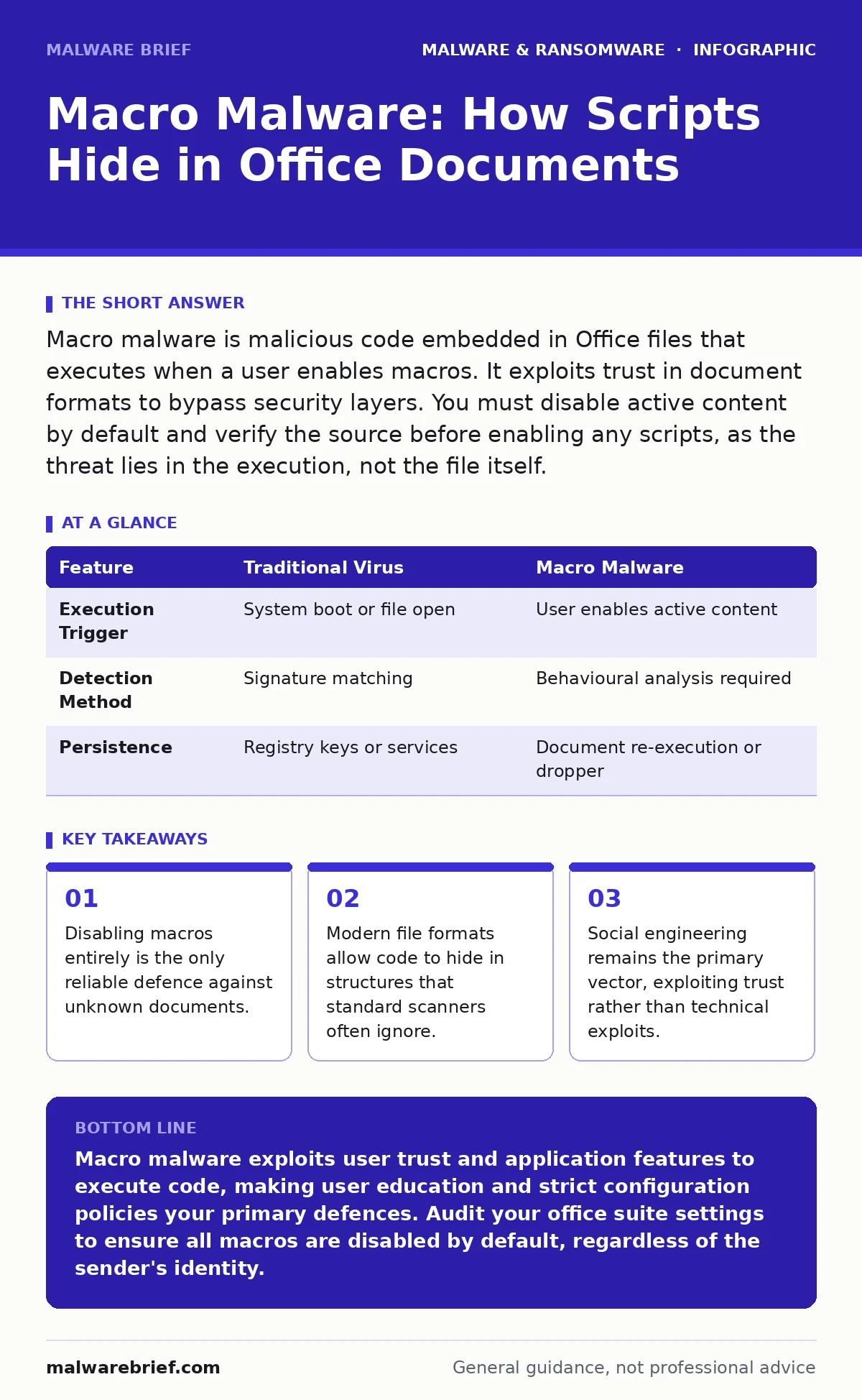
Macro malware is malicious code embedded in Office files that executes when a user enables macros. It exploits trust in document formats to bypass security layers. You must disable active content by default and verify the source before enabling any scripts, as the threat lies in the execution, not the file itself.
What exactly is macro malware?
Macro malware is a type of malicious script embedded within a document, spreadsheet, or presentation file, typically using Microsoft Office formats like Word or Excel. These scripts, written in Visual Basic for Applications (VBA), are designed to perform actions automatically when the document is opened. The malware does not infect the operating system directly; instead, it relies on the application hosting the document to execute the commands. This makes the document itself the carrier, turning a benign tool into a weapon.
How does macro malware get onto my computer?
It arrives disguised as a legitimate file, often attached to an email or downloaded from a compromised website. The attacker relies on social engineering to convince you that the document is urgent or important. Once you open the file, the application warns you that it contains active content. If you choose to enable this content, the script runs. This initial interaction is the critical failure point, as the malware gains execution privileges through your consent.
Why don’t antivirus programs catch these files?
Standard antivirus software often struggles with macro malware because the file structure itself is valid and clean. The malicious code is hidden within the document’s metadata or custom XML parts, which are not always scanned deeply. Many scanners rely on known signatures, but macro malware can be polymorphic, changing its code slightly with every iteration. Without behavioural analysis that watches what the code does rather than what it is, the file slips through.
| Feature | Traditional Virus | Macro Malware |
|---|---|---|
| Execution Trigger | System boot or file open | User enables active content |
| Detection Method | Signature matching | Behavioural analysis required |
| Persistence | Registry keys or services | Document re-execution or dropper |
What is the "docm" extension and why should I care?
The .docm extension indicates a Word document that is explicitly designed to contain macros. While this allows for legitimate automation, it also signals that the file contains executable code. Many users ignore this distinction, treating .docm files the same as standard .docx files. Attackers use this confusion to bypass filters that might block known malicious extensions. Recognising the difference is a basic hygiene practice that reduces your exposure to scripted threats.
How do attackers bypass the macro warning screen?
They use obfuscation and social engineering to make the warning screen appear less threatening or to hide it entirely. Some techniques involve using legitimate-looking text that overlays the warning, tricking the user into clicking "Enable Content" to remove the text. Others exploit vulnerabilities in the rendering engine to execute code before the warning appears. This is where the concept of zero-day malware becomes relevant, as the attacker exploits an unknown flaw in the application’s security model.
See also: Banking Trojans: Why Small Firms Get Targeted and How to Stop Them · Zero-Day Malware: How Unknown Threats Bypass Defences
Can macro malware spread without user interaction?
Generally, no. Macro malware requires a user to enable the macros. However, if an attacker exploits a vulnerability in the VBA engine itself, they may achieve code execution without explicit user consent. These are rare and highly targeted. More commonly, macro malware acts as a dropper, downloading secondary payloads that can behave like computer worms, spreading laterally across a network once the initial infection is established.
What happens after I enable the macros?
The script typically executes a series of commands to establish persistence and download further tools. It may modify system settings to disable security features or create scheduled tasks that run the malware every time the computer starts. The initial macro often serves only to drop a more complex payload, such as a banking trojan or a remote access tool. This multi-stage approach complicates analysis, as the initial document may delete itself after execution.
How can I safely review a suspicious document?
You should never open a suspicious document on your primary workstation. Instead, use an isolated environment, often referred to as sandboxing, where the malware can run without affecting your real system. This allows security analysts to observe the behaviour of the macro without risk. If you lack such tools, do not open the file. The convenience of viewing the document is never worth the risk of compromising your entire network.
Is macro malware a threat on non-Windows systems?
While macros are most common in Microsoft Office, other suites support scripting that can be abused. However, the prevalence and sophistication of macro malware are significantly lower on platforms like macOS or Linux. This does not mean you are safe, but rather that the attack surface is smaller. Attackers often target Windows users because of the wider adoption of legacy protocols and the ease of distributing .docm files. Understanding the threat model for Mac malware reveals that while different, the principles of user deception remain identical.
Why is disabling macros not enough?
Disabling macros stops the immediate execution of scripts, but it does not prevent the file from being opened or viewed. An attacker may embed malicious code in the document’s structure that exploits a vulnerability in the rendering engine, similar to how web shells exploit server-side vulnerabilities. This means that even with macros disabled, a sophisticated attacker can still compromise your system through a buffer overflow or memory corruption bug. Defence in depth requires both configuration changes and updated software.
How do I distinguish legitimate macros from malicious ones?
Legitimate macros are typically used for automation within a known, trusted workflow, such as generating reports in a corporate environment. They are usually signed with a digital certificate from a trusted publisher. Malicious macros rarely have valid signatures and often use complex obfuscation to hide their intent. If you receive a macro-enabled document from an unexpected source, assume it is malicious. The burden of proof is on the sender, not the recipient.
What is the long-term impact of a macro infection?
The immediate impact is the execution of the script, but the long-term consequences involve data exfiltration and lateral movement. The malware may steal credentials, encrypt files for ransom, or use your machine as part of a botnet. Recovery often requires reimaging the affected machine, as residual components may remain hidden in system folders. This is why prevention is far more efficient than remediation, and why understanding the mechanics of browser hijackers helps in recognising similar persistence techniques.
Key takeaways
- Disabling macros entirely is the only reliable defence against unknown documents.
- Modern file formats allow code to hide in structures that standard scanners often ignore.
- Social engineering remains the primary vector, exploiting trust rather than technical exploits.
Macro malware exploits user trust and application features to execute code, making user education and strict configuration policies your primary defences. Audit your office suite settings to ensure all macros are disabled by default, regardless of the sender's identity.
Frequently asked questions
Can I safely view a macro-enabled document in a web browser?
Most web-based office suites block macro execution by default, making them safer for viewing. However, if you download the file, the risk returns. Always prefer viewing online if the platform supports it, but do not download unless necessary.
Do digital certificates guarantee a macro is safe?
No. A certificate only proves the identity of the author, not the safety of the code. An attacker can steal a valid certificate or use one from a compromised organisation. Always verify the context and necessity of the macro before enabling it.
Is enabling macros for a specific trusted sender safe?
It reduces risk but does not eliminate it. Trusted accounts can be compromised, or the sender may inadvertently forward a malicious file. The safest approach is to disable all macros and use alternative methods for automation that do not require user intervention.
How do I know if my computer is already infected?
Look for unexpected processes, new scheduled tasks, or changes to firewall settings. Security tools may flag unusual network connections. If you suspect an infection, disconnect from the network immediately and perform a thorough scan using updated security software.
How this guide was produced: written by the Malware Brief editorial team with AI assistance, checked against the public references listed below, and reviewed when the facts change. See our editorial policy or report an error.