Email Filtering System: Mechanics, Blind Spots, and Configuration
An email filtering system does not stop attacks; it shifts the burden of analysis from your users to automated logic that inevitably produces false positives.
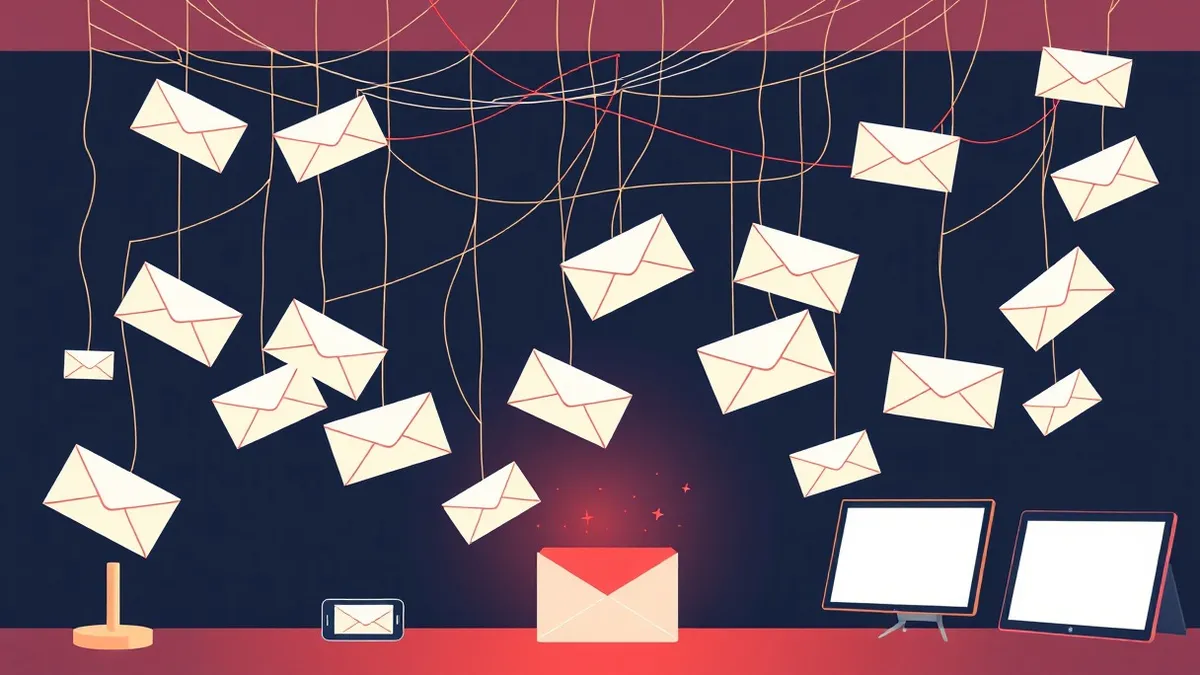
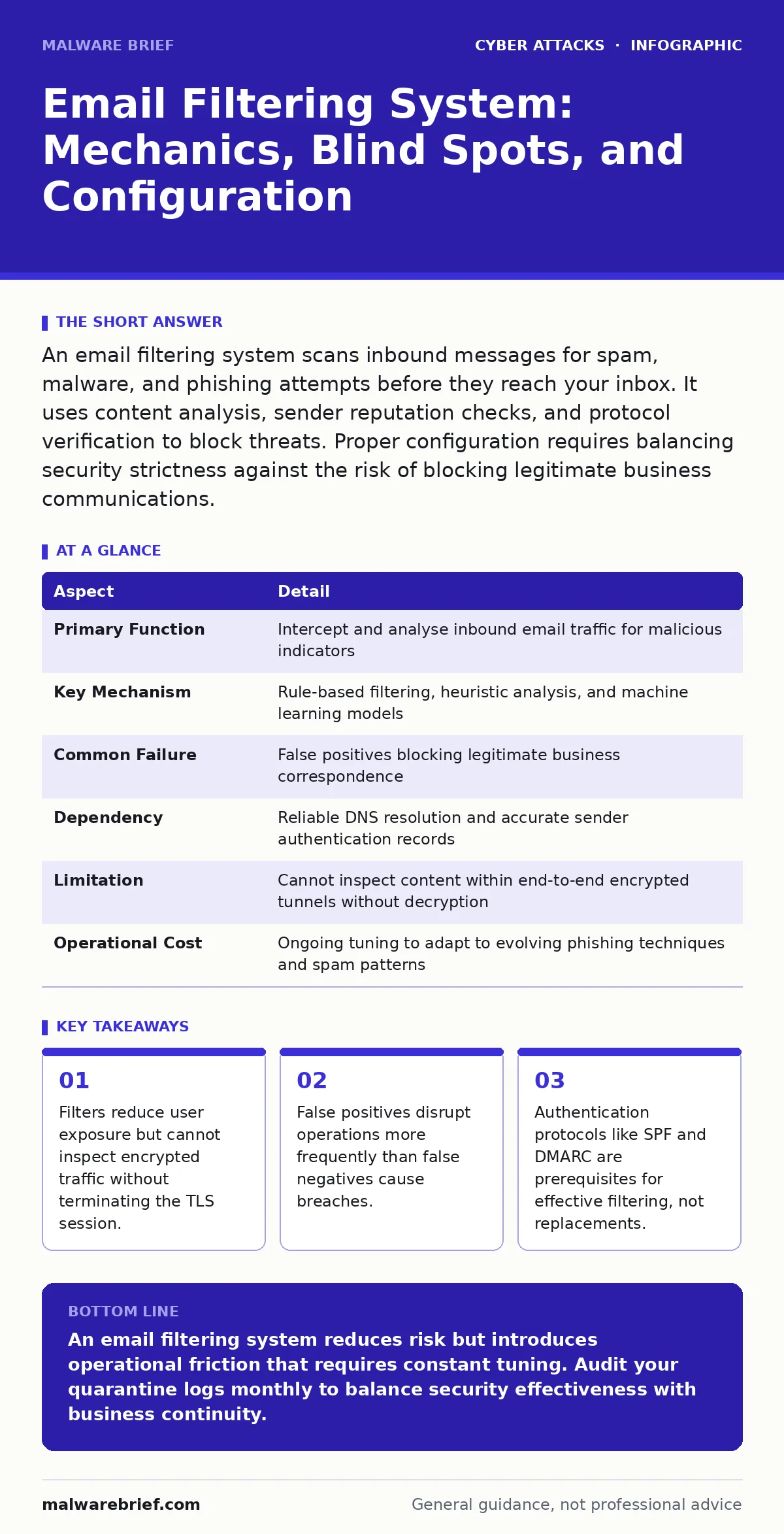
An email filtering system scans inbound messages for spam, malware, and phishing attempts before they reach your inbox. It uses content analysis, sender reputation checks, and protocol verification to block threats. Proper configuration requires balancing security strictness against the risk of blocking legitimate business communications.
The Post Office Analogy
Imagine a post office that employs a team of inspectors. These inspectors check every letter arriving at the gate. They look for suspicious packaging, unknown senders, and strange odours. If a letter passes inspection, it travels to your mailbox. If it fails, it is shredded or quarantined. An email filtering system operates on this same principle, but at machine speed. It sits between the internet and your mail server. It examines metadata and content before delivery. This position allows it to block threats silently. It also means it can misjudge legitimate mail.
| Aspect | Detail |
|---|---|
| Primary Function | Intercept and analyse inbound email traffic for malicious indicators |
| Key Mechanism | Rule-based filtering, heuristic analysis, and machine learning models |
| Common Failure | False positives blocking legitimate business correspondence |
| Dependency | Reliable DNS resolution and accurate sender authentication records |
| Limitation | Cannot inspect content within end-to-end encrypted tunnels without decryption |
| Operational Cost | Ongoing tuning to adapt to evolving phishing techniques and spam patterns |
How an Email Filtering System Works
An email filtering system relies on layers of inspection. The first layer checks the sender’s identity. It validates DNS records to ensure the sender is authorised to use that domain. This process prevents simple spoofing. The second layer analyses the message headers. It looks for anomalies in routing paths or unusual server locations. The third layer inspects the body and attachments. It scans for known malware signatures and suspicious links. Some systems use sandboxing. This technique executes attachments in a safe environment to observe their behaviour. If the file attempts to modify system files, the filter blocks it.
The system does not work in isolation. It depends on email authentication standards. Without these standards, the filter cannot distinguish between a genuine message from a vendor and a forged one. The filter applies a reputation score to each sender. A high score allows delivery. A low score triggers quarantine or rejection. This scoring changes constantly based on global threat data.
Who It Affects
An email filtering system affects three groups of people. The first group is the security team. They configure the rules and review quarantined items. They deal with complaints when legitimate emails are blocked. The second group is the end users. They experience reduced spam volume. They also encounter friction when important emails disappear. They must learn to check the quarantine folder. The third group is the senders. They must ensure their domains are properly configured. They must maintain a clean sending reputation. If they fail, their messages are rejected.
The impact on productivity is often underestimated. When a filter blocks an invoice from a supplier, the payment is delayed. When it blocks a job application, the candidate is lost. These are operational costs. They are not measured in data breaches. They are measured in lost time and revenue. Security teams must communicate with other departments. They must provide a clear process for reporting blocked emails.
What People Usually Get Wrong
Many organisations believe that an email filtering system provides complete protection. This is incorrect. The system reduces the volume of threats. It does not eliminate them. Attackers adapt their techniques. They use images instead of text to avoid keyword scanning. They host malicious payloads on legitimate-looking domains. They delay the execution of malware until after the message is delivered. The filter sees only the initial message. It misses the subsequent actions.
Another common error is relying solely on the filter for security. Users still click on links in messages that pass through. They still open attachments that look harmless. The filter is a control, not a solution. It must be part of a broader strategy. This strategy includes user training and technical controls. Without these, the filter is merely a delay tactic.
A third mistake is ignoring the configuration. Default settings are often too permissive or too strict. They do not match the specific needs of the organisation. A law firm needs different settings than a gaming studio. The law firm cannot afford to miss any client emails. The gaming studio can tolerate more aggressive blocking of spam. Tuning requires time and expertise.
The Trade-off Between Security and Delivery
Every email filtering system faces a fundamental trade-off. You can increase security by blocking more messages. This raises the risk of false positives. You can increase delivery by allowing more messages. This raises the risk of false negatives. Finding the right balance is difficult. It requires continuous monitoring.
Consider the cost of each error. A false negative allows a phishing attempt to reach a user. The potential cost is high, but the probability of success is low. A false positive blocks a critical message. The cost is immediate and certain. Security teams often focus on the high cost of breaches. They neglect the cumulative cost of blocked emails. This leads to overly aggressive configurations. Users become frustrated. They bypass security procedures. They use personal email accounts for work. This creates new risks.
Integration with Broader Security Controls
An email filtering system works best when integrated with other controls. It should feed data into your incident response plans. When a threat is detected, the system can trigger alerts. It can isolate affected user accounts. It can scan other inboxes for similar messages. This automation reduces the time to contain an attack.
The system should also support MFA fatigue attacks mitigation. Attackers often send multiple login requests to overwhelm a user. The filter can identify these patterns. It can block the messages that trigger the requests. This reduces the pressure on the user. It complements the multi-factor authentication mechanism.
Furthermore, the filter helps defend against social engineering campaigns. These campaigns rely on urgency and fear. The filter can scan for emotional language. It can flag messages that demand immediate action. This gives the user a moment to pause. It allows them to verify the request through a separate channel.
Limitations and Edge Cases
No filtering system is perfect. Encrypted email poses a significant challenge. If the email is encrypted end-to-end, the filter cannot inspect the content. It can only analyse the headers. This limits its effectiveness. Some organisations choose to terminate the encryption at the gateway. This allows inspection but raises privacy concerns. Users must trust the organisation with their decrypted data.
Another limitation is the volume of traffic. Large organisations receive millions of emails daily. The filter must process them quickly. High latency can delay delivery. This affects business operations. The system must be scalable. It must handle peak loads without failure.
Zero-click attacks present a unique problem. These attacks exploit vulnerabilities in the email client itself. They do not require the user to click anything. The mere act of loading the email triggers the exploit. The filter may not detect the payload in the headers. It may allow the message through. This requires defence in depth. The email clients must be patched. The system must be hardened.
Practical Steps for Implementation
Start by auditing your current email flow. Identify the volume and types of messages. Understand the business requirements. Then, select a filtering solution. Evaluate its features. Look for ease of configuration. Look for reporting capabilities. Do not choose based on price alone.
Configure the system gradually. Start with a monitoring mode. This allows you to see what would be blocked. Review the logs. Adjust the rules. Then, enable blocking. Monitor the impact. Watch for complaints. Be ready to revert changes.
Train your users. Teach them how to use the quarantine. Teach them how to report blocked emails. Teach them how to recognise phishing. The filter is a tool. The user is the last line of defence.
Integrate the filter with other security tools. Share threat intelligence. Automate responses. Reduce manual work. Continuously improve the configuration. Security is a process. It is not a product.
Key takeaways
- Filters reduce user exposure but cannot inspect encrypted traffic without terminating the TLS session.
- False positives disrupt operations more frequently than false negatives cause breaches.
- Authentication protocols like SPF and DMARC are prerequisites for effective filtering, not replacements.
An email filtering system reduces risk but introduces operational friction that requires constant tuning. Audit your quarantine logs monthly to balance security effectiveness with business continuity.
Frequently asked questions
How do I reduce false positives in my email filtering system?
Start by reviewing the quarantine logs daily. Identify common legitimate senders that are being blocked. Add them to a whitelist or adjust the sensitivity rules. Engage with your users to understand the impact of blocked messages.
Can an email filtering system stop zero-click attacks?
No, an email filtering system cannot reliably stop zero-click attacks. These attacks exploit vulnerabilities in the email client software. They do not require user interaction. You must keep your email clients updated and patched to mitigate this risk.
Does an email filtering system protect against insider threats?
An email filtering system primarily protects against external threats. It can detect some insider activities, such as data exfiltration to external domains. However, it cannot prevent malicious actions by authorised users within the organisation. You need additional controls for insider risk.
How often should I update my email filtering rules?
You should review your email filtering rules at least weekly. Threat tactics change rapidly. Regular updates ensure that the system adapts to new techniques. Automated updates from the vendor help, but manual tuning is still required for your specific environment.
How this guide was produced: written by the Malware Brief editorial team with AI assistance, checked against the public references listed below, and reviewed when the facts change. See our editorial policy or report an error.