Immutable Backups: 6 Common Misconceptions and What They Actually Do
Immutable backups prevent deletion for a set period but offer zero protection against data corruption, logical errors, or encryption before the write occurs.

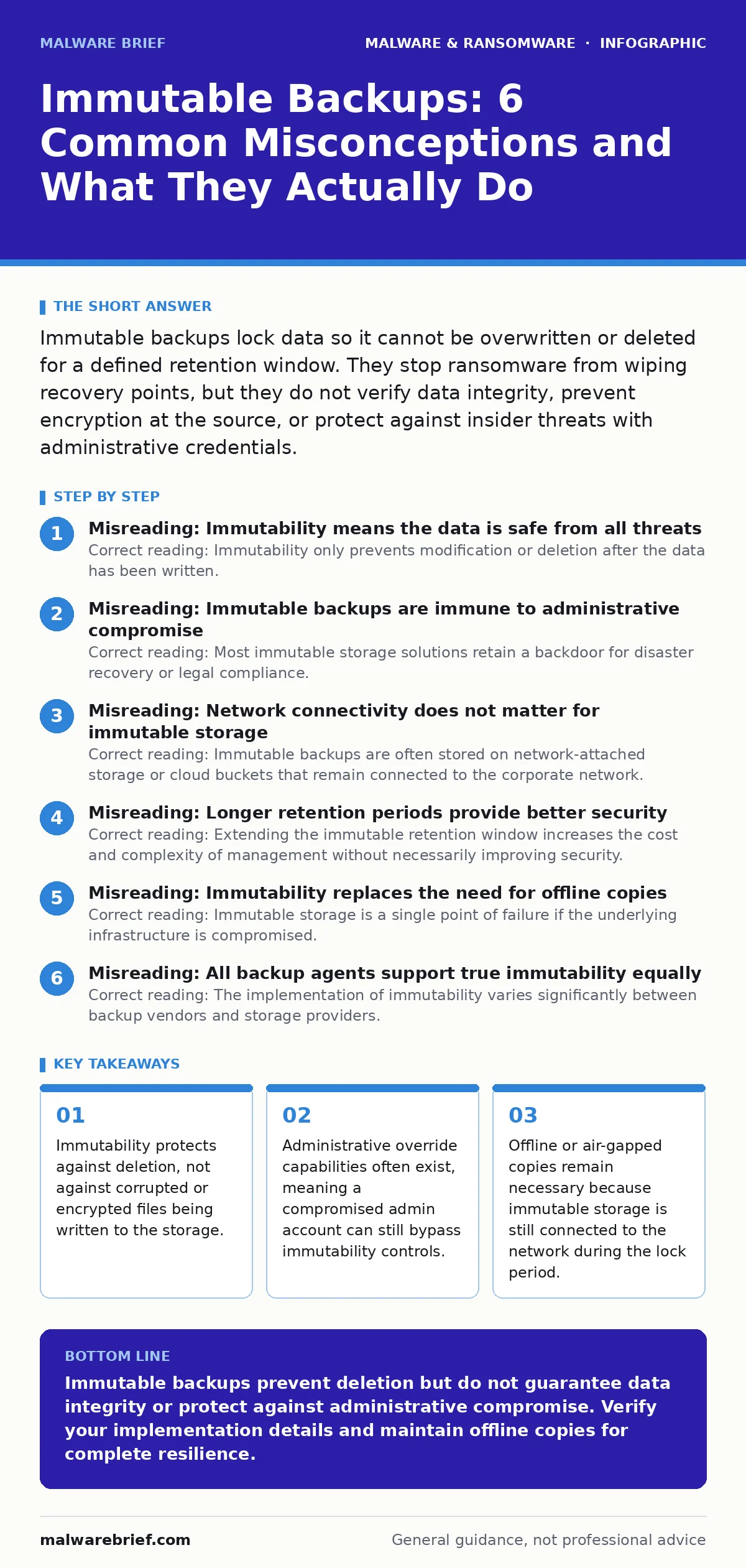
Immutable backups lock data so it cannot be overwritten or deleted for a defined retention window. They stop ransomware from wiping recovery points, but they do not verify data integrity, prevent encryption at the source, or protect against insider threats with administrative credentials.
Misreading: Immutability means the data is safe from all threats
Correct reading: Immutability only prevents modification or deletion after the data has been written. It does not verify whether the data is usable, uncorrupted, or unencrypted at the moment of writing. If a ransomware payload encrypts a file on the endpoint before the backup agent transfers it, the immutable store will preserve that encrypted file exactly as it arrived. The protection applies to the storage layer, not the content layer. You must validate the integrity of the source data before it reaches the immutable target. Relying solely on immutability creates a false sense of security regarding data quality.
Misreading: Immutable backups are immune to administrative compromise
Correct reading: Most immutable storage solutions retain a backdoor for disaster recovery or legal compliance. This usually involves a dual-admin approval process or a hardware security module to disable the lock. If an attacker compromises the credentials of both required administrators, they can disable immutability and delete the backups. This is a common failure mode in ransomware incidents. The protection is procedural, not cryptographic. You must treat the credentials that control the immutable storage with the same rigor as you treat root access to your production servers. See our guide on ransomware incident response for details on credential hygiene during attacks.
Misreading: Network connectivity does not matter for immutable storage
Correct reading: Immutable backups are often stored on network-attached storage or cloud buckets that remain connected to the corporate network. While the data cannot be deleted, the storage array itself can be attacked. An attacker with network access might exploit vulnerabilities in the backup software or the storage operating system to corrupt the index or metadata.
This renders the immutable data inaccessible even if the blocks are intact. True resilience requires limiting the attack surface. Air-gapped backups, which are physically disconnected from the network, provide a layer of defence that networked immutable storage cannot match. Immutability is a time-based lock, not a physical barrier.
Misreading: Longer retention periods provide better security
Correct reading: Extending the immutable retention window increases the cost and complexity of management without necessarily improving security. A longer window simply gives an attacker more time to discover the backup infrastructure and plan their exfiltration or encryption. It also increases the likelihood of undetected corruption accumulating over time. The goal is to have recent, clean copies available, not ancient copies that are guaranteed to be intact. Shorter, frequent immutable snapshots provide a tighter recovery point objective. You should balance the retention period against the cost of storage and the operational overhead of managing the locks.
Misreading: Immutability replaces the need for offline copies
Correct reading: Immutable storage is a single point of failure if the underlying infrastructure is compromised. If the storage controller is breached, or if the network segment is isolated by an attacker, the immutable data may become unreachable. Offline backups, such as tape or disconnected disks, exist outside the network perimeter. They cannot be reached by remote attackers. Using immutable backups as the sole recovery method ignores the risk of infrastructure-level attacks. A layered approach combines immutable storage for rapid recovery of recent data with offline copies for catastrophic scenarios. This aligns with the principles found in business continuity planning.
See also: Banking Trojans: Why Small Firms Get Targeted and How to Stop Them
Misreading: All backup agents support true immutability equally
Correct reading: The implementation of immutability varies significantly between backup vendors and storage providers. Some solutions use object lock features in cloud storage, while others rely on file system attributes that can be altered by privileged users. Some "immutable" features are merely soft locks that can be bypassed by deleting the entire bucket or volume. You must verify the specific mechanism used by your provider. Check whether the lock is enforced by the storage hardware, the operating system, or the application layer. Application-layer locks are the weakest form. Understanding the technical implementation is necessary to trust the protection.
Misreading: Immutability protects against logical errors and corruption
Correct reading: If a database transaction is incomplete or a file is corrupted due to a disk error, the immutable backup will store that corrupted state permanently. The lock prevents you from fixing the error by overwriting the file. You cannot patch a corrupted backup without first breaking the immutability lock, which may require a formal process. This means that logical errors become permanent until the retention period expires. You need regular restoration tests to verify that the data within the immutable store is actually usable. Without testing, you are storing locked, potentially useless data.
Misreading: Immutability is a set-and-forget solution
Correct reading: Managing immutable backups requires active oversight. You must monitor the health of the storage system, verify the integrity of the data, and manage the lifecycle of the locks. When a retention period expires, the data becomes mutable again. If this transition is not managed correctly, an attacker could exploit the window between expiry and the next lock. You need automated alerts for any changes to the immutability settings. Regular audits of the access logs are necessary to detect unauthorized attempts to modify the lock configuration. Passive reliance on the feature without active management leads to gaps in protection.
Key takeaways
- Immutability protects against deletion, not against corrupted or encrypted files being written to the storage.
- Administrative override capabilities often exist, meaning a compromised admin account can still bypass immutability controls.
- Offline or air-gapped copies remain necessary because immutable storage is still connected to the network during the lock period.
Immutable backups prevent deletion but do not guarantee data integrity or protect against administrative compromise. Verify your implementation details and maintain offline copies for complete resilience.
Frequently asked questions
Can ransomware bypass immutable backups?
Yes, if the ransomware encrypts data before it is backed up, or if it compromises the administrative credentials required to disable the immutability lock.
Do I need air-gapped backups if I have immutable storage?
Yes, air-gapped backups provide protection against network-based attacks that could target the immutable storage infrastructure itself.
How do I verify if my backups are truly immutable?
Check the technical documentation to see if the lock is enforced by the storage hardware or cloud provider, and test whether an admin account can override it.
What is the difference between immutable and offline backups?
Immutable backups are connected to the network but cannot be deleted for a set time, while offline backups are physically disconnected from the network.
How this guide was produced: written by the Malware Brief editorial team with AI assistance, checked against the public references listed below, and reviewed when the facts change. See our editorial policy or report an error.