Lateral Movement Mistakes: 7 Errors That Let Attackers Spread
Overly permissive group policies and cached credentials allow attackers to traverse your network without ever stealing new data from the endpoints they initially compromise.
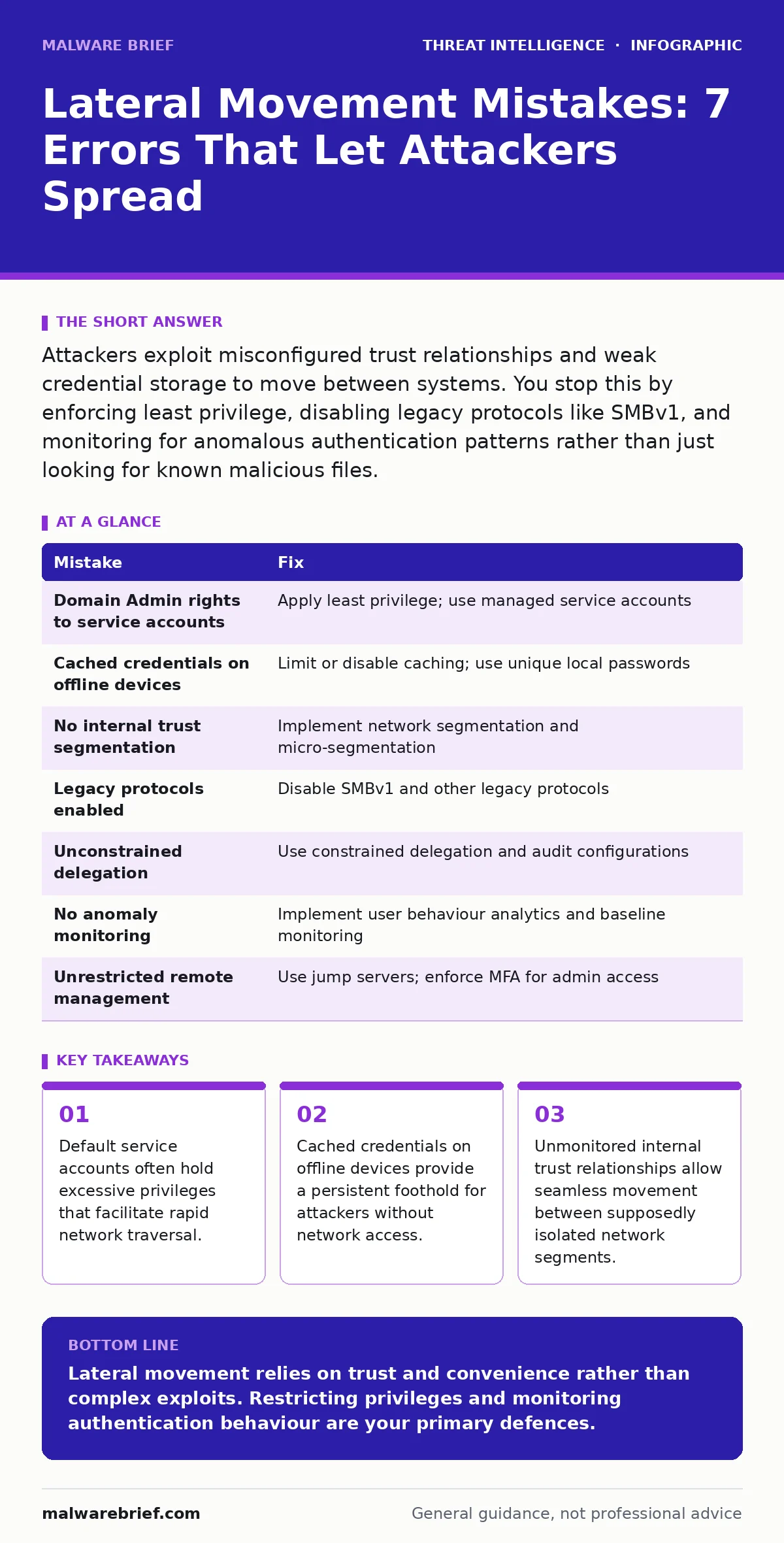
Attackers exploit misconfigured trust relationships and weak credential storage to move between systems. You stop this by enforcing least privilege, disabling legacy protocols like SMBv1, and monitoring for anomalous authentication patterns rather than just looking for known malicious files.
Mistake 1: Granting Domain Admin Rights to Service Accounts
Why it hurts: Service accounts often run background processes that require access to multiple systems. When you grant these accounts domain administrator privileges, you create a high-value target. If an attacker compromises a service account, they instantly gain elevated access across the entire domain. This mistake bypasses the need for complex exploitation techniques, as the credentials themselves are the key to the kingdom. The attacker does not need to exploit a vulnerability; they simply use the stolen credentials to authenticate as an administrator on any domain-joined machine.
The fix: Apply the principle of least privilege to all service accounts. Create separate accounts for each service with only the specific permissions required for that service to function. Use managed service accounts where possible, as these handle password rotation and logon rights automatically. Regularly audit the membership of privileged groups to ensure no unnecessary accounts remain. This limits the blast radius of a compromised service account to a single system or a small group of related systems.
Mistake 2: Ignoring Cached Credentials on Offline Devices
Why it hurts: Modern operating systems cache user credentials to allow login when the domain controller is unreachable. Attackers can extract these cached credentials from the local security account manager database. This allows them to log in locally with the user's privileges, even without network access to the domain controller. Once inside, they can install persistence mechanisms or wait for the device to reconnect to the network. From there, they can use the valid credentials to authenticate to other systems, effectively hopping from an offline device to the wider network.
The fix: Configure group policy to limit the number of cached credentials stored locally. For high-security environments, disable cached credentials entirely if business continuity allows. Ensure that local administrator accounts have strong, unique passwords that differ from domain passwords. Monitor for attempts to access the security account manager database on endpoints. This reduces the value of any single endpoint compromise and forces attackers to obtain fresh credentials over the network, which is easier to detect.
Mistake 3: Failing to Segment Internal Trust Relationships
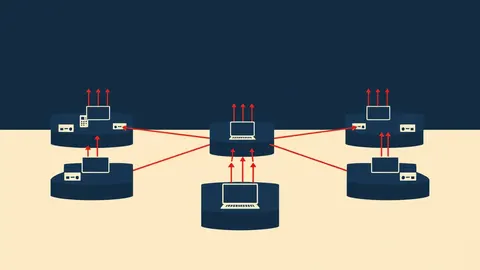
Why it hurts: Many organisations assume that internal traffic is trusted. This assumption allows attackers to move freely between departments or business units once they breach the perimeter. Without segmentation, a compromised workstation in the marketing department can scan and attack servers in the finance department. The attacker exploits the implicit trust between all domain-joined machines. This lack of boundaries means that the initial compromise is not contained, allowing the attacker to reach critical assets that should be isolated from general user networks.
The fix: Implement network segmentation using virtual local area networks and firewall rules. Restrict traffic between segments to only what is explicitly required for business operations. Use micro-segmentation at the workload level to control east-west traffic. Monitor authentication logs for connections between unrelated segments. This forces attackers to reveal themselves when they attempt to cross segment boundaries, as these connections will be rare and anomalous. You can reference guides on island hopping attacks to understand how attackers exploit weak segmentation.
Mistake 4: Leaving Legacy Protocols Enabled
Why it hurts: Legacy protocols like Server Message Block version 1 are often left enabled for compatibility with older systems. These protocols lack modern security features and are vulnerable to replay attacks and credential theft. Attackers use tools to intercept authentication traffic and capture hashes. They can then use these hashes to impersonate users or escalate privileges without knowing the actual password. This technique is known as pass-the-hash attacks. Enabling these protocols provides attackers with a reliable method to move laterally without triggering alerts for password failures or unusual login times.
The fix: Disable legacy protocols at the operating system level and via group policy. Audit your environment for any systems that strictly require these protocols and migrate them to modern alternatives. Block traffic associated with these protocols at the network firewall. Monitor for any attempts to negotiate these older versions. This removes a common attack vector and forces attackers to use more complex techniques that are easier to detect and block.
Mistake 5: Overlooking Unconstrained Delegation Configurations
Why it hurts: Delegation allows one computer to act on behalf of another. Unconstrained delegation means a server can impersonate any user who has authenticated to it. If an attacker compromises a server configured with unconstrained delegation, they can capture the ticket-granting tickets of high-privileged users. They can then impersonate these users to access other systems. This is a powerful technique for escalating privileges and moving laterally. The attacker does not need to crack passwords; they simply reuse the valid authentication tickets captured from the compromised server.
The fix: Replace unconstrained delegation with constrained delegation where possible. Constrained delegation limits the actions a server can perform on behalf of a user to specific services. Regularly audit delegation configurations to ensure they are still required. Use Kerberos armoured channel authentication to protect delegation traffic. This restricts the value of a compromised server and prevents attackers from easily impersonating high-value targets.
See also: IP Spoofing Response: Containment, Recovery and Prevention Steps
Mistake 6: Not Monitoring for Anomalous Authentication Patterns
Why it hurts: Attackers often move laterally during normal business hours to blend in with legitimate traffic. However, their behaviour often differs in subtle ways. They may authenticate from unusual locations, at odd times, or to systems they have never accessed before. Without monitoring for these anomalies, lateral movement goes unnoticed until the attacker has reached critical assets. Traditional antivirus solutions often miss this activity because no malicious files are involved. The threat is the behaviour, not the payload.
The fix: Implement user and entity behaviour analytics to establish baselines for normal authentication patterns. Alert on deviations from these baselines, such as logins from new countries or access to sensitive systems by low-privilege users. Review authentication logs for multiple failed attempts followed by a success, which may indicate credential spraying. This helps identify lateral movement early, before the attacker can consolidate control. Understanding the intelligence cycle helps in correlating these alerts with broader threat indicators.
Mistake 7: Neglecting to Audit Remote Management Protocols
Why it hurts: Remote management protocols like Remote Desktop Protocol and Windows Management Instrumentation are essential for administration. However, they are also prime targets for lateral movement. If these protocols are enabled without proper access controls, attackers can use stolen credentials to connect to systems directly. They can then execute commands, install tools, or disable security software. Leaving these services open to the entire network increases the attack surface significantly. It allows an attacker to jump from any compromised host to any other host with a single set of credentials.
The fix: Restrict access to remote management protocols using jump servers or bastion hosts. Enforce multi-factor authentication for all remote administrative access. Use conditional access policies to block logins from untrusted networks. Monitor for connections from non-administrative accounts to administrative ports. This adds layers of defence that make it difficult for attackers to use remote management tools for lateral movement.
| Mistake | Fix |
|---|---|
| Domain Admin rights to service accounts | Apply least privilege; use managed service accounts |
| Cached credentials on offline devices | Limit or disable caching; use unique local passwords |
| No internal trust segmentation | Implement network segmentation and micro-segmentation |
| Legacy protocols enabled | Disable SMBv1 and other legacy protocols |
| Unconstrained delegation | Use constrained delegation and audit configurations |
| No anomaly monitoring | Implement user behaviour analytics and baseline monitoring |
| Unrestricted remote management | Use jump servers; enforce MFA for admin access |
Key takeaways
- Default service accounts often hold excessive privileges that facilitate rapid network traversal.
- Cached credentials on offline devices provide a persistent foothold for attackers without network access.
- Unmonitored internal trust relationships allow seamless movement between supposedly isolated network segments.
Lateral movement relies on trust and convenience rather than complex exploits. Restricting privileges and monitoring authentication behaviour are your primary defences.
Frequently asked questions
How do I detect lateral movement without expensive tools?
Focus on authentication logs. Look for users logging in from multiple systems in a short time or accessing systems they do not normally use.
Can disabling SMBv1 break my business applications?
It may break applications that rely on older file sharing methods. Audit your environment first to identify dependencies before disabling the protocol.
What is the difference between pass-the-hash and pass-the-ticket?
Pass-the-hash uses a password hash to authenticate, while pass-the-ticket uses a Kerberos ticket. Both bypass the need for the actual password.
How often should I audit group memberships?
Quarterly audits are recommended to remove stale accounts and ensure privileges remain aligned with current job roles.
How this guide was produced: written by the Malware Brief editorial team with AI assistance, checked against the public references listed below, and reviewed when the facts change. See our editorial policy or report an error.