How Common Misconfigurations Trigger Silent Data Leaks
Most data exfiltration stems from routine administrative oversights rather than sophisticated external attacks, leaving sensitive records exposed to anyone with a web browser.

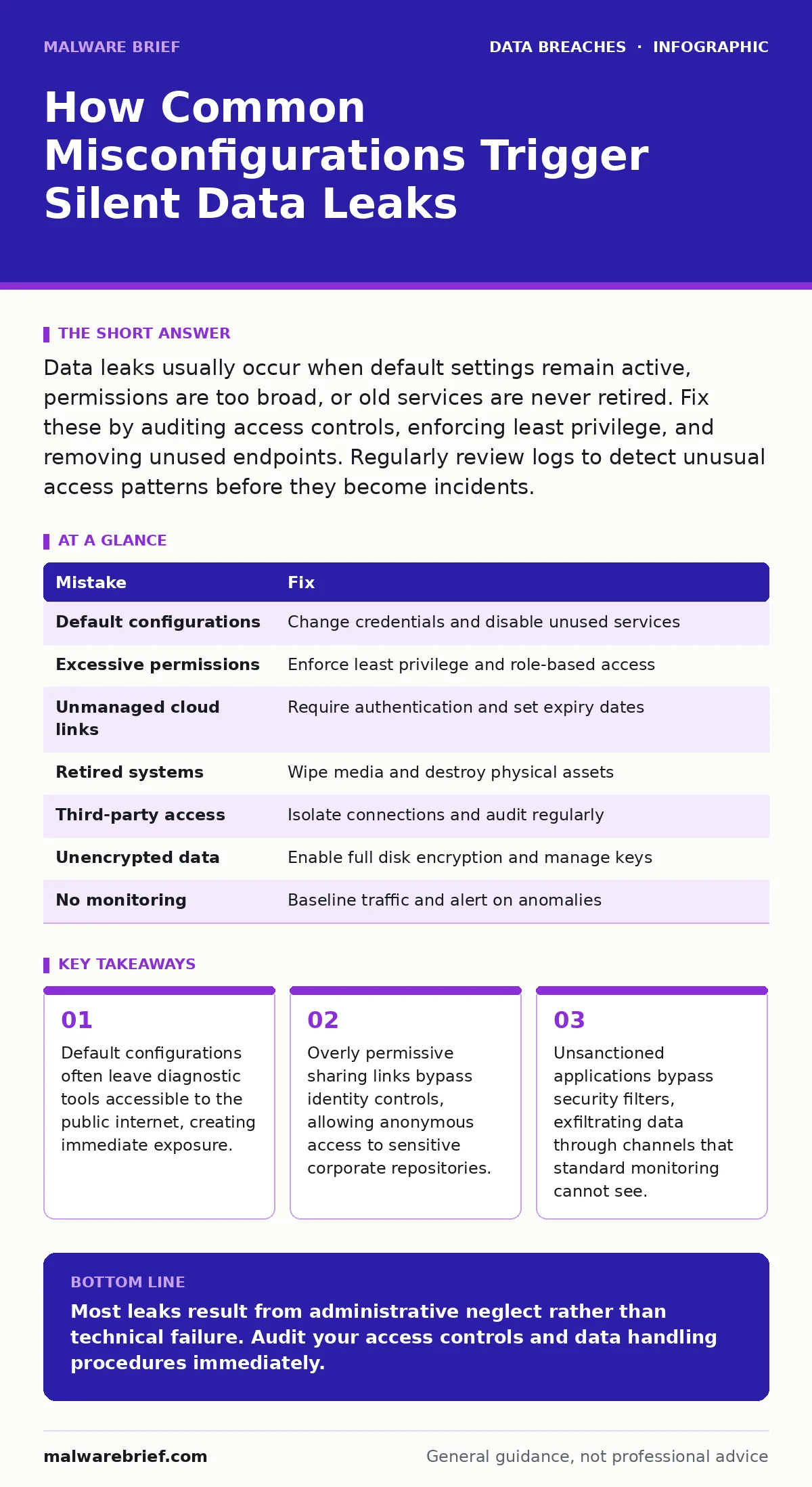
Data leaks usually occur when default settings remain active, permissions are too broad, or old services are never retired. Fix these by auditing access controls, enforcing least privilege, and removing unused endpoints. Regularly review logs to detect unusual access patterns before they become incidents.
Mistake 1: Leaving Default Configurations Untouched
Many software packages ship with pre-set accounts, sample data, or enabled debugging interfaces. Administrators often deploy these systems without altering the initial settings. This creates a predictable entry point for attackers who scan for common default credentials. The system remains connected to the network with its doors wide open, waiting for someone to try the standard username and password.
Why it hurts:
Attackers automate scans for these known defaults. When they find a match, they gain immediate access without needing to exploit a vulnerability. This gives them a foothold to move laterally within the network or exfiltrate data directly. The exposure is immediate and requires zero skill to exploit.
The fix:
Change every default credential before connecting the system to the network. Disable any sample data or demo modes. Remove any diagnostic ports that are not required for production use. Verify these changes with a quick audit tool to ensure no defaults remain active.
Mistake 2: Granting Excessive Permissions
Teams often assign broad access rights to simplify user onboarding. A new employee might receive read-write access to entire departments rather than specific files. This violates the principle of least privilege, which states users should only have access to what they strictly need. When accounts are compromised, the attacker inherits all these excessive rights.
Why it hurts:
An attacker with minimal access can only reach limited data. An attacker with broad permissions can traverse the entire organisation. This increases the volume of data at risk during a single breach. It also makes it harder to contain the incident, as the attacker can move freely between systems.
The fix:
Implement role-based access control. Define specific roles with the minimum necessary permissions for each job function. Review these permissions quarterly to remove access for users who have changed roles. Use automated tools to flag users with unusually high privilege levels.
Mistake 3: Sharing via Unmanaged Cloud Links
Employees frequently upload sensitive documents to cloud storage and generate shareable links. These links often bypass traditional email security filters. If the link settings allow anyone with the URL to view or edit, the data is effectively public. The organisation loses control over who accesses the information once the link is created.
Why it hurts:
These links can be forwarded indefinitely. The original sharer may not know who eventually sees the data. This creates an untracked distribution channel that security teams cannot monitor. A single careless share can expose protected health information or other sensitive records to the entire web.
The fix:
Disable public sharing links for sensitive data categories. Require authentication for any external sharing. Set expiration dates on all shared links. Use data loss prevention tools to scan for and block links containing sensitive patterns before they leave the network.
Mistake 4: Retiring Systems Without Decommissioning
When hardware reaches end of life, it is often moved to storage rather than being wiped. Old servers, laptops, or even printed documents may contain outdated but still valuable data. These assets are often forgotten in closets or basements. They remain outside the central security monitoring perimeter.
Why it hurts:
Lost or stolen devices provide physical access to data. Without encryption, anyone with the device can read the contents. Even if encrypted, weak key management may allow recovery. This type of leak is often discovered months or years later, after the data has already been compromised.
The fix:
Wipe all storage media using certified standards before disposal. Destroy physical media that cannot be reliably wiped. Update asset management records to reflect the decommissioning. Ensure that backup copies on other systems are also reviewed for necessity.
Mistake 5: Ignoring Third-Party Access
Organisations grant external vendors access to internal systems for maintenance or data processing. These connections are often temporary but remain open indefinitely. Vendors may have weaker security controls than the primary organisation. This extends the attack surface beyond your direct management.
Why it hurts:
A breach at a vendor can serve as a bridge into your network. Attackers target weaker links in the supply chain. Once inside via the vendor, they operate with legitimate credentials. This is a primary vector for third-party data breaches, often remaining undetected for long periods.
The fix:
Require vendors to adhere to specific security standards. Limit their access to only the specific systems they need. Use jump hosts or virtual private networks to isolate their connections. Regularly audit third-party access logs for unusual activity.
See also: Third-Party Data Breach Mistakes: 7 Errors That Expose Your Systems
Mistake 6: Failing to Encrypt Sensitive Data at Rest
Data stored on laptops or servers without encryption is vulnerable if the device is stolen. Encryption transforms data into unreadable code without the correct key. Many organisations rely solely on network security, assuming the data is safe inside the perimeter. This assumption fails when devices leave the office.
Why it hurts:
Physical theft bypasses all network defences. Without encryption, the data is immediately readable. This violates many compliance requirements and exposes individuals to synthetic identity fraud. The damage occurs instantly upon theft, with no opportunity for remote wiping.
The fix:
Enable full disk encryption on all portable devices. Manage encryption keys centrally to ensure they are rotated and secured. Verify that backups are also encrypted. Do not rely on software solutions that can be disabled by local administrators.
Mistake 7: Not Monitoring for Anomalous Transfers
Security teams often focus on perimeter threats. They neglect to monitor internal data movements. Large downloads or transfers to unusual destinations may go unnoticed. Without baseline metrics, it is difficult to distinguish normal activity from exfiltration. This allows insiders or compromised accounts to steal data quietly.
Why it hurts:
Data loss often happens slowly over time. Small, regular transfers avoid detection thresholds. By the time the volume adds up, significant damage has occurred. This silent leakage is harder to detect than a sudden, large breach.
The fix:
Establish baseline network traffic patterns. Alert on deviations from these norms, such as large uploads after hours. Monitor for data leaving via unapproved channels. Integrate these logs into a central security information and event management system.
| Mistake | Fix |
|---|---|
| Default configurations | Change credentials and disable unused services |
| Excessive permissions | Enforce least privilege and role-based access |
| Unmanaged cloud links | Require authentication and set expiry dates |
| Retired systems | Wipe media and destroy physical assets |
| Third-party access | Isolate connections and audit regularly |
| Unencrypted data | Enable full disk encryption and manage keys |
| No monitoring | Baseline traffic and alert on anomalies |
Key takeaways
- Default configurations often leave diagnostic tools accessible to the public internet, creating immediate exposure.
- Overly permissive sharing links bypass identity controls, allowing anonymous access to sensitive corporate repositories.
- Unsanctioned applications bypass security filters, exfiltrating data through channels that standard monitoring cannot see.
Most leaks result from administrative neglect rather than technical failure. Audit your access controls and data handling procedures immediately.
Frequently asked questions
How do I know if my data has been leaked?
Check breach notification services and monitor your personal accounts for unusual activity. Look for unexpected password reset emails or unfamiliar login locations.
Can encryption stop all data leaks?
Encryption protects data at rest and in transit, but it does not stop insiders from viewing data with proper access. It also does not prevent leaks from unencrypted screenshots or printouts.
How often should I review user permissions?
Review permissions at least quarterly. Increase the frequency for high-privilege accounts or those with access to sensitive data. Immediate review is needed when employees change roles.
What is the first step after discovering a leak?
Isolate the affected systems to prevent further spread. Preserve logs for forensic analysis. Notify affected individuals and relevant authorities as required by law.
How this guide was produced: written by the Malware Brief editorial team with AI assistance, checked against the public references listed below, and reviewed when the facts change. See our editorial policy or report an error.