Spot Broken Access Control: Warning Signs and Remediation Steps
Broken access control often manifests as silent data exposure rather than loud error messages, allowing users to view or edit records they should never touch.

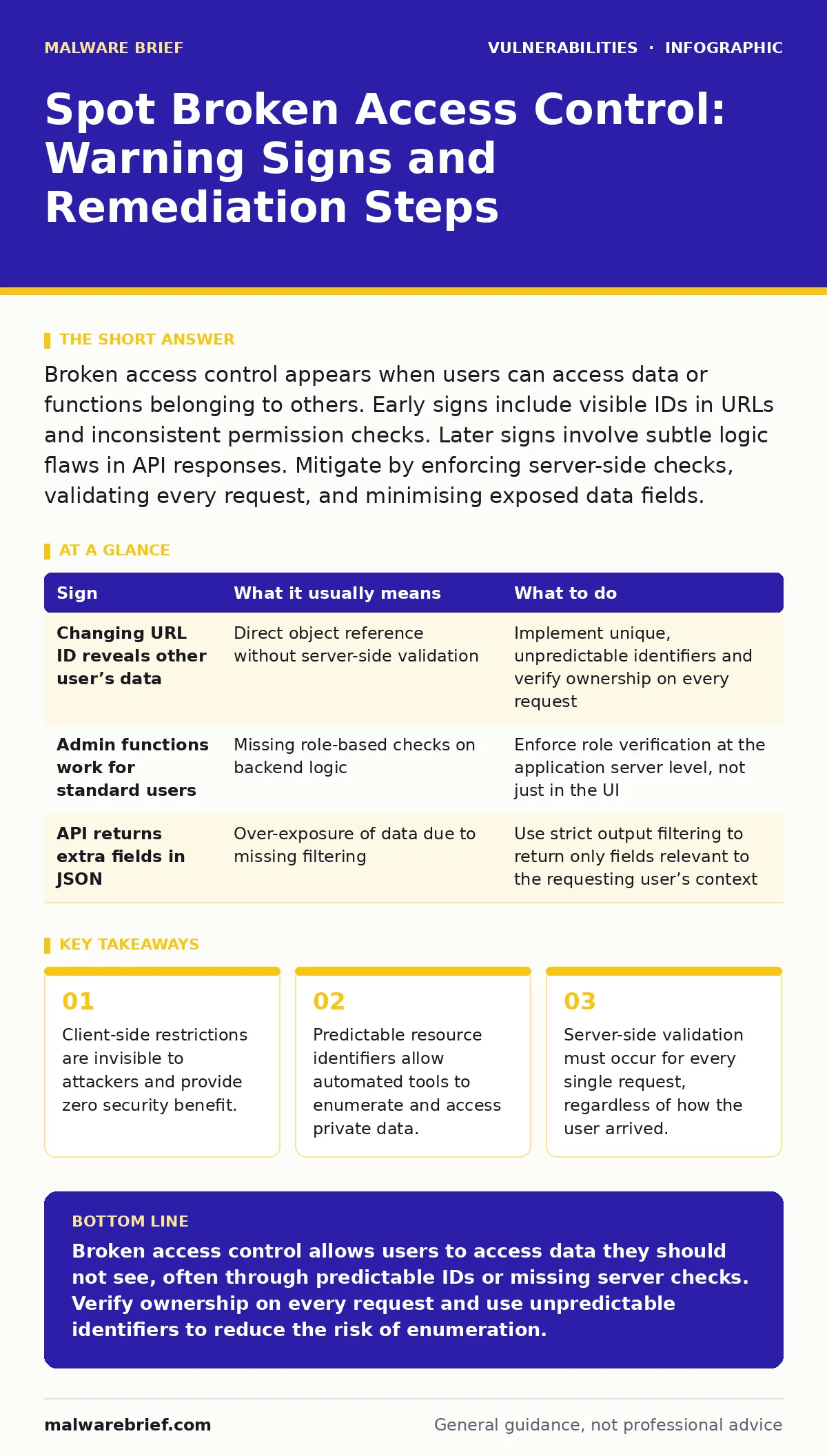
Broken access control appears when users can access data or functions belonging to others. Early signs include visible IDs in URLs and inconsistent permission checks. Later signs involve subtle logic flaws in API responses. Mitigate by enforcing server-side checks, validating every request, and minimising exposed data fields.
Obvious Indicators of Missing Permissions
Broken access control becomes visible when a user interacts with a resource that belongs to someone else. The most common sign involves direct object references. These occur when an application uses predictable identifiers, such as sequential integers, to access data. If a user changes a number in the address bar and sees another person’s profile, the application lacks proper authorisation checks. This indicates the server trusts the client to supply safe identifiers.
Another obvious sign is inconsistent interface behaviour. A user with a standard role might see a "Delete" button that works, while a system administrator sees the same button but receives an error. This suggests the application enforces permissions at the presentation layer rather than the data layer. Attackers bypass presentation layers by sending raw requests directly to the server. The visual absence of a button provides no security.
Subtle Signs That Slip Past Tests
Some broken access control issues do not appear in standard browser usage. These signs emerge only when examining API responses or unusual request patterns. One subtle indicator is horizontal privilege escalation. This happens when a user can perform actions on resources owned by other users at the same privilege level. For example, a user might view the email addresses of other customers in an API response payload, even if the interface hides them.
Vertical privilege escalation is another hidden sign. A standard user might be able to access administrative endpoints if the application fails to check roles on the server. This often occurs when new endpoints are added without applying the existing security framework. Developers might assume the front-end routing handles the restriction. The server must independently verify the user’s role for every sensitive action.
| Sign | What it usually means | What to do |
|---|---|---|
| Changing URL ID reveals other user’s data | Direct object reference without server-side validation | Implement unique, unpredictable identifiers and verify ownership on every request |
| Admin functions work for standard users | Missing role-based checks on backend logic | Enforce role verification at the application server level, not just in the UI |
| API returns extra fields in JSON | Over-exposure of data due to missing filtering | Use strict output filtering to return only fields relevant to the requesting user’s context |
Why Client-Side Checks Fail
Many applications attempt to restrict access by hiding buttons or disabling links in the user interface. This approach fails because the web browser sends whatever data the user instructs it to send. An attacker can inspect the network traffic, identify the endpoint, and send a request directly. The server processes this request as if it came from a legitimate user action. Relying on the interface for security creates a false sense of safety.
The server must treat every incoming request as untrusted. It must verify that the user has permission to perform the specific action on the specific resource. This verification must happen before any data is retrieved or modified. If the application skips this step for performance reasons, it introduces a critical vulnerability. The cost of a database query for permission is negligible compared to the cost of a data breach.
The Role of Predictable Identifiers
Using sequential integers as database keys makes enumeration trivial. Automated tools can guess valid IDs by incrementing a number. If the application does not map these IDs to user ownership, the tool can access thousands of records. This is known as IDOR, or Insecure Direct Object Reference. It is one of the most prevalent forms of broken access control.
To mitigate this, applications should use unpredictable identifiers. Universally unique identifiers, or UUIDs, are random strings that cannot be guessed. Even if an attacker knows the format, they cannot determine which UUIDs exist. This adds friction to automated attacks. However, unpredictable IDs alone are insufficient. The server must still check that the user requesting the resource is authorised to view it.
Server-Side Enforcement Mechanisms
Effective access control requires a consistent mechanism on the server. Middleware or interceptors can check permissions before the request reaches the business logic. These components verify the user’s session, their role, and their relationship to the resource. If any check fails, the request is rejected immediately. This ensures that no code path can bypass the security checks.
Developers must apply these checks to all endpoints, including those used by internal services or APIs. Internal services often skip authentication for simplicity, assuming the network is secure. This assumption fails when an attacker gains access to the internal network. Every service must enforce its own access controls. Centralised policy engines can help manage these rules consistently across the application.
See also: How to Prevent Data Extortion: Prioritised Defence Measures · Employee Data Breaches: Causes, Impacts and Prevention
Handling Edge Cases and Errors
Error messages can inadvertently reveal access control failures. If a user requests a resource they cannot see, the application should return a generic "Not Found" or "Forbidden" message. Returning a detailed error that says "User does not have permission for resource X" confirms the resource exists. This helps attackers map the application’s data structure.
Consistent error handling is vital. Different endpoints should return similar responses for unauthorised access. This prevents attackers from distinguishing between valid and invalid resources based on response codes or messages. The application should log these attempts internally for security monitoring. The user should never see the internal reason for the denial.
Integration With Other Security Practices
Broken access control often coexists with other vulnerabilities. For instance, if an application suffers from prototype pollution, an attacker might manipulate object properties to bypass access checks. This demonstrates how a flaw in one area can exacerbate issues in another. Similarly, vulnerabilities in VPN gateways and application delivery controllers can provide attackers with internal access, making access control bypasses easier to exploit.
Secure code review processes must include specific checks for access control logic. Automated tools can detect missing authorisation annotations, but they cannot verify business logic. Manual review by developers familiar with the application’s data model is necessary. This review should check that every data access path includes a permission check.
Steps for Remediation
When you identify a broken access control issue, you must fix the underlying logic. Do not rely on workarounds like hiding the endpoint. Implement server-side validation for every request that accesses user-specific data. Use a consistent framework for defining roles and permissions. Document these rules so that future developers understand the requirements.
Test your fixes with different user roles. Verify that a standard user cannot access admin functions. Verify that a user cannot access another user’s data. Use automated testing tools to check for IDOR vulnerabilities. Regularly audit your access control logic as the application evolves. New features often introduce new data access paths that require new checks.
Key takeaways
- Client-side restrictions are invisible to attackers and provide zero security benefit.
- Predictable resource identifiers allow automated tools to enumerate and access private data.
- Server-side validation must occur for every single request, regardless of how the user arrived.
Broken access control allows users to access data they should not see, often through predictable IDs or missing server checks. Verify ownership on every request and use unpredictable identifiers to reduce the risk of enumeration.
Frequently asked questions
How do I know if my API has broken access control?
Test your API by changing user IDs in requests. If you can retrieve data belonging to other users, your application lacks proper server-side validation.
Are JWT tokens secure against access control attacks?
JWT tokens store user claims but do not enforce permissions. The server must still validate the claims against its access control policies for every request.
How this guide was produced: written by the Malware Brief editorial team with AI assistance, checked against the public references listed below, and reviewed when the facts change. See our editorial policy or report an error.