Business Continuity Planning and Disaster Recovery: The Operational Difference
Most organisations confuse restoring files with keeping the lights on, ignoring that recovery speed depends on manual processes, not just storage backups.

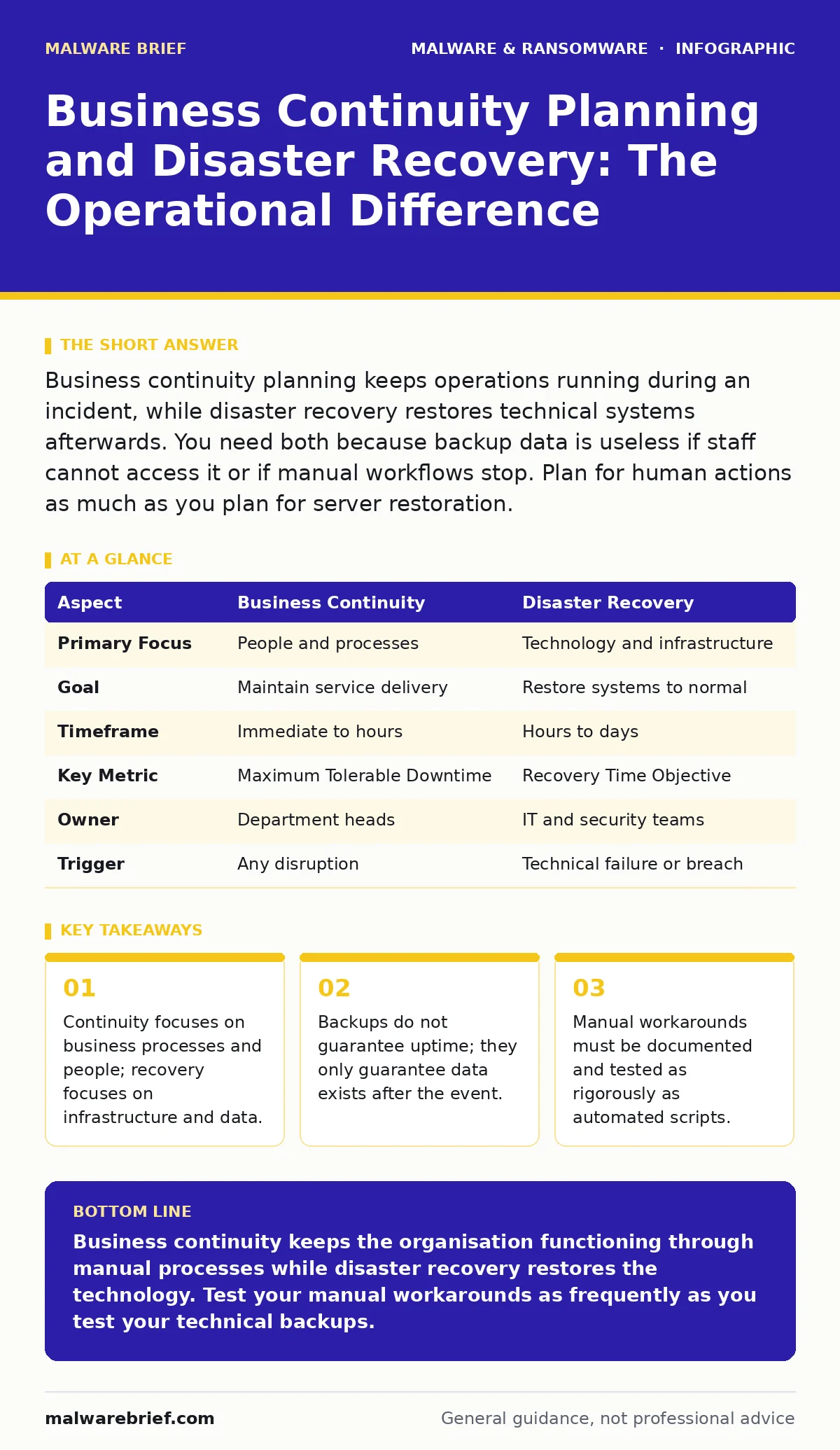
Business continuity planning keeps operations running during an incident, while disaster recovery restores technical systems afterwards. You need both because backup data is useless if staff cannot access it or if manual workflows stop. Plan for human actions as much as you plan for server restoration.
The Analogy: Fire Safety vs Firefighting
Imagine a restaurant kitchen catches fire. The fire brigade extinguishing the flames is disaster recovery. The head chef moving operations to a secondary room and continuing to serve customers using pre-prepared ingredients is business continuity planning. The first action stops the damage. The second action keeps the business alive. Most people focus entirely on the fire brigade. They forget that the restaurant still needs to feed its customers while the kitchen is being rebuilt. This distinction defines how you approach security incidents. You cannot simply wait for the technical fix to complete before thinking about your obligations to users.
Business Continuity Planning and Disaster Recovery
Business continuity planning and disaster recovery are two distinct phases of incident management that overlap in execution but differ in objective. Business continuity planning determines how you maintain critical services when primary systems fail. Disaster recovery defines the technical steps to restore those systems to a functional state.
A person typing this query usually wants to know how to structure their response plan. The answer lies in separating the "what" from the "how". The "what" is the service you must provide. The "how" is the technical restoration of the server, database or application. You must define the service requirements before you design the technical recovery path.
| Aspect | Business Continuity | Disaster Recovery |
|---|---|---|
| Primary Focus | People and processes | Technology and infrastructure |
| Goal | Maintain service delivery | Restore systems to normal |
| Timeframe | Immediate to hours | Hours to days |
| Key Metric | Maximum Tolerable Downtime | Recovery Time Objective |
| Owner | Department heads | IT and security teams |
| Trigger | Any disruption | Technical failure or breach |
How the Mechanisms Work
The mechanism relies on prioritising functions. You cannot recover everything at once. You must identify which services are critical to your survival. This process is called Business Impact Analysis. It forces you to ask what happens if a specific system stops working for 2 hours, 24 hours or 1 week. The answer determines your investment.
High-priority systems get faster recovery paths. Low-priority systems can wait. This triage prevents resource exhaustion during a crisis. You allocate staff and compute power to the systems that keep the revenue flowing or the legal obligations met. Without this prioritisation, recovery teams waste time restoring non-essential assets while critical operations remain offline.
Who It Affects and Why
Every organisation that relies on digital systems is affected. This includes small businesses using cloud email and large enterprises with on-premise data centres. The impact is not limited to IT staff. It affects customer support, finance, legal and operations. When systems go down, manual processes take over. These processes are often slower and more error-prone.
Imagine a payroll system fails. The finance team must calculate salaries manually. If they do not have a documented procedure for this, payroll is delayed. Employees lose trust. Legal penalties may follow. The technical failure is the trigger, but the business impact is the consequence. You must plan for the human element of the breakdown.
What People Usually Get Wrong
Most plans fail because they assume technology will work as expected during a crisis. This is a dangerous assumption. You might have perfect backups. You might have redundant servers. If the staff responsible for restoring them are locked out of their accounts, the plan fails. This is where endpoint detection and response (EDR) tools can help by providing visibility, but they do not replace human action.
Another common error is testing only the technical restoration. You click a button to restore a server. It works. You mark the test as successful. You forgot to test whether the application running on that server can actually connect to the database. You forgot to test whether the users can log in. Technical restoration is not the same as service availability.
See also: Ransomware Incident Response: Steps to Contain and Recover · IP Spoofing Response: Containment, Recovery and Prevention Steps
The Hidden Cost of Complexity
Complex systems are harder to recover. Every integration, API and custom script adds a point of failure. When you restore a system, you must restore its dependencies. A web server needs a database. The database needs a storage array. The storage array needs a network switch. If one link fails, the whole chain breaks. This is why simple architectures are more resilient. They have fewer points of failure. They are easier to document. They are faster to restore. When you design your environment, consider the recovery path, not just the performance path. A system that is fast to use but slow to recover is a liability. You must balance performance with recoverability.
Integrating Security and Operations
Security incidents are no longer just technical problems. They are business problems. When you face a threat like ransomware incident response, you must decide whether to pay, restore or rebuild. This decision depends on your continuity plan. If you have a fast recovery path, you do not need to negotiate with attackers. If you do not, you may be forced to pay. This is why security teams must work with operations teams. They must understand the business impact of different threats. They must plan for scenarios where data is corrupted, not just stolen. This integration ensures that security measures support business goals, rather than hindering them.
Practical Steps for Implementation
You do not need expensive tools to start. You need clear documentation. Identify your critical services. Document the manual workarounds for each. Test these workarounds regularly. Train your staff on these procedures. If a staff member leaves, their knowledge leaves with them. Documentation preserves that knowledge. Review your plan after every major change to your infrastructure. Add new systems to the plan. Remove obsolete ones. This keeps the plan relevant. A static plan becomes obsolete quickly. It gathers dust and fails when needed. Treat it as a living document. Update it as your business changes.
The Role of Verification
Verification is the final step. You must prove that your plan works. This means running simulations. Not just tabletop exercises. You must actually execute the recovery steps. Restore backups to a test environment. Verify that the data is intact. Verify that the applications work. Verify that users can access the systems. This process takes time and resources. It is worth every minute. It reveals gaps in your plan. It shows you where your assumptions were wrong. It builds confidence in your team. When a real incident occurs, you will not panic. You will follow the plan. You will know it works because you have tested it.
Key takeaways
- Continuity focuses on business processes and people; recovery focuses on infrastructure and data.
- Backups do not guarantee uptime; they only guarantee data exists after the event.
- Manual workarounds must be documented and tested as rigorously as automated scripts.
Business continuity keeps the organisation functioning through manual processes while disaster recovery restores the technology. Test your manual workarounds as frequently as you test your technical backups.
Frequently asked questions
What is the difference between RTO and RPO?
RTO is Recovery Time Objective, the maximum time you can be offline. RPO is Recovery Point Objective, the maximum amount of data you can afford to lose. Both define your recovery requirements.
Do I need a separate plan for every department?
You need a central framework, but each department must define its own critical processes. IT cannot know every business workflow. Department heads must provide the operational details.
How often should I test my plan?
Test at least annually. Test after any major infrastructure change. Test critical components more frequently. Regular testing ensures staff familiarity and plan accuracy.
Can cloud services replace disaster recovery?
Cloud services provide infrastructure, but they do not provide a recovery plan. You must still define priorities, procedures and testing. The cloud is a tool, not a strategy.
How this guide was produced: written by the Malware Brief editorial team with AI assistance, checked against the public references listed below, and reviewed when the facts change. See our editorial policy or report an error.