Container Escape Prevention Checklist for Secure Infrastructure
Container isolation relies on kernel features that can be bypassed when default configurations grant excessive host access to running processes.

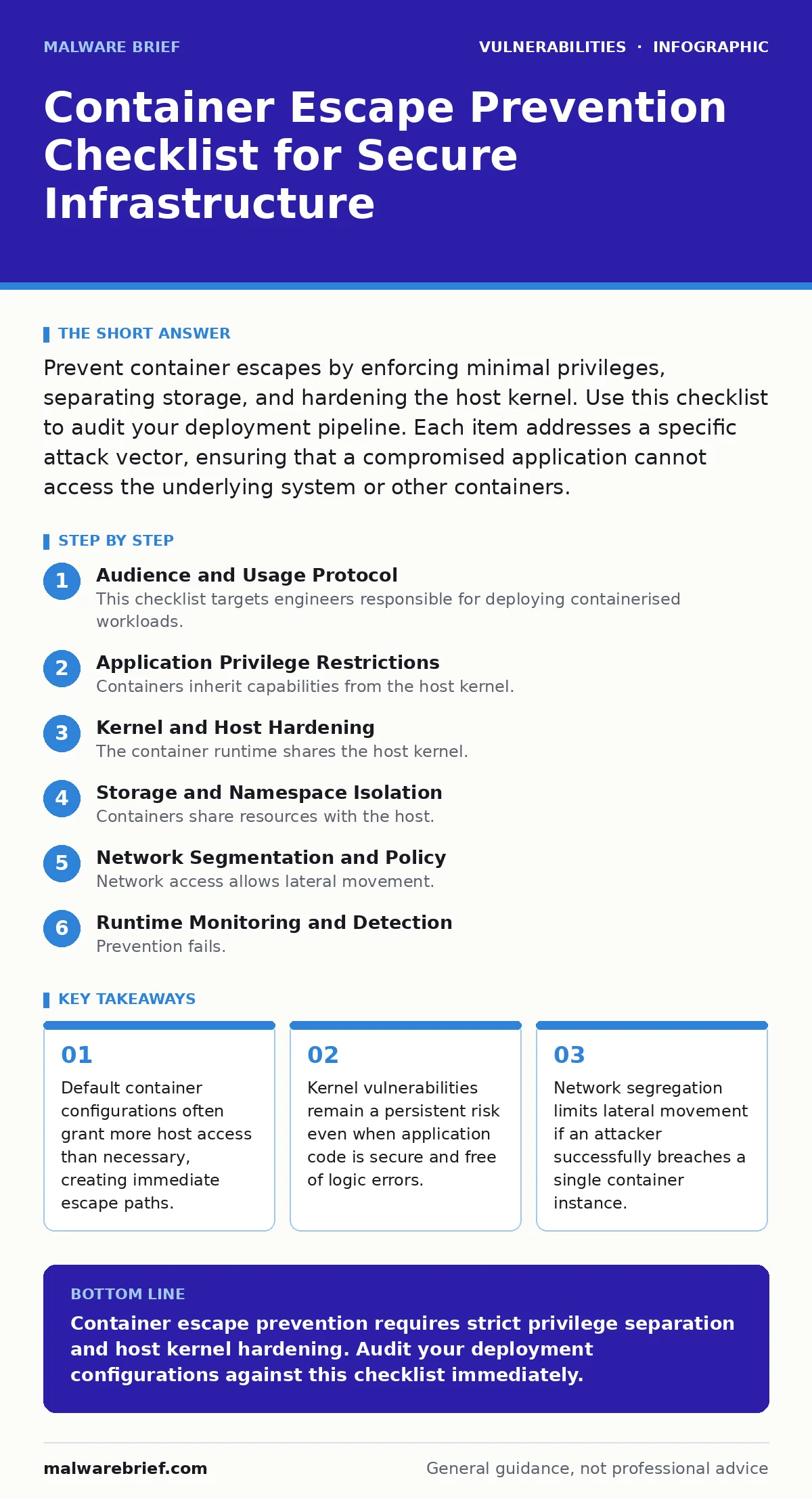
Prevent container escapes by enforcing minimal privileges, separating storage, and hardening the host kernel. Use this checklist to audit your deployment pipeline. Each item addresses a specific attack vector, ensuring that a compromised application cannot access the underlying system or other containers.
Audience and Usage Protocol
This checklist targets engineers responsible for deploying containerised workloads. You use it to audit your infrastructure before production release. The items are grouped by architectural layer. Each item requires a binary decision: implemented or not. Do not treat this as a theoretical exercise. Apply each control to your actual deployment configuration.
Application Privilege Restrictions
Containers inherit capabilities from the host kernel. By default, they retain privileges that allow low-level system calls. You must strip these away to limit the damage of a compromise.
- Run as non-root user: Prevents attackers from accessing host files that require root permissions.
- Drop all Linux capabilities: Removes the ability to perform privileged operations like network binding or module loading.
- Set read-only root filesystem: Stops attackers from planting persistent malware or modifying system binaries within the container.
- Disable privilege escalation: Blocks processes from gaining more privileges than their parent process, closing a common escape path.
These controls assume the application code is secure. If your application contains input validation flaws, an attacker may still inject commands. However, privilege restriction ensures those commands cannot interact with the host kernel directly. This is a critical distinction. Application security and container security operate at different layers. You must secure both.
Kernel and Host Hardening
The container runtime shares the host kernel. If the kernel has a vulnerability, the container isolation is irrelevant. You cannot patch the kernel inside a container. You must manage the host.
- Enable seccomp profiles: Restricts the system calls a container can make, blocking dangerous kernel interactions.
- Apply AppArmor or SELinux policies: Enforces mandatory access control, limiting file and network access beyond standard Unix permissions.
- Keep host kernel updated: Mitigates known kernel exploits that could allow a process to break out of its namespace.
- Disable unused kernel modules: Reduces the attack surface by removing code paths that attackers might exploit.
Kernel updates are not optional. A CVE Numbering Authorities entry for a kernel bug means a public exploit likely exists. You must apply patches promptly. This is distinct from application updates. A secure application running on a vulnerable host is still vulnerable. The host is the foundation. If the foundation cracks, the structure fails.
Storage and Namespace Isolation
Containers share resources with the host. Volume mounts and namespace configurations are frequent sources of escape. Attackers look for mounted host directories. They look for shared user namespaces.
- Avoid mounting host filesystems: Prevents direct access to host data, configuration files, and credentials.
- Use ephemeral storage: Ensures that any malicious changes are lost when the container restarts, limiting persistence.
- Disable user namespace remapping only if necessary: User namespaces map container UIDs to host UIDs. Misconfiguration can map container root to host root.
- Isolate PID and network namespaces: Prevents a container from seeing or interacting with processes and network traffic from other containers or the host.
Imagine a scenario where a container has write access to a host-mounted directory. An attacker writes a cron job or a SSH key to that directory. They gain persistent access. This is a common mistake. Storage isolation is not just about data protection. It is about containment. If you must mount host paths, make them read-only.
Network Segmentation and Policy
Network access allows lateral movement. If a container is compromised, it can scan the internal network. It can attempt to attack other services. You must restrict this traffic.
- Implement default-deny network policies: Blocks all traffic unless explicitly allowed, preventing accidental exposure.
- Restrict outbound connections: Limits the ability of a compromised container to exfiltrate data or download additional tools.
- Use separate network namespaces: Ensures that containers cannot communicate directly with each other unless required.
- Monitor network traffic for anomalies: Detects unusual patterns that may indicate a breach or data exfiltration attempt.
Network policies are not firewalls. They operate at the container orchestration level. They enforce rules based on labels and namespaces. This is more granular than traditional firewalling. It allows you to define trust boundaries between microservices. Without this, a breach in one service can spread to others.
Runtime Monitoring and Detection
Prevention fails. Detection is the backup. You must monitor for escape attempts. Most escapes involve specific system calls or file access patterns.
- Enable runtime security monitoring: Detects suspicious behaviour like unexpected privilege escalation or kernel module loading.
- Audit container logs: Provides a trail of actions taken within the container, useful for post-incident analysis.
- Alert on failed escape attempts: Early warning allows you to respond before full compromise occurs.
Monitoring does not stop an attack. It tells you it happened. You need a response plan. This is where business logic vulnerabilities intersect with infrastructure. An attacker may use valid logic to trigger a chain of events that leads to an escape. Monitoring helps you see the chain.
Dependency and Image Security
Containers are built from images. Images contain dependencies. Vulnerable dependencies can be entry points.
- Scan images for known vulnerabilities: Identifies outdated libraries with known exploits before deployment.
- Use minimal base images: Reduces the number of installed packages, lowering the attack surface.
- Verify image signatures: Ensures that the image has not been tampered with since it was built.
- Automate dependency updates: Ensures that security patches are applied regularly without manual intervention.
This is not just about dependency updates for application code. It is about the entire runtime environment. A vulnerable library in the base image can be exploited just as easily as one in your application. Software composition analysis tools help you track these dependencies. They provide visibility into what is inside your images. Without this, you are deploying blind.
Final Verification
Review your configuration. Test your controls. Attempt to escape your own containers. If you cannot, you are ahead of most attackers. If you can, fix the gap. Security is iterative. This checklist is a starting point, not a finish line.
Key takeaways
- Default container configurations often grant more host access than necessary, creating immediate escape paths.
- Kernel vulnerabilities remain a persistent risk even when application code is secure and free of logic errors.
- Network segregation limits lateral movement if an attacker successfully breaches a single container instance.
Container escape prevention requires strict privilege separation and host kernel hardening. Audit your deployment configurations against this checklist immediately.
Frequently asked questions
Do containers prevent all types of attacks?
No. Containers isolate processes but share the host kernel. Kernel vulnerabilities or misconfigured privileges can allow escapes.
How often should I review container security settings?
Review settings with every infrastructure change. Automate checks in your CI/CD pipeline to ensure consistent enforcement.
Is running as non-root enough to prevent escapes?
No. Non-root reduces risk but does not eliminate it. Attackers can exploit kernel bugs or misconfigured capabilities to escalate privileges.
What is the biggest risk in container deployments?
Misconfiguration. Default settings often grant excessive privileges. Hardening requires explicit restriction of capabilities and access.
How this guide was produced: written by the Malware Brief editorial team with AI assistance, checked against the public references listed below, and reviewed when the facts change. See our editorial policy or report an error.