Pre-Authentication Vulnerabilities: What Small Businesses Must Know
Unauthenticated flaws bypass the first line of defence, allowing attackers to strike before identity verification occurs and often before alarms trigger.

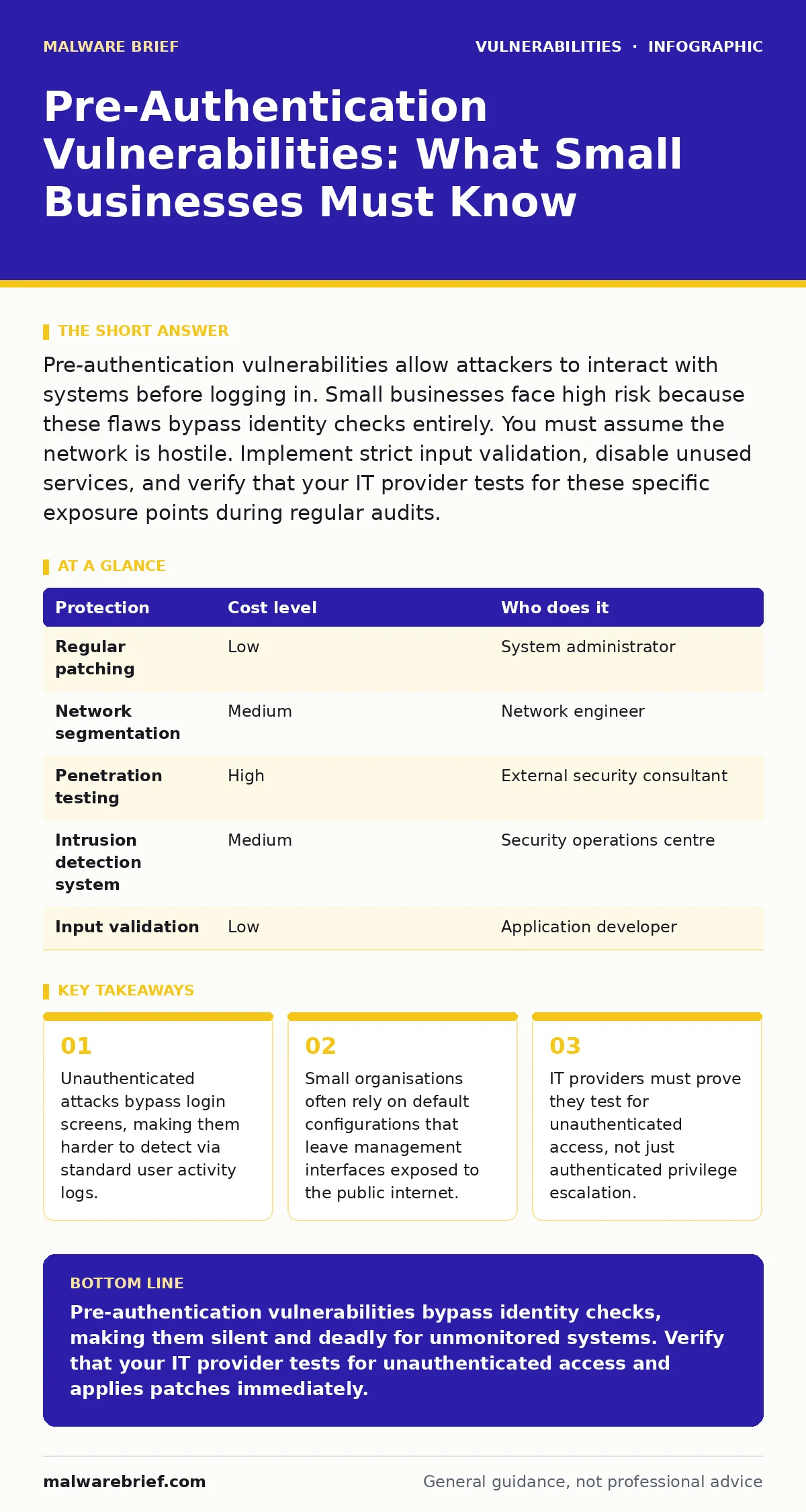
Pre-authentication vulnerabilities allow attackers to interact with systems before logging in. Small businesses face high risk because these flaws bypass identity checks entirely. You must assume the network is hostile. Implement strict input validation, disable unused services, and verify that your IT provider tests for these specific exposure points during regular audits.
The Mechanics of Bypassing Identity
Pre-authentication vulnerabilities exist in code paths that process data before the system verifies who sent it. Standard security models assume that if a user has not logged in, they have no permissions. These flaws break that assumption. They allow an attacker to send crafted requests to endpoints that are reachable by anyone with an internet connection. The system processes the request, often to determine if authentication is even required.
During this processing, the flaw triggers. This might be a buffer overflow, an injection flaw, or a logic error. The result is often remote code execution or information disclosure. The attacker never needs a username or password. This bypasses multi-factor authentication entirely. Multi-factor authentication protects the login screen. It does not protect the code that runs before the login screen appears.
Small businesses are particularly exposed because they often use off-the-shelf software with minimal configuration. These applications expose administrative interfaces or API endpoints to the public network by default. The assumption is that obscurity provides security. This assumption fails when automated scanners probe for known software versions. Once the software is identified, the scanner sends the exploit payload. The payload executes before any credential check occurs. The attacker gains a foothold. From this foothold, they can harvest credentials from memory or configuration files. The initial breach required zero knowledge of the business’s user identities.
Why Scale Increases Risk
Large enterprises deploy web application firewalls and intrusion prevention systems that can block known exploit patterns. These tools inspect traffic for malicious signatures. Small businesses often lack the budget or expertise to configure these defences correctly. They rely on the software vendor to keep the base product secure. When a vulnerability is disclosed, there is a window of exposure between disclosure and patching. This window is critical for unauthenticated flaws. Attackers automate the scanning for these flaws.
They do not target specific companies. They sweep the entire internet for vulnerable instances. A small business with a static IP address is a fixed target. The attacker finds the vulnerability and strikes immediately. The lack of security monitoring means the breach may go unnoticed for months. The damage accumulates silently. Data is exfiltrated while the business operates normally. The absence of alerting mechanisms is the primary amplifier of risk. The flaw itself is the entry point. The lack of detection is the reason the breach succeeds.
| Protection | Cost level | Who does it |
|---|---|---|
| Regular patching | Low | System administrator |
| Network segmentation | Medium | Network engineer |
| Penetration testing | High | External security consultant |
| Intrusion detection system | Medium | Security operations centre |
| Input validation | Low | Application developer |
Practical Mitigation Strategies
Patching is the primary defence. You must apply security updates as soon as the vendor releases them. Delaying patches leaves the door open. Automated patch management systems reduce the human error factor. Ensure these systems are configured to deploy critical updates immediately. For applications you cannot patch immediately, you must restrict access. Place administrative interfaces behind a virtual private network.
This ensures that only authorised devices on the corporate network can reach the management port. The public internet cannot connect directly. This removes the unauthenticated attack vector from the outside world. The attacker still needs to breach the VPN first. This adds a layer of difficulty. It does not remove the vulnerability, but it limits the attack surface.
Input validation is the second line of defence. Every application must treat incoming data as hostile. This means checking the length, type, and format of every parameter. If a system expects a number, it must reject letters. If it expects a file name, it must reject path traversal sequences. This prevents injection attacks and buffer overflows.
Developers must implement this validation on the server side. Client-side validation is easily bypassed. You should review how your applications handle file uploads. File uploads are a common source of pre-authentication flaws. Restrict allowed file types by extension and magic number. Store uploaded files outside the web root. This prevents the server from executing them as scripts.
Engaging Your IT Provider
You must verify that your IT provider understands pre-authentication risks. Many providers focus on keeping systems up and running. They may neglect security hardening. Ask them how they test for unauthenticated access. Do they run automated vulnerability scans? Do they perform manual penetration tests? Automated scans miss logic flaws. Manual testing is required to find complex issues. Ask for evidence of recent tests. Review the reports. Look for findings related to remote code execution or information disclosure without authentication. If the provider cannot explain these terms, they may lack the necessary expertise.
Discuss their patch management process. Ask how quickly they apply critical security updates. Is there a delay for testing? A delay is acceptable for stability, but not for known exploitable flaws. Ask if they monitor for unusual network traffic. Pre-authentication attacks often generate specific traffic patterns. An intrusion detection system can flag these patterns. Ask if they have such a system in place. Ask how they respond to alerts. A slow response allows the attacker to establish persistence. You need a provider who treats security as a continuous process, not a one-time setup.
Related Security Concepts
Understanding pre-authentication flaws requires context. These flaws often relate to broader security practices. For instance, CVSS environmental scores help prioritise patches based on your specific environment. A flaw might be severe generally but low risk if the service is isolated. Conversely, a moderate flaw is critical if the service is public. Reading security advisory reading material helps you understand the technical details of a vulnerability. It tells you if the flaw is unauthenticated. If the advisory mentions "remote code execution" and "no authentication required", treat it as urgent.
Some languages have inherent risks. PHP application vulnerabilities often stem from poor input handling. Python pickle deserialization is a dangerous practice that allows code execution. If your applications use these technologies, ensure they are not exposed to untrusted input. Prototype pollution in JavaScript applications can also lead to unauthenticated privilege escalation. These are specific manifestations of the broader issue. IoT device vulnerabilities are often pre-authentication flaws.
Many internet-connected devices have hardcoded credentials or open management ports. This makes them easy targets for automated bots. Backported security fixes allow older systems to receive patches without upgrading the entire software version. This can help extend the life of legacy systems. Vulnerability embargoes can delay public disclosure, giving attackers a head start. Stay informed about disclosure timelines.
See also: Patch Management: Eight Questions Answered for Stability · Warning Signs of Business Logic Vulnerabilities in Web Apps
The Hidden Cost of Complacency
The most expensive aspect of pre-authentication vulnerabilities is the delay in detection. Because no user account is compromised initially, standard log reviews may show nothing unusual. There are no failed login attempts. There are no suspicious user behaviours. The attacker operates in the shadows. By the time the breach is discovered, data may already be stolen.
The cost of remediation includes forensic investigation, legal fees, and reputation damage. This far exceeds the cost of regular patching and testing. Small businesses often lack the resources to recover from a major breach. Prevention is the only viable strategy. You must assume that your systems are targeted. You must verify that your defences are active. You must test them regularly.
Summary of Actions
Review your exposed services. Close any ports that are not strictly necessary. Ensure that all software is updated. Ask your IT provider for evidence of recent security testing. Verify that they test for unauthenticated access. Implement input validation on all applications. Restrict administrative interfaces to internal networks. Monitor for unusual traffic patterns. These steps reduce the risk significantly. They do not eliminate it. Security is a continuous process. Stay informed about new vulnerabilities. Act quickly when patches are released. Protect your data by protecting the perimeter. The perimeter is not just the firewall. It is every line of code that processes external input.
Key takeaways
- Unauthenticated attacks bypass login screens, making them harder to detect via standard user activity logs.
- Small organisations often rely on default configurations that leave management interfaces exposed to the public internet.
- IT providers must prove they test for unauthenticated access, not just authenticated privilege escalation.
Pre-authentication vulnerabilities bypass identity checks, making them silent and deadly for unmonitored systems. Verify that your IT provider tests for unauthenticated access and applies patches immediately.
Frequently asked questions
How do I know if my system has a pre-authentication vulnerability?
Run an automated vulnerability scanner against your public-facing services. Review the results for high-severity issues marked as unauthenticated. Hire a penetration tester for a deeper manual review.
Can a firewall stop pre-authentication attacks?
A standard firewall cannot stop these attacks if the traffic is allowed through. You need a web application firewall or intrusion prevention system to inspect the content of the requests and block malicious payloads.
Is patching enough to protect against these flaws?
Patching removes known vulnerabilities, but new ones are discovered regularly. You also need to restrict access to administrative interfaces and validate all input to reduce the risk of unknown flaws.
What is the difference between pre-auth and post-auth vulnerabilities?
Pre-auth vulnerabilities can be exploited without logging in. Post-auth vulnerabilities require the attacker to have valid credentials first. Pre-auth flaws are more dangerous because they bypass the initial security barrier.
How this guide was produced: written by the Malware Brief editorial team with AI assistance, checked against the public references listed below, and reviewed when the facts change. See our editorial policy or report an error.