Firmware Update Management for Small Businesses: Practical Security Steps
Unpatched firmware allows attackers to bypass operating system defences and persist even after a full system reinstallation, making inventory the first line of defence.

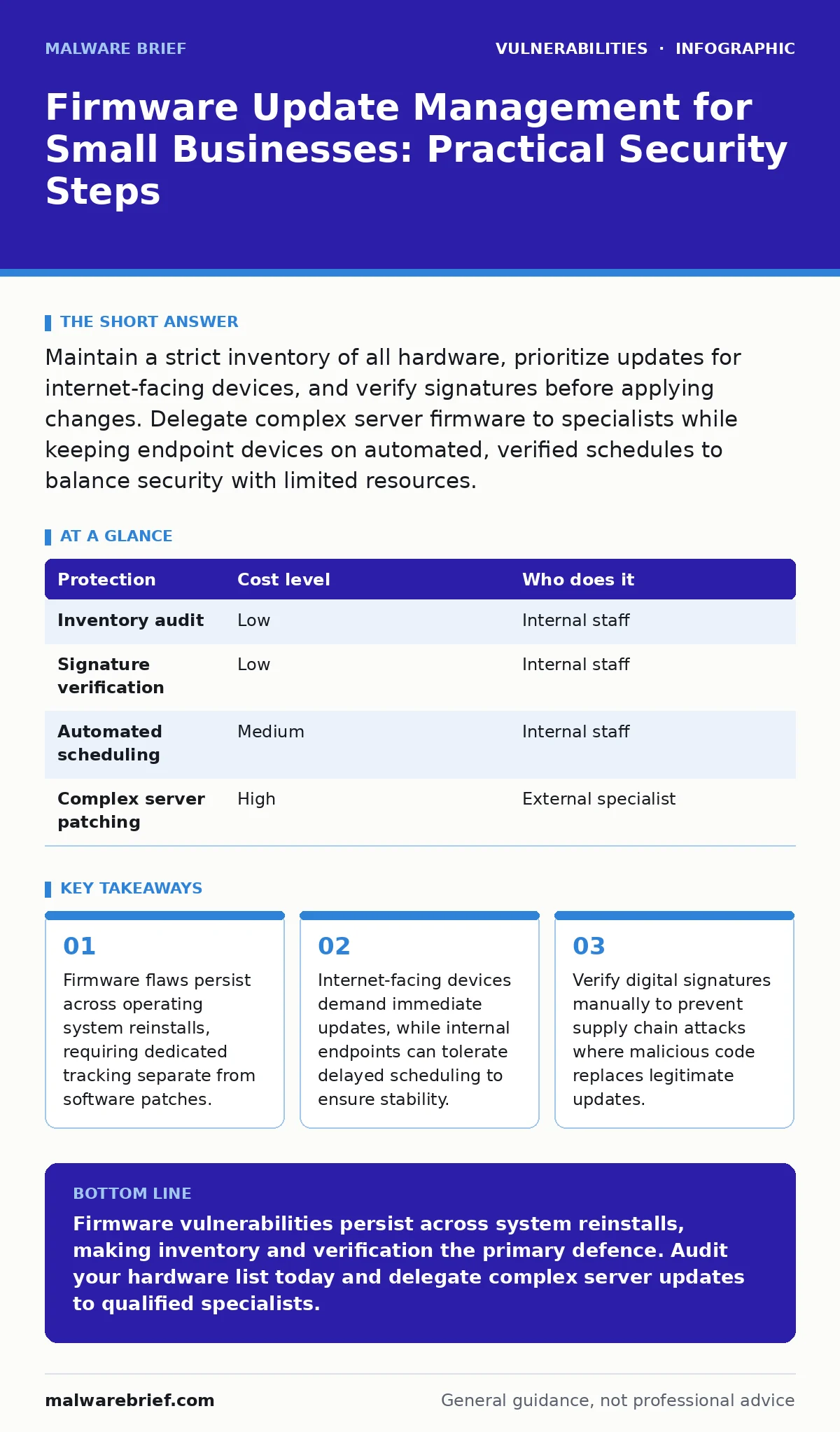
Maintain a strict inventory of all hardware, prioritize updates for internet-facing devices, and verify signatures before applying changes. Delegate complex server firmware to specialists while keeping endpoint devices on automated, verified schedules to balance security with limited resources.
Why Firmware Matters at Small Scale
Firmware is the low-level software embedded in hardware components such as routers, switches, and hard drives. It controls basic functions before the operating system loads. A vulnerability in firmware allows an attacker to bypass standard operating system defences. This is significant because reinstalling the operating system does not remove a firmware-based backdoor. The attacker retains access even after you wipe the drive and install a fresh system.
Small organisations often overlook firmware because it is invisible to standard management tools. Employees interact with applications, not the code running on the network card. This invisibility creates a blind spot. Attackers target these blind spots because they are rarely monitored. A single compromised switch can allow an attacker to intercept traffic from every device on the network. The cost of a breach far exceeds the effort required to track firmware versions.
| Protection | Cost level | Who does it |
|---|---|---|
| Inventory audit | Low | Internal staff |
| Signature verification | Low | Internal staff |
| Automated scheduling | Medium | Internal staff |
| Complex server patching | High | External specialist |
Building an Accurate Inventory
You cannot update what you do not know exists. The first step is creating a complete list of all hardware. This includes servers, desktops, laptops, printers, and network infrastructure. Many small businesses forget about IoT devices such as smart thermostats or security cameras. These devices often run outdated firmware and lack update mechanisms.
Use a spreadsheet or a basic asset management tool to record the manufacturer, model, and current firmware version for each item. Update this record whenever new hardware is added. When a vulnerability is disclosed, you can cross-reference the CVE with your inventory. This tells you immediately if you are affected. Without an inventory, you must assume every device is vulnerable, which leads to unnecessary downtime and wasted effort.
Prioritising Updates by Risk
Not all firmware updates carry the same risk. Prioritise devices that face the internet. Routers, firewalls, and public-facing servers are high priority. An attacker can scan these devices directly. Internal devices such as office printers or internal switches are lower priority. They are protected by the network perimeter.
For high-priority devices, apply updates as soon as they are available. For lower-priority devices, wait for a stable release. Vendors sometimes release buggy patches. Waiting a few weeks allows early adopters to report issues. This strategy balances security with stability. It prevents a bad update from disrupting daily operations. You must define your risk tolerance for each device category.
Verifying Update Integrity
Firmware updates are often delivered as binary files. You must verify that the file has not been tampered with. Attackers can intercept update downloads or compromise vendor servers. They may replace the legitimate update with malicious code. This is a supply chain attack.
Check the digital signature of the update file. Most vendors sign their firmware with a cryptographic key. Your device or update tool should verify this signature before installation. If the signature is missing or invalid, do not install the update. Contact the vendor for clarification. This step prevents the installation of malicious firmware that could persist indefinitely.
Delegating Complex Tasks
Some firmware updates are complex and risky. Server firmware, for example, requires careful coordination. Updating a server’s BIOS or UEFI firmware can render the server unbootable if done incorrectly. This process often requires physical access or out-of-band management.
Delegate these tasks to an IT provider or a specialist. They have the expertise to handle failures and roll back changes. For endpoint devices such as laptops, you can manage updates internally. Use automated tools to push updates during off-hours. This reduces the burden on your staff. Clear delegation ensures that critical infrastructure receives expert attention while routine tasks remain manageable.
See also: Policy as Code for Small Teams: Automate Cloud Rules · Warning Signs of Business Logic Vulnerabilities in Web Apps
Questions for IT Providers
When you delegate firmware management, you must ensure the provider follows best practices. Ask specific questions to gauge their competence. Do not accept vague answers. You need to know how they handle verification, testing, and rollback.
- How do you verify the integrity of firmware updates before deployment?
- What is your process for testing updates in a non-production environment?
- How do you handle rollback if an update causes hardware failure?
- Do you maintain a detailed log of all firmware changes?
- How do you prioritise updates based on severity and exposure?
These questions reveal whether the provider treats firmware as a critical security component. A provider who cannot answer these questions clearly is not qualified to manage your infrastructure.
Integrating with Broader Security
Firmware management does not exist in isolation. It interacts with other security controls. For example, broken access control can allow an unauthorised user to trigger firmware updates. Ensure that only authorised personnel can initiate changes. Similarly, mitigations and workarounds may be available for vulnerabilities that cannot be patched immediately. These temporary measures reduce risk until a proper fix is released.
Monitor for pre-authentication vulnerabilities in your network devices. These flaws allow attackers to exploit the device before logging in. They are particularly dangerous in firmware because they often lead to remote code execution. Regularly review your security posture to ensure that firmware updates align with your overall strategy.
Maintaining Long-Term Discipline
Firmware management is an ongoing process. New devices are added, and new vulnerabilities are discovered. You must maintain discipline to keep your inventory accurate and your devices updated. Schedule quarterly reviews of your firmware status. Check for new advisories from vendors. Update your inventory and apply patches as needed.
Consistency is key. A single missed update can compromise your entire network. By treating firmware with the same seriousness as operating system patches, you close a critical gap in your defence. This approach protects your business from persistent threats that bypass standard security measures.
Key takeaways
- Firmware flaws persist across operating system reinstalls, requiring dedicated tracking separate from software patches.
- Internet-facing devices demand immediate updates, while internal endpoints can tolerate delayed scheduling to ensure stability.
- Verify digital signatures manually to prevent supply chain attacks where malicious code replaces legitimate updates.
Firmware vulnerabilities persist across system reinstalls, making inventory and verification the primary defence. Audit your hardware list today and delegate complex server updates to qualified specialists.
Frequently asked questions
How often should I check for firmware updates?
Check monthly for internet-facing devices and quarterly for internal endpoints. Vendors release patches at irregular intervals, so regular checks ensure you do not miss critical fixes.
Can I automate firmware updates for all devices?
Automate updates for standard endpoints like laptops and phones. Avoid automation for critical infrastructure like servers and switches, where manual verification and testing are safer.
What if a vendor stops supporting my device?
Isolate the device from the internet and restrict network access. Consider replacing it, as unsupported devices will never receive security patches and remain permanently vulnerable.
How do I know if a firmware update is safe?
Verify the digital signature provided by the vendor. Check independent security advisories for reports of issues with the specific update version before deploying it broadly.
How this guide was produced: written by the Malware Brief editorial team with AI assistance, checked against the public references listed below, and reviewed when the facts change. See our editorial policy or report an error.