Email Authentication Checklist: Verify SPF, DKIM and DMARC Records
Most organisations configure SPF and DKIM correctly but leave DMARC in a passive monitoring state, allowing attackers to mimic their domain indefinitely.

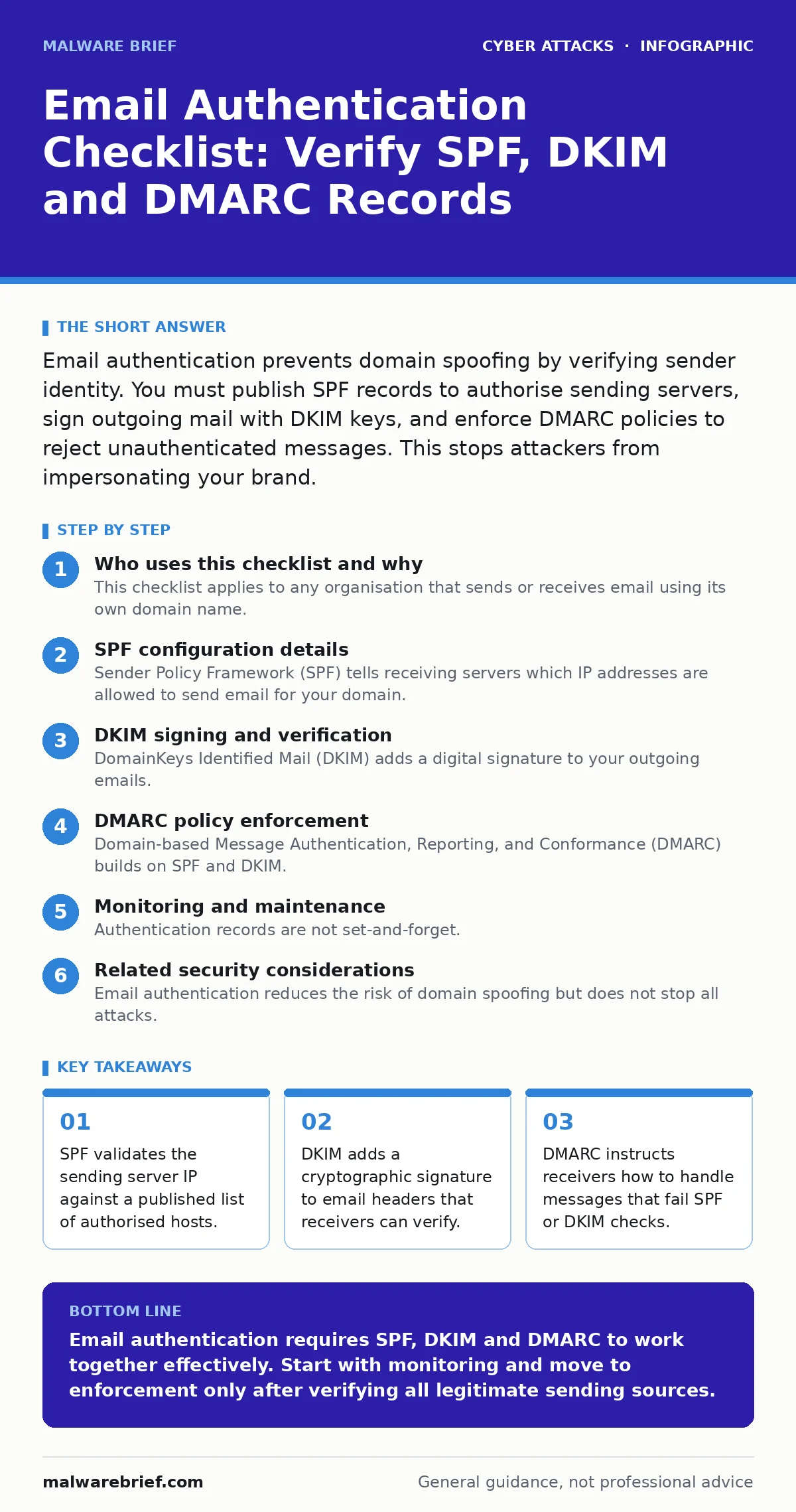
Email authentication prevents domain spoofing by verifying sender identity. You must publish SPF records to authorise sending servers, sign outgoing mail with DKIM keys, and enforce DMARC policies to reject unauthenticated messages. This stops attackers from impersonating your brand.
Who uses this checklist and why
This checklist applies to any organisation that sends or receives email using its own domain name. You use it to verify that your domain cannot be easily spoofed by attackers. Email authentication is not a single technology but a combination of 3 standards that work together. Without these records, your domain is open to impersonation. Attackers use this gap to trick users into clicking malicious links or handing over credentials. The following sections break down the specific records you must configure and verify.
SPF configuration details
Sender Policy Framework (SPF) tells receiving servers which IP addresses are allowed to send email for your domain. You publish this information in a DNS TXT record. The record contains a list of mechanisms that define authorised senders.
- Publish an SPF record with a -all mechanism: This hard fail directive tells receivers to reject any mail from unlisted sources.
- List all outbound mail servers by IP or hostname: Missing a single server causes legitimate business email to bounce or land in spam.
- Avoid using include: directives for third-party services you no longer use: Each include adds a DNS lookup delay and expands your attack surface.
- Ensure the total number of DNS lookups does not exceed 10: Exceeding this limit causes the SPF check to fail, often resulting in a soft fail.
SPF has a hidden cost. It only validates the envelope sender, not the "From" address that users see. An attacker can still send mail that appears to come from your domain if they bypass SPF or if your SPF record is too permissive. This is why SPF alone is insufficient for protection.
DKIM signing and verification
DomainKeys Identified Mail (DKIM) adds a digital signature to your outgoing emails. This signature is generated using a private key held by your mail server. The corresponding public key is published in your DNS. Receivers use the public key to verify that the message has not been altered in transit.
- Generate a new DKIM key pair with at least 2048-bit strength: Shorter keys are vulnerable to brute-force attacks and may fail modern verification standards.
- Publish the public key in a DNS TXT record: The selector in the record name must match the selector used by your mail server.
- Sign all outgoing messages, including those from marketing platforms: Unsigned messages fail DKIM checks, causing DMARC failures if enforcement is active.
- Rotate keys annually or when staff leave: Long-lived keys increase the risk of compromise if a server is breached.
DKIM protects message integrity. If an attacker modifies the body or headers after signing, the verification fails. However, DKIM does not prove that the sender is who they claim to be in the "From" field. It only proves that the message came from a server that holds the private key. This distinction matters when troubleshooting delivery issues.
DMARC policy enforcement
Domain-based Message Authentication, Reporting, and Conformance (DMARC) builds on SPF and DKIM. It tells receivers what to do when a message fails authentication. You publish a DMARC record in DNS. This record specifies the policy for failed checks.
- Publish a DMARC record with p=none initially: This allows you to monitor reports without risking the rejection of legitimate mail.
- Set up aggregated reporting via rua: This provides daily XML reports showing who is sending email on your behalf and whether it passes checks.
- Enable forensic reporting via ruf: This sends detailed headers of failing messages, helping you identify misconfigurations or abuse.
- Transition to p=quarantine after 2 weeks of clean reports: This moves failing messages to the spam folder, reducing user exposure to spoofed mail.
- Move to p=reject once all legitimate sources are identified: This blocks unauthenticated mail entirely, providing the strongest protection against spoofing.
DMARC is the only standard that enforces action. Without it, receivers may ignore SPF or DKIM failures. A common mistake is setting p=reject too early. This causes legitimate partner emails to bounce, damaging business relationships. Monitor your reports carefully before tightening the policy.
Monitoring and maintenance
Authentication records are not set-and-forget. Your infrastructure changes, and attackers adapt. You must maintain your records to ensure they reflect your current sending practices.
- Review aggregated DMARC reports weekly: Look for new source IPs that you do not recognise. These may indicate compromised accounts or misconfigured servers.
- Update SPF records when adding or removing services: Every new marketing platform or cloud app needs explicit authorisation in your SPF record.
- Check for duplicate DKIM selectors: Old selectors from decommissioned services can clutter your DNS and cause confusion during troubleshooting.
- Verify that BIMI records are aligned with DMARC: Brand Indicators for Message Identification (BIMI) allows you to display a logo in the inbox, but only if DMARC enforcement is active.
Imagine you add a new CRM system that sends transactional emails. If you forget to update your SPF record, those emails will fail authentication. Users will see a warning or the mail will be rejected. This breaks the trust you have built with your customers. Regular audits prevent these disruptions.
See also: Defense in Depth for Small Teams: A Practical Layered Security Approach · Social Engineering Prevention Checklist: Stop Manipulation Before Access
Related security considerations
Email authentication reduces the risk of domain spoofing but does not stop all attacks. You should combine it with other measures. For example, phishing kits often bypass authentication by using lookalike domains. Defence in depth requires multiple layers of protection. Account takeover remains a risk if users fall for social engineering, even with authenticated mail. IP spoofing is also a concern for network-level attacks, though less relevant to email delivery. Understanding these limitations helps you prioritise your security efforts.
Final verification steps
Before considering your configuration complete, perform a final check. Send test emails from multiple sources to external mail providers. Verify that they land in the inbox and not in spam. Check the headers of received messages to confirm SPF, DKIM and DMARC pass. Document your configuration for future reference. This ensures that new staff can maintain the records correctly. Consistency is key to long-term security.
Key takeaways
- SPF validates the sending server IP against a published list of authorised hosts.
- DKIM adds a cryptographic signature to email headers that receivers can verify.
- DMARC instructs receivers how to handle messages that fail SPF or DKIM checks.
Email authentication requires SPF, DKIM and DMARC to work together effectively. Start with monitoring and move to enforcement only after verifying all legitimate sending sources.
Frequently asked questions
What happens if I set DMARC to reject too soon?
Legitimate emails from partners or internal tools may be blocked, causing operational disruptions and missed communications.
Can attackers bypass email authentication?
Yes, by using visually similar domains or exploiting misconfigurations in your SPF or DKIM records.
How this guide was produced: written by the Malware Brief editorial team with AI assistance, checked against the public references listed below, and reviewed when the facts change. See our editorial policy or report an error.