Removing Android Malware: Benefits and Hard Limits
Removing malware stops active theft but leaves hidden backdoors, making a factory reset the only reliable method for total security restoration.

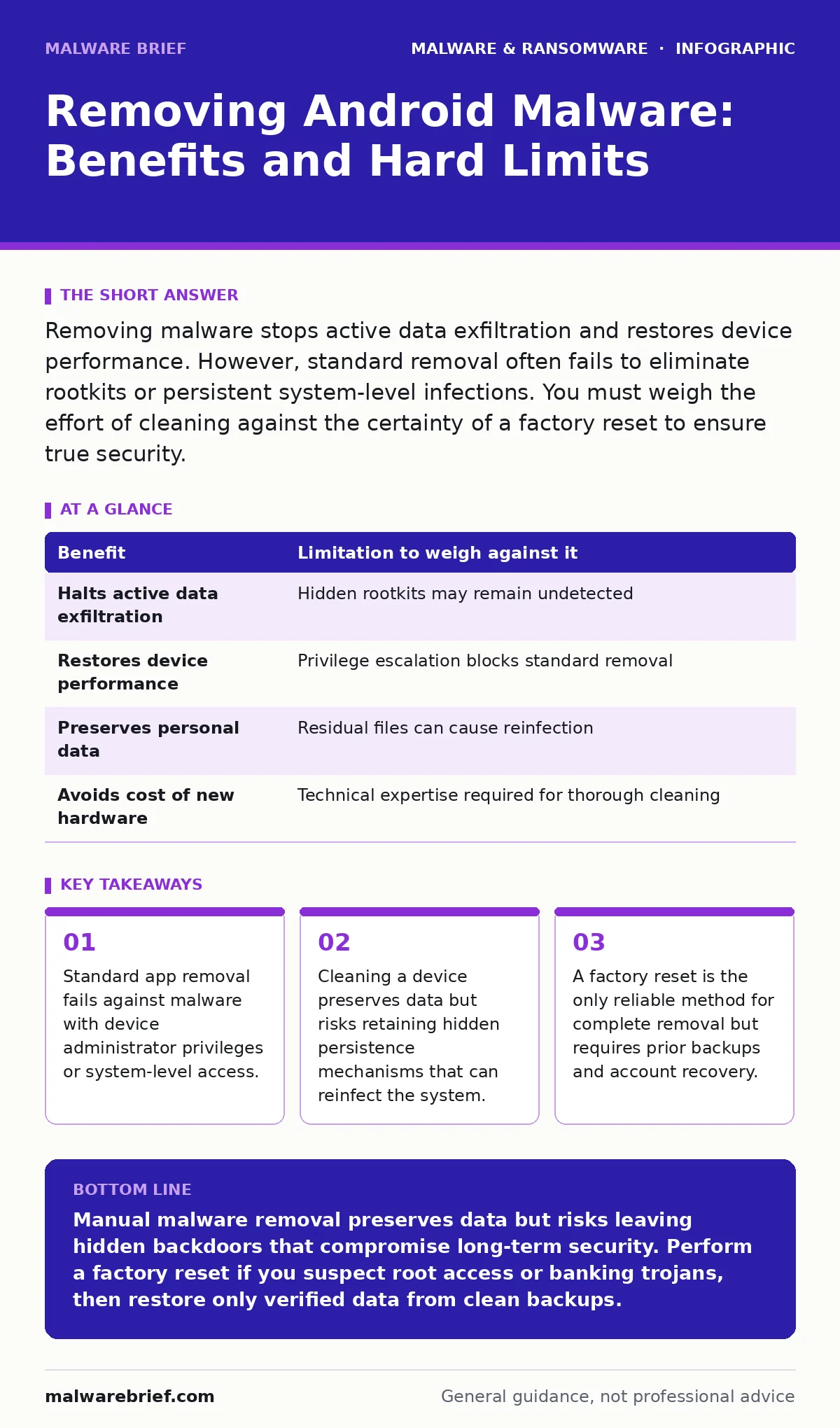
Removing malware stops active data exfiltration and restores device performance. However, standard removal often fails to eliminate rootkits or persistent system-level infections. You must weigh the effort of cleaning against the certainty of a factory reset to ensure true security.
The Mechanics of Android Infection
Android operates as a modified version of Linux, relying on a permission model to restrict app access. Malware exploits weaknesses in this model to gain elevated privileges. Once installed, malicious software can intercept keystrokes, access contacts, or monitor network traffic. Understanding how these programs attach themselves to the operating system is necessary before attempting removal.
Many threats install as standard applications. Others exploit vulnerabilities to achieve root access, which grants control over the entire device. This distinction determines whether simple uninstallation is sufficient or if deeper intervention is required. The Android malware ecosystem varies widely in complexity and persistence.
Concrete Benefits of Remediation
Stopping active data theft is the primary benefit of removing malware. If a banking trojan is stealing credentials, its removal halts the immediate loss of financial data. This action preserves the integrity of your accounts and prevents further unauthorized transactions.
Device performance often improves after removal. Malicious processes consume battery life and CPU cycles in the background. Eliminating these processes restores normal operation speeds and extends battery longevity. You regain control over your device’s resources without paying for a new handset.
Data preservation is another advantage. Cleaning a device allows you to keep photos, messages and documents intact. This is valuable when a full wipe is not feasible due to time or backup constraints. However, this benefit comes with significant technical caveats that must be understood.
Honest Limitations of Manual Removal
Manual removal cannot guarantee complete eradication. Many modern threats use rootkits to hide their presence from the operating system. Even if you delete the visible app, the underlying code may remain in system partitions. This hidden code can reactivate the malware or reinstall it silently.
Privilege escalation is a common hurdle. If the malware has gained device administrator rights, standard uninstallation is blocked. You must manually revoke these permissions through system settings, a step often overlooked by casual users. Failure to do so leaves the threat fully functional despite apparent removal.
Residual data poses a secondary risk. Malware may have created backup copies of itself in obscure directories. These copies can restart the infection after a reboot. Without deep forensic analysis, it is impossible to know if all traces are gone. This uncertainty undermines the security of the cleaned device.
| Benefit | Limitation to weigh against it |
|---|---|
| Halts active data exfiltration | Hidden rootkits may remain undetected |
| Restores device performance | Privilege escalation blocks standard removal |
| Preserves personal data | Residual files can cause reinfection |
| Avoids cost of new hardware | Technical expertise required for thorough cleaning |
When It Is Worth It
Remediation is worth the effort when the infection is recent and limited. If you installed a suspicious app today and noticed immediate battery drain, removing it may suffice. The malware has likely not had time to establish deep persistence or exfiltrate significant data.
Preserving specific data is another valid reason. If your phone contains irreplaceable photos or work documents that are not backed up, a factory reset is too costly. In this scenario, careful removal of the offending app, followed by a security scan, is the pragmatic choice.
Imagine you suspect a browser hijacker is redirecting your web traffic. These programs usually operate at the application level and do not require system privileges. Removing the app and clearing browser data often resolves the issue completely. This is a low-risk scenario where manual cleanup is effective.
When It Is Not
When the malware has achieved root access, manual removal is rarely sufficient. Rootkits operate at the kernel level, invisible to standard security tools. Attempting to clean such a device is akin to treating a symptom while ignoring the disease. The risk of residual compromise is too high.
If you are unsure of the infection source, do not attempt cleaning. Malware often spreads via computer worms that exploit messaging apps or Bluetooth. Without knowing the entry point, you cannot verify that all related components are removed. The uncertainty outweighs the benefit of data preservation.
Banking trojans are particularly dangerous because they are designed to evade detection. These programs may only activate when a banking app is open, hiding their presence otherwise. If you suspect such an infection, assume the device is compromised. A factory reset is the only safe option.
See also: Zero-Day Malware: Why Unknown Threats Dictate Security Strategy · Banking Trojans: Why Small Firms Get Targeted and How to Stop Them
The Factory Reset Alternative
A factory reset returns the device to its original state. It wipes all user data, apps and settings, including most malware. This method is the most reliable way to ensure a clean slate. However, it requires you to restore data from a backup, which must be verified as clean.
Before resetting, back up important files to a separate device. Do not restore apps from the backup immediately. Install them individually and monitor for suspicious behaviour. This cautious approach prevents reinfection from a compromised backup.
Mac malware operates differently due to distinct architecture, but the principle of clean restoration applies. In both ecosystems, starting fresh is safer than attempting to surgically remove deep-seated threats. The effort of restoring data is the trade-off for guaranteed security.
Preventing Future Infections
Sandboxing is a security mechanism that isolates apps from each other. Android uses this to limit the damage any single app can cause. However, users often grant excessive permissions, weakening this isolation. Review app permissions regularly and deny access to unnecessary features.
Avoid sideloading applications from unknown sources. The official app store performs basic screening, reducing the risk of macro malware or other threats. Installing apps manually bypasses these checks and exposes the device to unvetted code.
Zero-day malware exploits unknown vulnerabilities, making prevention difficult. Keeping the operating system updated patches these holes as soon as they are discovered. Delaying updates leaves the device vulnerable to attacks that bypass standard security measures. Stay current with system updates to maintain a defensible position.
Key takeaways
- Standard app removal fails against malware with device administrator privileges or system-level access.
- Cleaning a device preserves data but risks retaining hidden persistence mechanisms that can reinfect the system.
- A factory reset is the only reliable method for complete removal but requires prior backups and account recovery.
Manual malware removal preserves data but risks leaving hidden backdoors that compromise long-term security. Perform a factory reset if you suspect root access or banking trojans, then restore only verified data from clean backups.
Frequently asked questions
Can I remove malware without losing my photos?
Yes, you can often remove malware while keeping photos, but you must manually back them up to a separate device first. This process carries the risk that the malware remains active in the background, potentially compromising other data.
Does uninstalling an app remove all its data?
Uninstalling an app typically removes its main files, but cached data or files saved to shared storage may persist. Malware often uses these residual files to reinfect the device, so a simple uninstall is rarely sufficient for deep cleaning.
Is a factory reset enough to remove all malware?
A factory reset removes almost all malware, including rootkits, by wiping the user partition. However, if the bootloader is compromised, the malware could survive the reset. For most users, a reset followed by a system update is sufficient.
How do I know if my phone still has malware?
Look for unexplained battery drain, slow performance or unknown apps. However, sophisticated malware may show no visible signs. If you suspect infection, assume the device is compromised and proceed with a factory reset.
How this guide was produced: written by the Malware Brief editorial team with AI assistance, checked against the public references listed below, and reviewed when the facts change. See our editorial policy or report an error.