USB Device Control: Policy, Risks, and Implementation Answers
Blocking removable media storage leaves critical blind spots for attackers using human interface devices that mimic keyboards or network adapters.

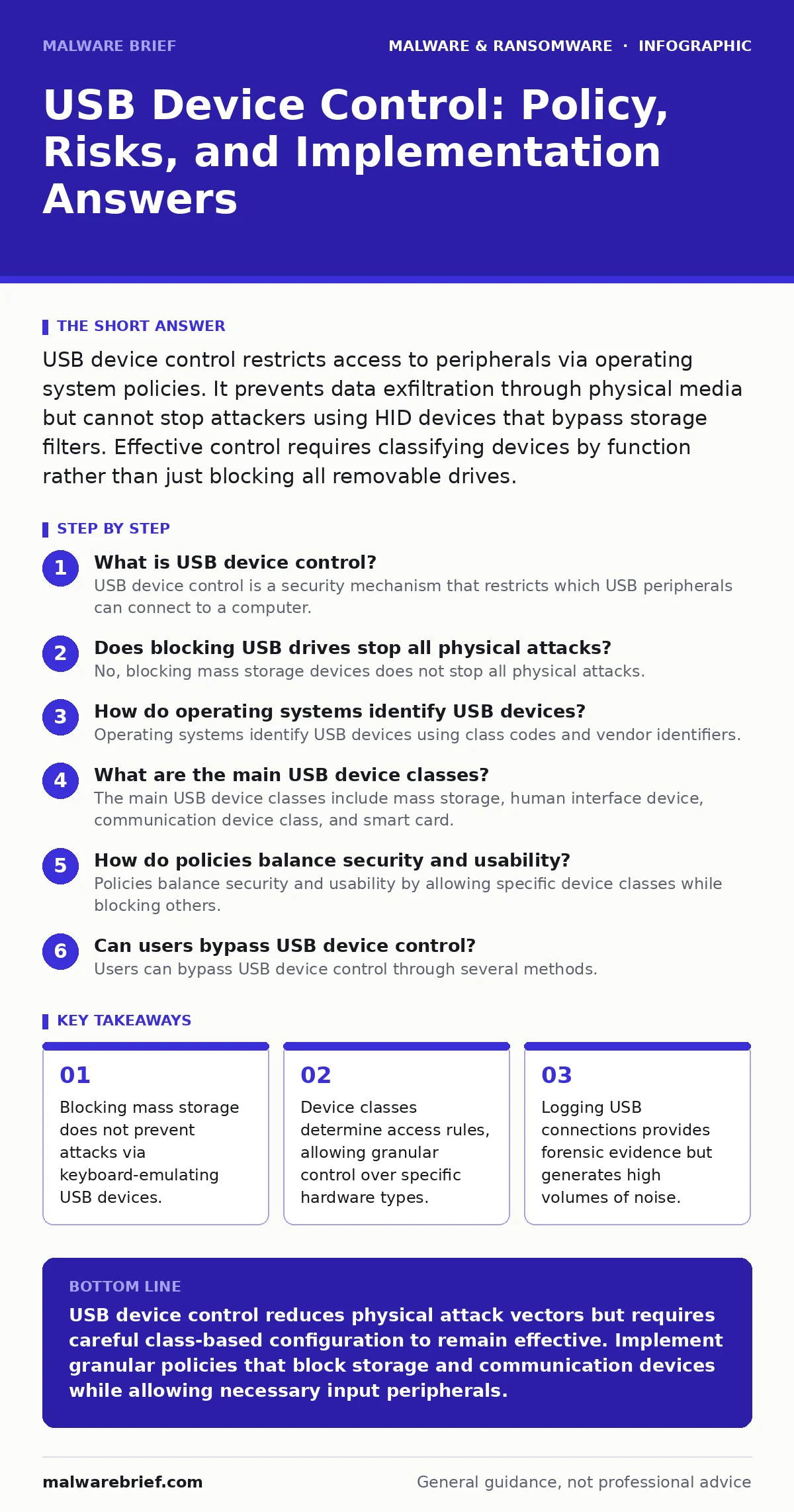
USB device control restricts access to peripherals via operating system policies. It prevents data exfiltration through physical media but cannot stop attackers using HID devices that bypass storage filters. Effective control requires classifying devices by function rather than just blocking all removable drives.
What is USB device control?
USB device control is a security mechanism that restricts which USB peripherals can connect to a computer. It operates by inspecting the device class and vendor identifiers when hardware is plugged in. The operating system compares these identifiers against configured policies. If the device matches an allowed class, it connects. If it matches a blocked class, the connection is refused. This prevents unauthorised hardware from interacting with the system.
Does blocking USB drives stop all physical attacks?
No, blocking mass storage devices does not stop all physical attacks. Attackers use human interface devices that emulate keyboards or mice. These devices bypass storage filters because they appear as input peripherals. An attacker can plug in a small device that types malicious commands automatically. This technique exploits the trust the operating system places in input devices. Blocking only mass storage leaves this attack vector open.
How do operating systems identify USB devices?
Operating systems identify USB devices using class codes and vendor identifiers. The class code defines the general function of the device, such as storage, audio, or communication. The vendor identifier is a unique number assigned to the manufacturer. The product identifier distinguishes specific models from that vendor. Security policies use these three values to make allow or deny decisions. This identification happens before the device driver loads.
What are the main USB device classes?
The main USB device classes include mass storage, human interface device, communication device class, and smart card. Mass storage covers flash drives and external hard disks. Human interface device covers keyboards, mice, and gaming controllers. Communication device class covers modems and network adapters. Smart card covers cryptographic tokens. Understanding these classes helps you build precise policies. Blocking one class does not affect others.
How do policies balance security and usability?
Policies balance security and usability by allowing specific device classes while blocking others. A strict policy blocks all removable media, preventing data theft but hindering legitimate work. A relaxed policy allows all devices, enabling productivity but increasing risk. A balanced policy allows input devices and printers but blocks storage and network adapters. This approach reduces the attack surface while maintaining core functionality. Administrators must review these rules regularly.
See also: Difference Between Keyloggers and Spyware in Cyber Security · Endpoint Detection and Response vs Antivirus: Core Differences
Can users bypass USB device control?
Users can bypass USB device control through several methods. They can use software tools that hide the true device class from the operating system. They can modify the firmware of a USB device to present a different class code. They can use a USB-to-serial converter that appears as a communication device. They can exploit vulnerabilities in the USB controller driver. These bypasses highlight the need for layered security. Control alone is insufficient.
What is the role of logging in USB security?
Logging records every USB connection event, including the device class and timestamp. This data provides forensic evidence after an incident. Analysts can trace when a suspicious device connected. They can correlate this with other security alerts. However, logging generates significant noise in busy environments. Filtering logs for specific device classes reduces storage requirements. Retaining logs for a defined period ensures historical data is available.
| Device Class | Typical Use Case | Security Risk Level | Common Bypass Method |
|---|---|---|---|
| Mass Storage | File transfer | High | Firmware modification |
| Human Interface | Keyboard input | Medium | Rubber ducky scripts |
| Communication | Network tethering | High | Serial converter abuse |
| Smart Card | Authentication | Low | Physical theft |
How does USB control relate to ransomware?
USB device control limits one delivery method for ransomware. Attackers often use infected flash drives to spread malware in isolated networks. Blocking mass storage prevents this initial infection vector. However, ransomware can also arrive via email or web downloads. USB control does not protect against these remote vectors. It is one layer of defence, not a complete solution. Refer to ransomware incident response for broader strategies.
What are the limitations of group policy?
Group policy provides centralised management for USB rules on Windows systems. It allows administrators to push settings to many computers at once. However, it requires domain membership and active directory. It cannot enforce policies on standalone machines or non-Windows operating systems. It also struggles with real-time enforcement on mobile devices. Users with local administrator rights can often override these settings. This limitation requires additional technical controls.
How do you test USB device control?
Testing USB device control involves connecting various peripherals and observing the system response. Start with a standard flash drive to verify mass storage blocking. Next, connect a keyboard to ensure input devices remain functional. Then, use a USB network adapter to check communication class rules. Document the results for each device type. This process reveals gaps in the policy configuration. Regular testing ensures the rules remain effective.
What happens when a blocked device connects?
When a blocked device connects, the operating system refuses to load its driver. The device receives no power or data connection. The system may log the event for audit purposes. The user typically sees no indication of the block. The device remains inert until disconnected. Some systems display a notification, but this depends on configuration. Silent blocking is preferred to avoid alerting potential attackers. This behaviour ensures the policy is enforced consistently.
Key takeaways
- Blocking mass storage does not prevent attacks via keyboard-emulating USB devices.
- Device classes determine access rules, allowing granular control over specific hardware types.
- Logging USB connections provides forensic evidence but generates high volumes of noise.
USB device control reduces physical attack vectors but requires careful class-based configuration to remain effective. Implement granular policies that block storage and communication devices while allowing necessary input peripherals.
Frequently asked questions
Can USB device control stop keyloggers?
USB device control cannot detect software keyloggers already installed on the system. It only controls external hardware connections. Refer to keyloggers for detection methods.
Does USB control affect Bluetooth devices?
No, USB device control applies only to physical USB connections. Bluetooth devices use separate radio protocols and security policies. They require distinct management strategies.
Is USB device control effective against zero-day malware?
USB control limits delivery methods but does not prevent execution of unknown code. If a zero-day exploit bypasses the policy, the malware runs. Combine this with sandboxing for deeper protection.
Can attackers use USB ports to steal data?
Yes, attackers can use USB ports to exfiltrate data via mass storage or network adapters. Blocking these device classes prevents direct data transfer through physical media.
How this guide was produced: written by the Malware Brief editorial team with AI assistance, checked against the public references listed below, and reviewed when the facts change. See our editorial policy or report an error.