Database Security Best Practices: 8 Technical Controls
Most database breaches stem from misconfigured application logic rather than external attackers breaking encryption or bypassing firewalls.

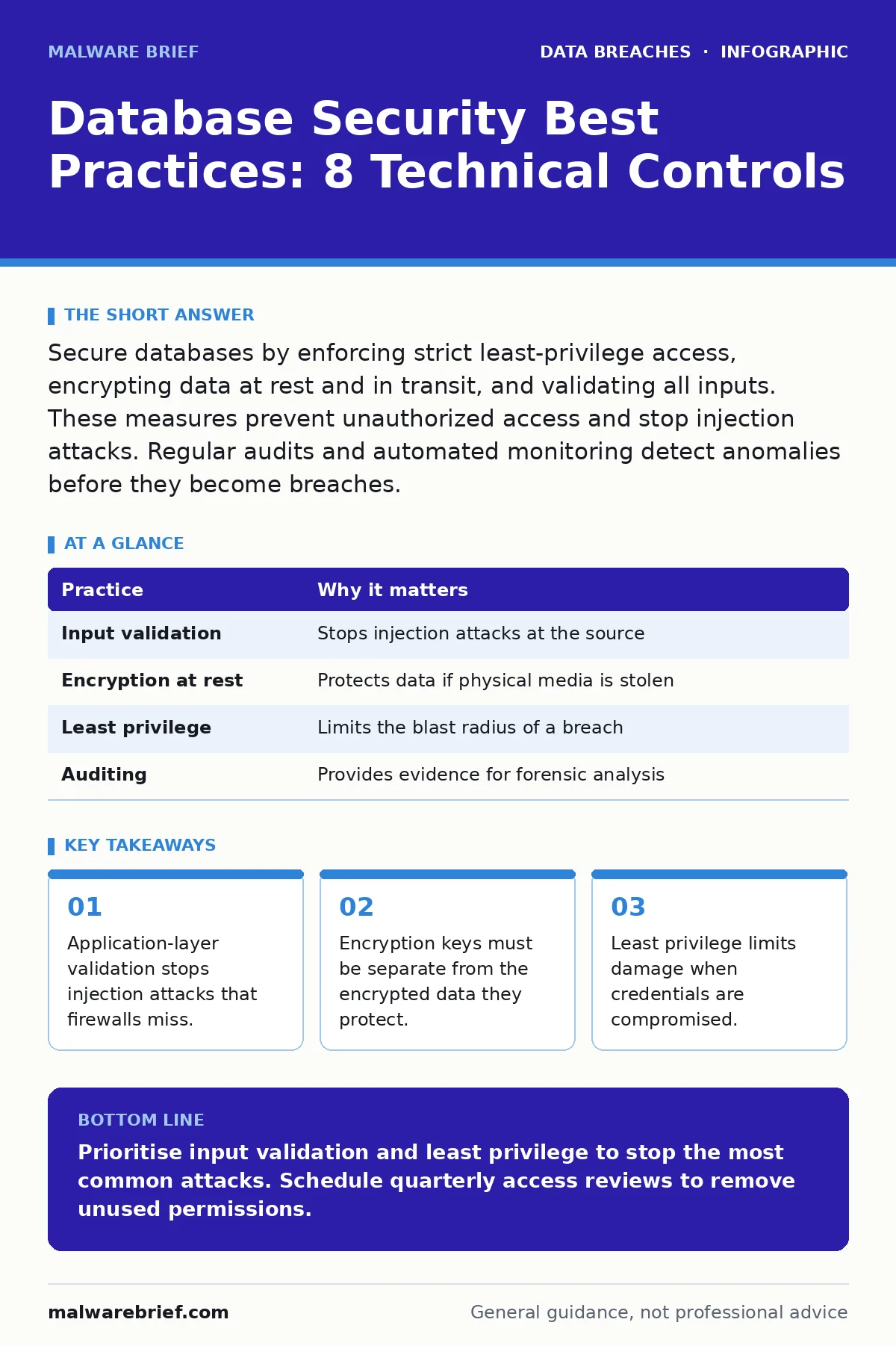
Secure databases by enforcing strict least-privilege access, encrypting data at rest and in transit, and validating all inputs. These measures prevent unauthorized access and stop injection attacks. Regular audits and automated monitoring detect anomalies before they become breaches.
database security best practices overview
Database security best practices focus on protecting the integrity, confidentiality, and availability of stored information. The primary threat is rarely a sophisticated external hacker. It is usually a misconfigured application or an over-privileged user account. You must treat the database as a high-value asset that requires defence in depth. This means layering controls so that if one fails, others remain. Imagine a bank vault. You do not rely on a single lock. You use a combination lock, a biometric scanner, and a physical guard. Databases require similar layered protection.
| Practice | Why it matters |
|---|---|
| Input validation | Stops injection attacks at the source |
| Encryption at rest | Protects data if physical media is stolen |
| Least privilege | Limits the blast radius of a breach |
| Auditing | Provides evidence for forensic analysis |
1. Validate and sanitise all inputs
Injection attacks occur when an attacker inserts malicious code into a database query. This happens when an application trusts user input without verification. You must validate data against expected formats before it reaches the database. Use parameterised queries to separate code from data. This ensures the database treats input as literal text, not executable commands.
2. Enforce strict least-privilege access
Users and applications should only have the permissions necessary for their specific tasks. A web application does not need administrative rights to read user profiles. Granting excessive privileges increases the impact of a compromised account. If an attacker gains access to a service account with full control, they can exfiltrate or destroy all data. Restricting access limits this potential damage.
3. Encrypt data at rest and in transit
Encryption transforms readable data into ciphertext using an algorithm and a key. Data at rest refers to information stored on disks. Data in transit refers to information moving across networks. You must encrypt both to protect against physical theft and network interception. Use strong, standardised algorithms. Weak encryption offers a false sense of security and can be broken with modest computing power.
4. Implement robust encryption key management
Keys are the foundation of encryption security. They must be generated, stored, and rotated securely. Storing keys in application code or configuration files is a critical failure. Use a dedicated key management service or hardware security module. These systems provide secure storage and access logging. Regularly rotate keys to limit the timeframe of exposure if a key is leaked.
See also: 3 Types of Insider Threats: Classifications, Detection and Mitigation Strategies · How Common Misconfigurations Trigger Silent Data Leaks
5. Deploy automated database auditing
Auditing records who accessed what data and when. Without logs, you cannot detect suspicious activity after it occurs. Configure your database to log failed login attempts, privilege escalations, and bulk data exports. Analyse these logs for anomalies. Automated tools can flag unusual patterns, such as a user accessing data outside their normal business hours.
6. Apply regular security patches and updates
Database software contains vulnerabilities that attackers exploit. Vendors release patches to fix these flaws. Delaying updates leaves your system exposed to known exploits. Maintain a testing environment to verify patches before applying them to production. Schedule updates during maintenance windows to minimise disruption. Ignoring updates is one of the most common causes of successful breaches.
7. Isolate databases behind network segments
Place databases in a restricted network segment. Only authorised applications should be able to communicate with them. Use firewalls to block direct internet access. This prevents attackers from scanning for database ports from the public internet. Network segmentation limits lateral movement. If an attacker compromises a web server, they cannot directly reach the database without bypassing additional controls.
8. Conduct regular access reviews
Permissions change over time as employees move roles or projects end. Old accounts remain active, creating unnecessary access points. Review user permissions quarterly. Remove access for former employees immediately. Disable unused accounts. This reduces the number of valid entry points for attackers. Regular reviews ensure that the principle of least privilege remains enforced in practice.
Integrating with broader security frameworks
Database security does not exist in isolation. It connects to wider organisational policies. For example, proper encryption key management supports compliance with standards like ISO 27001. This framework requires systematic risk management and control implementation. You must also consider data loss prevention strategies. These tools monitor and block unauthorised data transfers. Understanding employee data breaches helps you tailor access controls. Insider threats often exploit excessive privileges.
Consider the risks of data extortion. Attackers may threaten to release sensitive information unless paid. Strong access controls and backups mitigate this risk. While synthetic identity fraud and identity theft protection focus on user verification, they relate to database integrity. If your database stores verification data, securing it prevents attackers from forging identities. Protected health information requires specific safeguards. Failing to secure such data leads to severe legal and reputational consequences.
Conclusion of technical measures
Implementing these practices creates a resilient defence. You reduce the attack surface. You limit the impact of inevitable breaches. You maintain visibility into your data environment. Security is a continuous process, not a one-time setup. Regularly reassess your controls. Adapt to new threats and technologies.
Key takeaways
- Application-layer validation stops injection attacks that firewalls miss.
- Encryption keys must be separate from the encrypted data they protect.
- Least privilege limits damage when credentials are compromised.
Prioritise input validation and least privilege to stop the most common attacks. Schedule quarterly access reviews to remove unused permissions.
Frequently asked questions
Is encrypting the entire database enough for security?
No. Encryption protects data if storage media is stolen. It does not prevent attackers from accessing data via legitimate application accounts or injection attacks.
How often should database passwords be changed?
Change passwords immediately upon role changes or suspected compromise. Routine changes without cause can lead to weaker, predictable passwords.
Do firewalls protect databases from internal threats?
Firewalls primarily protect against external network attacks. They cannot stop an insider with valid credentials or an application with excessive privileges.
What is the first step in securing a new database?
Disable default accounts and set strong, unique passwords. Then restrict network access to only authorised application servers.
How this guide was produced: written by the Malware Brief editorial team with AI assistance, checked against the public references listed below, and reviewed when the facts change. See our editorial policy or report an error.